

Your Atlanta office internet goes down the week before a move, a new site needs to open on schedule, and the carrier quote that looked fine on paper suddenly raises bigger questions. Can this provider support voice and backup connectivity? How long will install really take at this address? What happens to the old firewall, switches, handsets, and modems after the upgrade is done?
That is how most searches for telecom services near me start. Business buyers are not looking for generic internet. They are trying to solve an operational problem without creating a second one six months later.
Atlanta gives companies real choice across cable, fiber, fixed wireless, and multi-provider designs. That helps, but it also makes buying mistakes easier. A small office running cloud apps and VoIP has one set of priorities. A clinic, warehouse, school, or multi-site company has another. Speed matters, but install timelines, service-level expectations, failover options, contract terms, and building availability usually matter more once the service is live.
Before you sign, it helps to explore business internet options by access type, not just by promo rate. I also advise clients to plan for the full equipment lifecycle at the same time. Upgrading service often leaves behind routers, PBX hardware, access points, backup devices, and retired carrier equipment that still need secure removal and proper recycling.
That second step gets missed all the time.
For companies planning relocations, refreshes, or branch changes tied to Alpharetta business IT transitions, telecom procurement and IT asset disposition should be part of the same conversation. That is the practical gap this guide addresses. It covers which Atlanta telecom providers belong on the shortlist, where each one fits, and what to do with the old equipment after the new circuit is installed. Montclair Crew helps solve that "what's next?" problem so the upgrade does not end with a storage room full of retired gear.
1. AT&T Business
A common Atlanta scenario looks like this. A company signs a new lease, wants fiber at go-live, needs business voice for the front desk, and also wants wireless backup in case the primary circuit fails. AT&T Business is often one of the first providers worth checking because it can cover those needs under one contract and one support structure.
That broad product mix is the reason AT&T stays on so many shortlists. For a small office, that may mean straightforward business fiber with static IPs. For a larger operation, it can extend into SIP, managed networking, mobility, and backup connectivity that are easier to coordinate when they come from the same carrier.
Where AT&T fits best
AT&T makes the most sense when the telecom decision affects more than internet service alone. Companies with multiple locations, regulated workflows, or a mix of desk phones and mobile users usually benefit from fewer handoffs between vendors. Billing is simpler. Escalation is cleaner. MACDs and renewals are easier to track when voice, connectivity, and wireless sit in the same account structure.
That matters for suburban growth corridors where offices open, close, and relocate on tight timelines. If your team is planning Alpharetta office moves and IT transition support, it helps to choose a provider that can support the new site and reduce cleanup later when old routers, handsets, gateways, and carrier gear need to be removed from service.
- Best use case: Offices that want fiber, business voice, wireless backup, and managed options from one carrier.
- Operational advantage: Fewer vendors usually means less friction during outages, service changes, and renewals.
- Watch item: Serviceability is highly suite-specific. One floor may qualify for fiber while another still faces delays or build review.
What works and what to check before signing
AT&T is a good fit when true business fiber is already lit or close to handoff. It is also a practical choice for teams that do not want to assemble separate providers for internet, failover, and mobility.
Ask a direct question early. Is the quote based on existing service at your exact suite, or does it depend on construction approval? That answer affects the install date more than the advertised speed tier.
The trade-off is availability and quoting complexity. Some Atlanta addresses qualify cleanly. Others trigger engineering review, landlord coordination, or a longer construction cycle. Pricing can also shift once term length, install charges, equipment, and bundled services are added to the proposal. Buyers who compare only the monthly rate usually miss the true cost.
AT&T belongs on the shortlist when support structure, product depth, and multi-service coordination matter more than getting the lowest entry price. After the new service is live, companies still need a plan for the retired equipment left behind. That is the part many teams skip. Upgrades often leave old firewalls, PBX hardware, access points, and carrier devices sitting in a closet. Montclair Crew helps close that loop with practical ITAD support so the telecom project ends with the old gear removed properly, not forgotten.
You can review current offerings on the AT&T Business Atlanta page.
2. Comcast Business
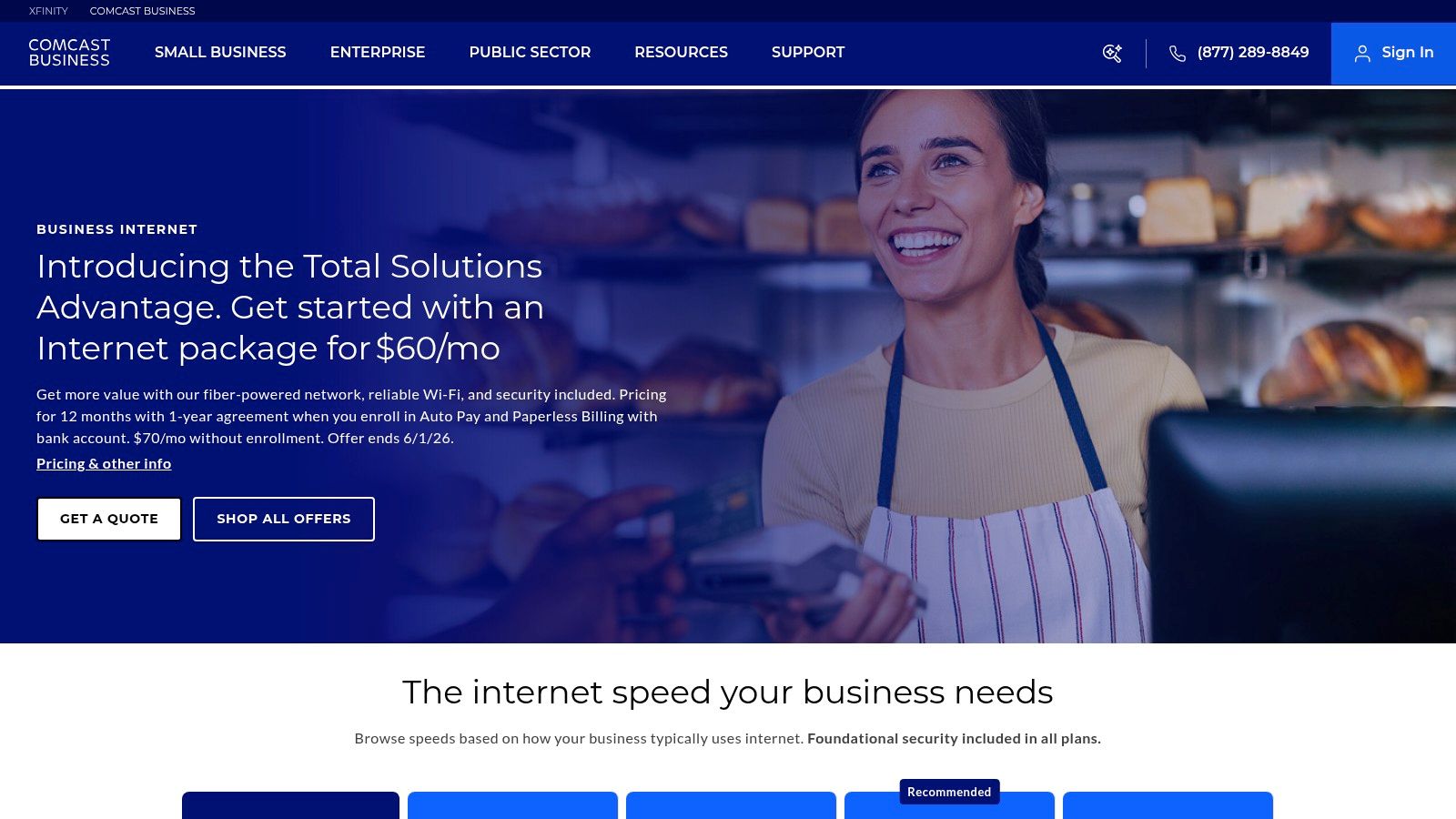
Your lease starts Monday. The ISP in the suite was canceled by the last tenant. Staff need phones, card processing, guest Wi-Fi, and cloud access on day one. In that situation, Comcast Business is often the provider Atlanta companies call first because it can usually turn up service faster than a fiber build.
That speed is the reason Comcast keeps showing up in local telecom searches. In many multi-tenant buildings, cable infrastructure is already in place, which shortens installation timelines and reduces the odds of getting stuck in construction approvals or landlord delays. For a small office, clinic, retail site, or branch, that matters more than a perfect spec sheet.
Comcast also covers a wider range of business needs than some buyers expect. A company can start with standard business internet, then move into dedicated internet, Ethernet, voice, managed Wi-Fi, and security services as the site grows. That makes Comcast a practical option for operators who want one provider now, but do not want to start over later.
The trade-off is performance consistency under load. Cable-based broadband can work very well for many offices, but it is still different from fiber DIA in how bandwidth is delivered, how upstream capacity is handled, and what service guarantees look like on paper. I usually tell clients to match the circuit to the business risk. If a short outage is an annoyance, standard broadband may be fine. If downtime stops revenue, patient flow, or customer support, the conversation changes fast.
Where Comcast Business fits best
Comcast Business usually makes sense for companies that need to get online quickly, open several smaller locations, or avoid the longer lead times that can come with custom fiber deployments. It is also a workable fit for firms that want managed networking and voice bundled into one contract instead of sourcing each piece separately.
A few buying questions separate a good Comcast install from a frustrating one:
- Ask what service is available at your exact suite. Building address results are not always the same as suite-level serviceability.
- Check upload capacity, not just download speed. That matters for VoIP, cloud backups, large file sync, and camera systems.
- Review the upgrade path before signing. If the site may need DIA later, confirm how that migration works during the contract term.
- Ask about SLA terms and support escalation. A low monthly rate can look different once response expectations are tested during an outage.
Comcast is often strongest in straightforward business environments. It is less convincing for locations with strict latency requirements, heavy upstream traffic, or hard uptime targets that justify dedicated fiber from day one.
There is also the equipment lifecycle problem that gets ignored during upgrades. Comcast installs often replace gateways, modems, access points, firewalls, and voice hardware. After the new service is live, the old gear usually stays in a back room or telecom closet because no one owns the cleanup step. That is where the telecom decision overlaps with IT asset disposition. Companies upgrading service in North Fulton often pair the rollout with Alpharetta IT asset pickup and recycling support so retired equipment is removed, documented, and processed instead of forgotten.
That matters because telecom projects do not end at activation. They end when the old hardware is out, the closet is cleared, and the business is not carrying security or storage risk from retired equipment.
You can review current offerings on the Comcast Business website.
3. Google Fiber (GFiber) Business
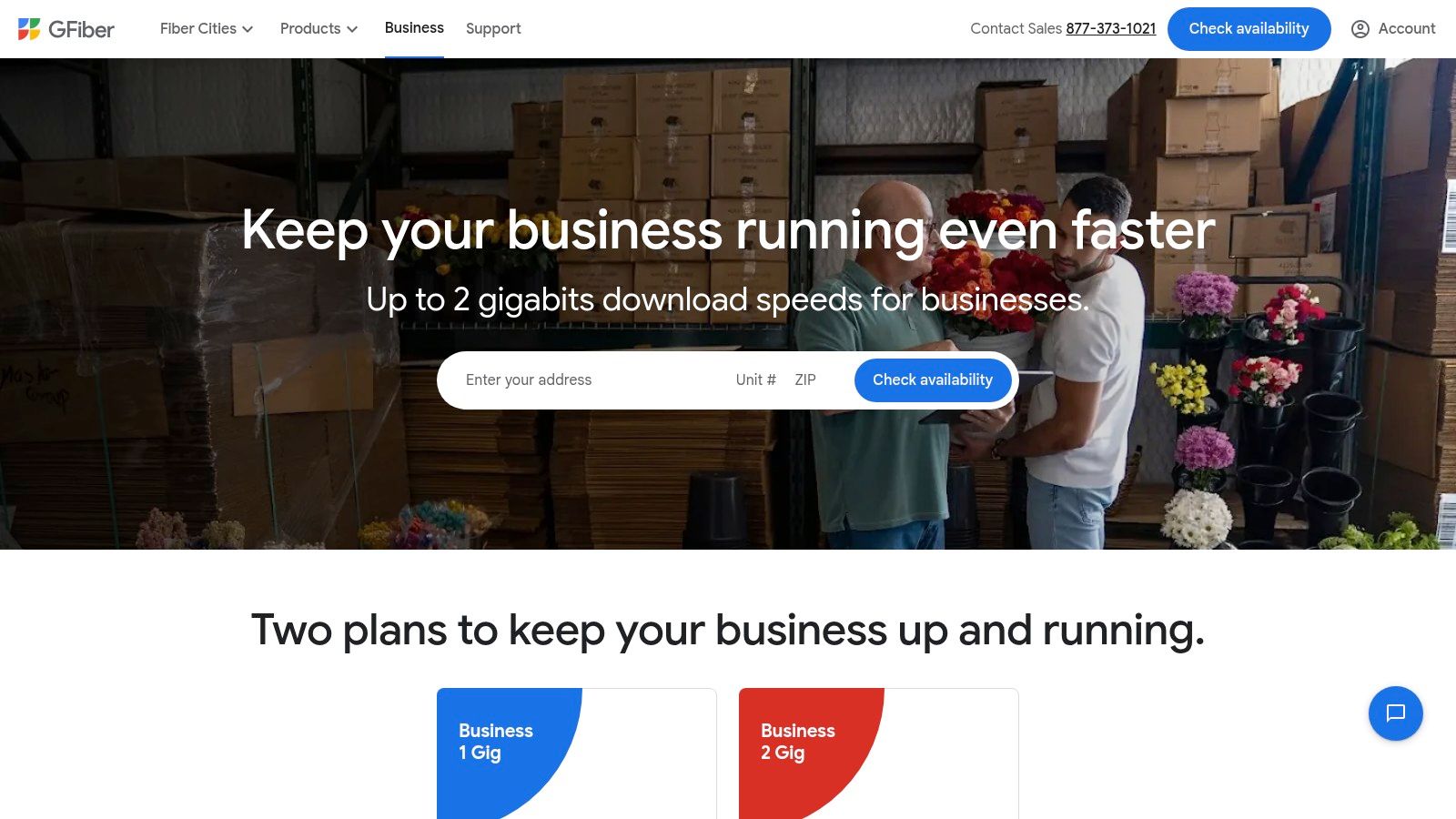
A team signs a lease in Atlanta, expects business fiber on day one, and finds out service stops at the building next door. That is the typical GFiber buying experience. If your address qualifies, Google Fiber Business can be one of the simplest internet purchases on this list. If it does not, the conversation ends fast.
That address-by-address reality matters more than almost anything else. GFiber Business is strongest for small and midsize offices that want symmetric fiber, clear plan packaging, and less back-and-forth with sales. I see it fit well in design firms, software teams, agencies, and professional offices where upload speed matters just as much as download speed.
Where GFiber is strongest
GFiber works best in offices that want reliable internet access without building a larger carrier strategy around the service. The appeal is practical. Posted business plans are easy to review, availability checks are straightforward, and the product is easy for smaller teams to understand.
That simplicity has business value. It reduces procurement time, shortens internal approval cycles, and makes it easier for operations managers to compare options without sorting through layers of custom quoting. For companies that live in Microsoft 365, Google Workspace, Zoom, cloud backup, and large file transfer workflows, symmetric fiber is often the feature that changes day-to-day performance.
Where buyers get tripped up
The first risk is assuming neighborhood availability means suite availability. It does not. Multi-tenant buildings can have partial coverage, landlord delays, or installation constraints that slow a project even when the street looks serviceable.
The second risk is buying GFiber for a use case that needs more than business internet. Companies with multiple branches, strict path diversity requirements, managed WAN needs, or custom transport designs usually need a larger carrier portfolio. GFiber can be a strong local access option, but it is rarely the answer to a more complex network design.
I tell clients to verify four items before they commit. Confirm the exact service address and suite. Ask about static IPs. Get a realistic install timeline, not a best-case estimate. Clarify support expectations before an outage tests them.
- Best fit: Single-site or small multi-site offices that want symmetric fiber and a simple buying process.
- Questions to ask: Is the exact suite serviceable, what are the static IP options, how long does install take, and what support path do business customers use?
- Less ideal fit: Larger enterprises that need managed networking, custom routing, or deeper carrier engineering support.
GFiber also raises the equipment lifecycle question that many teams skip during an upgrade. A new fiber turn-up often leaves behind old gateways, firewalls, access points, voice gear, and provider handoff equipment from the last circuit. Businesses that want the project finished cleanly usually pair the upgrade with Georgia ITAD services for retired telecom and network hardware so the old equipment is removed, tracked, and processed instead of sitting in a closet after cutover.
That matters in Atlanta offices where telecom changes happen fast but cleanup gets delayed for months. The provider decision solves connectivity. IT asset disposition solves what happens to the equipment you no longer need.
You can check business service availability on the Google Fiber Business website.
4. Verizon Business

A Midtown office loses its primary fiber at 10:20 a.m. Phones start dropping, card payments slow down, and the branch manager wants an answer in minutes, not next quarter. That is the kind of situation where Verizon Business usually enters the Atlanta buying process. It is often shortlisted for fast-turn internet, wireless failover, and sites that need a second path without waiting on construction.
The practical case for Verizon is straightforward. If a location cannot get fiber installed on the timeline the business needs, fixed wireless can keep an opening date, support a relocation, or cover a gap while a wired circuit is still in progress. I also see it used in continuity planning for multi-site companies that want carrier diversity instead of putting every office on the same access method.
Where Verizon Business fits best
Verizon Business tends to fit three kinds of sites well. One is the branch that needs service fast and cannot wait on landlord approvals or outside plant work. Another is the office that already has wired internet but needs a physically separate backup path. The third is a smaller location where portability and quick replacement matter more than perfectly consistent upstream performance.
That role definition matters. Fixed wireless works well as primary service for some offices, but it is often strongest as a business continuity tool.
The trade-offs that matter
Buyers should go in with clear expectations. Performance can vary by address, building materials, local congestion, antenna placement, and line of sight. A site survey matters more here than it does with dedicated fiber, especially in dense Atlanta corridors and older commercial buildings.
Support the decision with operational questions, not marketing language. Ask whether the service is being sold for primary use, backup use, or both at your exact address. Confirm how failover is handled, what equipment is included, and who owns the router or gateway. If the connection will carry remote access, VoIP, or point-of-sale traffic, review basic cybersecurity practices for small business networks before rollout so a quick install does not create a preventable security gap.
- Good fit: Branch offices, retail stores, temporary locations, rapid openings, and backup connectivity.
- Less ideal fit: Sites with latency-sensitive workloads, heavy real-time upstream traffic, or strict performance requirements that usually point to fiber.
- Ask directly: What speeds are realistic at this address during business hours, and is the recommended setup primary internet, backup internet, or a hybrid design?
There is also the equipment lifecycle issue that gets missed after the circuit goes live. A Verizon deployment can leave behind retired gateways, LTE failover devices, firewalls, and old edge hardware that still contains configurations or business data. If the project includes replacing telecom gear, pair the cutover with Georgia ITAD services for telecom hardware so the old equipment is documented, removed, and processed instead of sitting in a closet after the upgrade.
Verizon’s current business internet offerings are listed on the Verizon Business internet page.
5. T-Mobile for Business
A Midtown team signs a lease on Monday, needs internet for card payments and cloud apps by the end of the week, and cannot wait for a fiber build. That is the kind of Atlanta use case where T-Mobile for Business enters the conversation fast.
T-Mobile is usually strongest when the priority is activation speed, simple pricing, and a workable connection at a site that may not justify a long installation cycle. I see it come up most often for small offices, pop-up retail, project spaces, field operations, and branch locations that need service now, not after construction and carrier coordination.
Why T-Mobile makes sense in Atlanta
The practical appeal is straightforward. Fixed wireless can be deployed faster than many wired options, and that matters when a business is opening a new location, covering a temporary need, or adding a backup connection without reworking the building. T-Mobile also benefits from being a large national wireless carrier with enough network depth to be a credible option for business internet, not just mobile phones.
Some buyers also look at T-Mobile for resiliency planning. If the primary circuit is cable or fiber, a wireless path can add useful diversity because it avoids the same physical last-mile dependency. That does not replace proper testing, but it can be a smart part of a branch design.
The trade-offs that matter
The biggest mistake is treating fixed wireless like a uniform product. Performance can change by address, building construction, signal conditions, and time of day. A location that works fine for general SaaS traffic may still struggle with voice quality, VPN consistency, large file uploads, or systems that are sensitive to jitter.
That is why I recommend testing the actual workload, not just running a speed test once.
T-Mobile became a more serious business connectivity option after adding more spectrum and scale through its Sprint acquisition. For a buyer in Atlanta, the useful takeaway is simple. The company has more capacity and a broader business case than it did a few years ago, but site-level validation still matters more than national messaging.
- Best fit: Small business locations, temporary sites, backup internet, quick-turn branch openings, and teams that need a connection without a long install process.
- Less ideal fit: Sites with heavy upstream traffic, latency-sensitive applications, always-on VoIP dependence, or strict performance requirements better matched to fiber.
- Ask directly: What performance is realistic at this address during business hours, what equipment is included, and is this being proposed as a primary circuit, a backup circuit, or both?
There is also the equipment lifecycle issue that often gets ignored after the service is live. A T-Mobile rollout or replacement can leave behind old gateways, routers, failover devices, and edge hardware that still hold credentials, configurations, or business data. If the project includes a network refresh, pair the carrier decision with practical cybersecurity guidance for small business networks and an ITAD plan so retired telecom gear does not end up forgotten in a closet. That full-lifecycle piece matters. Upgrading service is only half the job. The other half is deciding what happens to the equipment you just replaced, which is where Montclair Crew fits after the cutover.
You can review T-Mobile’s current business internet options on the T-Mobile for Business internet page.
6. Zayo Group
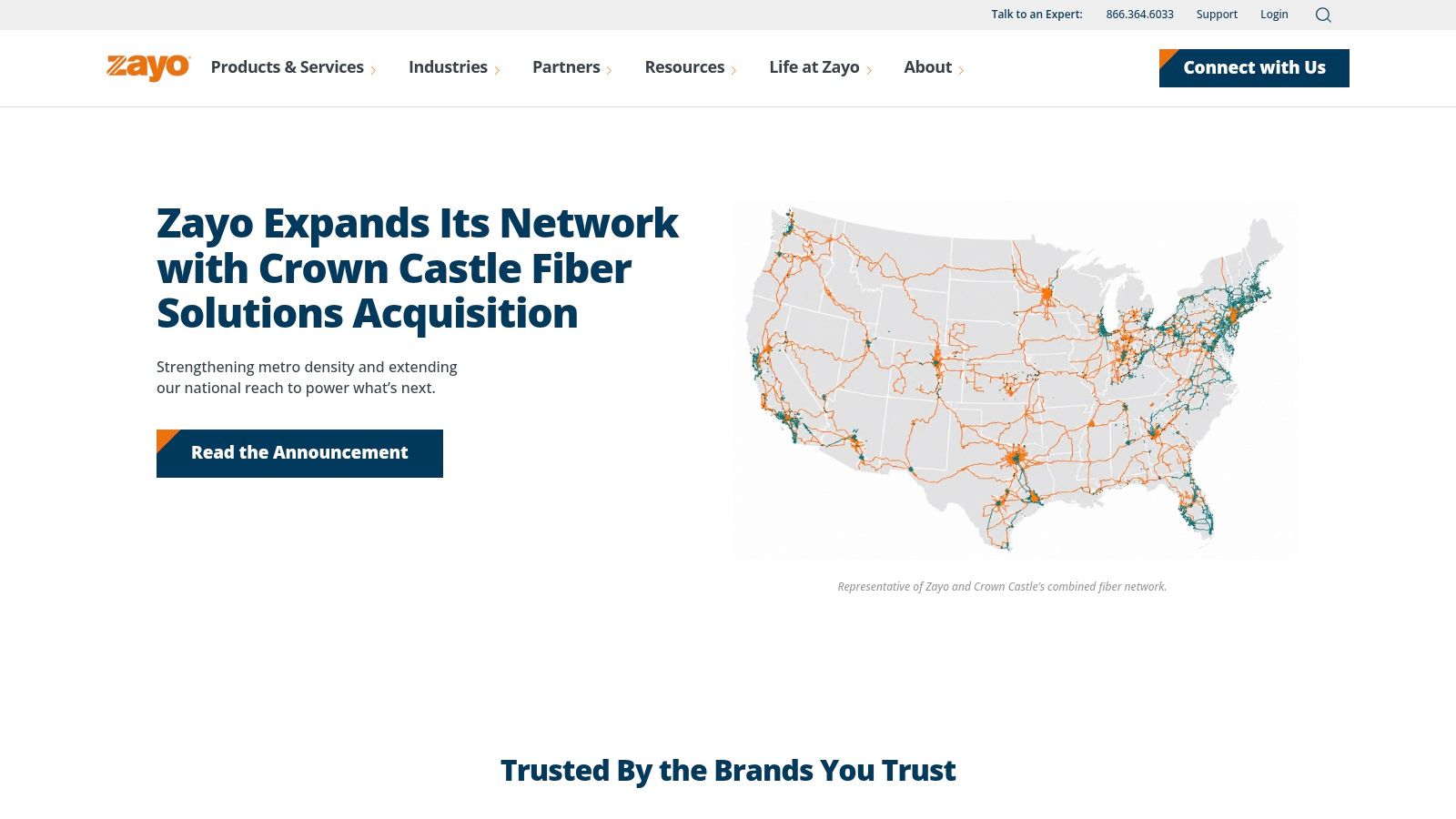
Zayo isn’t the answer for a five-person office that just needs internet by next Tuesday. It is the kind of provider I’d bring in when an Atlanta business is thinking about transport architecture, data center connectivity, dark fiber, wavelength services, or serious route diversity.
That makes Zayo relevant for a different class of “telecom services near me” search. Sometimes the buyer isn’t looking for broadband at all. They’re looking for infrastructure that can support cloud ramps, inter-data-center traffic, large content flows, or campus-grade connectivity.
When Zayo is the right call
Zayo fits organizations that need engineering flexibility. Data centers, enterprise campuses, carriers, media operations, and large regional businesses often need more than a standard internet pipe. They need custom paths, high-capacity transport, and diversity designed intentionally rather than added later as an afterthought.
The U.S. telecom services market was valued at USD 468.08 billion in 2023 and is projected to reach USD 725.68 billion by 2030, with a 6.6% CAGR from 2024 to 2030, according to U.S. telecom market projections from Grand View Research. That growth is tied to 5G and fixed broadband expansion, but on the enterprise side it also means more network refreshes, more transport upgrades, and more legacy hardware coming out of service.
Why smaller offices should probably look elsewhere
Zayo can do things mass-market providers don’t. That’s the point. But if you only need standard office internet, that engineering depth can be overkill. Quote cycles are more custom. New builds can take longer. The procurement process usually makes more sense for buyers who know exactly why they need route diversity, dark fiber, or capacity planning beyond normal branch needs.
Buy Zayo when the network is part of your product, your platform, or your business continuity model. Don’t buy it just because the brand sounds enterprise-grade.
A few practical signals tell you Zayo belongs in the room:
- You operate in or near carrier hotels or data centers: Transport choice affects cloud and cross-connect strategy.
- You need diversity by design: Separate entrances and route engineering matter more than simple uptime promises.
- You expect growth in traffic: High-capacity paths are easier to plan early than retrofit later.
Zayo’s network and service portfolio are available at the Zayo website.
7. Lumen Technologies
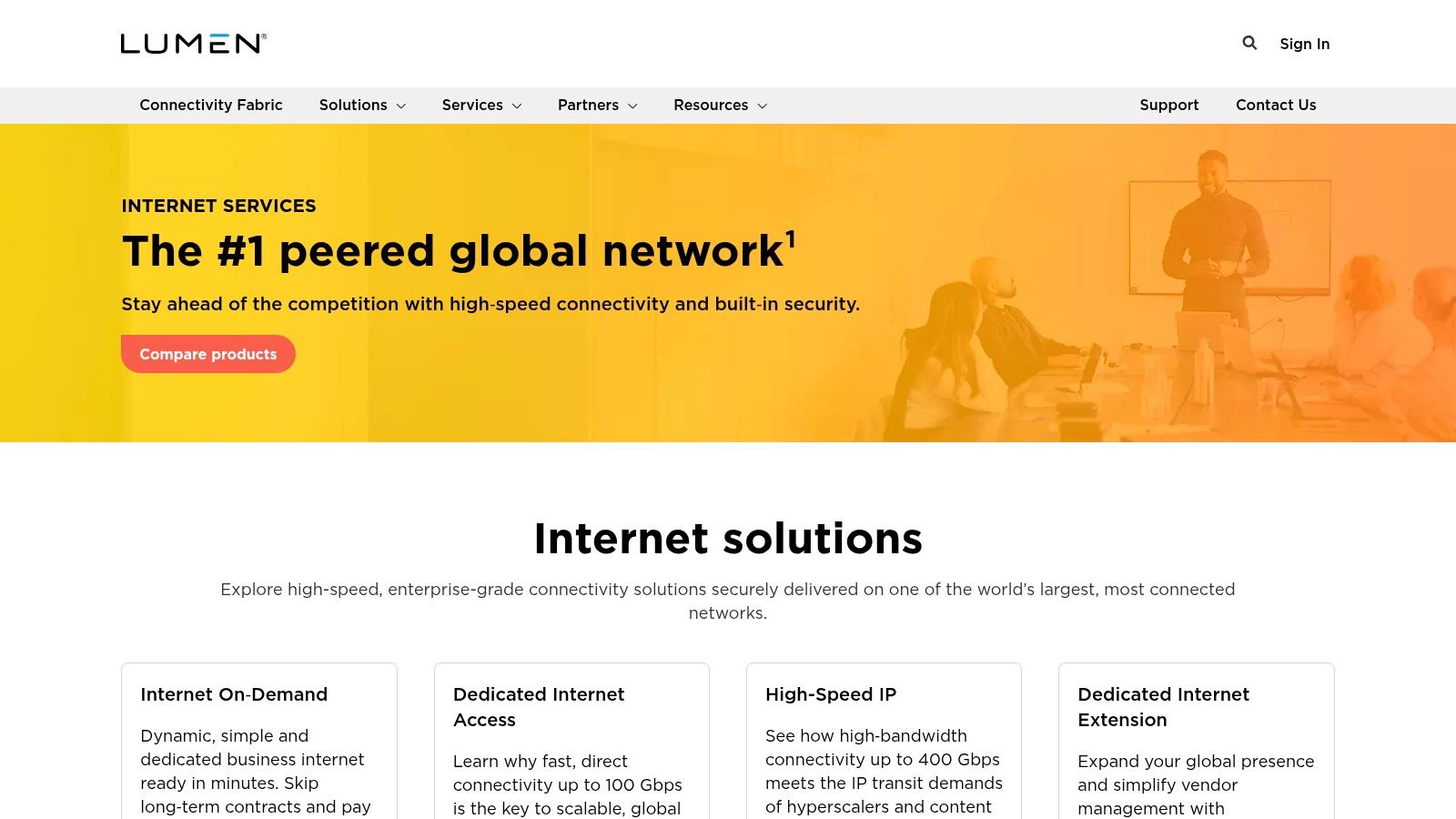
Lumen sits in the category I’d call “enterprise-capable without being the obvious first name for every SMB.” In Atlanta, that can be a good thing. For businesses that need more than cable broadband but don’t necessarily need dark fiber engineering, Lumen often lands in the middle ground between standard business internet and more custom carrier transport.
It’s especially relevant for organizations with multiple sites, cloud connectivity requirements, VPN needs, or security services layered on top of internet access. If your network decision touches branch policy, managed CPE, or edge security, Lumen deserves consideration.
Where Lumen is practical
Lumen works best when your business wants a broader enterprise network portfolio and doesn’t want to stitch together internet, WAN, and managed edge services from separate specialists. Schools, healthcare groups, legal firms, regional enterprises, and public-sector organizations often fit that profile.
There’s also a bigger market backdrop here. Global telecommunications market spending is forecast at 1.6 trillion USD in 2024, a 4.3% increase from 2023, according to telecommunications market spending forecasts summarized by Statista. Growth like that usually means one thing for buyers on the ground. More refresh cycles, more transitions, and more pressure to choose providers that won’t box the business into a dead-end architecture.
What buyers should verify
Lumen’s challenge is the same one that affects many enterprise-focused providers. Address-level availability can vary a lot. One site may be easy to light. Another may need construction, quote review, or a different product fit.
That means Lumen isn’t always the fastest path to service. But if your priority is enterprise-grade connectivity with room to layer managed services and broader backbone reach, it’s worth the quote process.
- Strong fit: Multi-site businesses, institutions, and companies that need internet plus WAN or managed edge options.
- Possible downside: Quote-based procurement and construction dependencies can slow deployment.
- Best question to ask: Is the location already serviceable with the product you want, or is the quote dependent on a build?
There’s also a lifecycle issue that follows these larger deployments. The more formal the refresh, the more likely you’re retiring firewalls, routers, handsets, access equipment, or branch appliances. That’s where a post-upgrade ITAD plan matters as much as the carrier contract.
Top 7 Business Telecom Providers Comparison
| Provider | 🔄 Implementation Complexity | ⚡ Resource Requirements | ⭐ Expected Outcomes | 📊 Ideal Use Cases | 💡 Key Advantages |
|---|---|---|---|---|---|
| AT&T Business | Medium, address‑dependent fiber builds and managed installs | Moderate, managed router/CPE and SLA support | High reliability and symmetrical multi‑gig throughput ⭐⭐⭐ | Enterprise DIA, bundled wireless/voice, public‑sector sites | Deep Atlanta fiber, single‑vendor bundles, 24/7 support |
| Comcast Business | Low–Medium, coax installs quick; fiber DIA provisioning for higher SLAs | Low–High, simple HFC for SMBs; more for DIA/managed services | Rapid deployment for SMBs; HFC performance variable vs DIA ⭐⭐ | Small offices needing fast turn‑up; venues upgrading to fiber DIA | Broad coverage, fast install lead times, scalable services |
| Google Fiber (GFiber) Business | Low in lit buildings; availability is address‑specific | Minimal, pro install included, Wi‑Fi 6E router supplied | Consistent symmetric speeds with clear pricing ⭐⭐⭐ | SMBs in GFiber‑lit buildings wanting simple, contract‑light service | Transparent pricing, strong real‑world throughput, low lead times |
| Verizon Business | Low for 5G FWA; Medium for enterprise fiber/DIA builds | Low for FWA; higher for fiber with security and SLA requirements | Fast deployment and good continuity; fiber better for low latency ⭐⭐ | Rapid deployments, primary where fiber missing, backup/continuity circuits | 5G portability, price guarantees on select plans, bundle options |
| T‑Mobile for Business | Low for standard FWA; SuperBroadband increases integration complexity | Low for FWA; higher when combining Starlink (SuperBroadband) | Quick turn‑up; variable throughput/latency; strong redundancy options ⭐⭐ | Temporary/moving sites, sites requiring diverse last‑mile resilience | Fast setup, competitive promos, managed FWA with satellite redundancy |
| Zayo Group | High, custom dark fiber/wavelength builds and route engineering | High, engineering, construction, data‑center handoffs | Very high capacity, low‑latency, carrier‑grade transport ⭐⭐⭐ | Data centers, enterprise campuses, high‑capacity transport needs | Dense carrier‑hotel presence, bespoke transport, scalability to 100G+ |
| Lumen Technologies | Medium–High, DIA may require construction; complex provisioning | Medium, managed CPE, IP/VPN, security/edge layering | Enterprise‑class connectivity with global backbone and SLAs ⭐⭐ | Enterprises needing global reach, cloud connectivity, managed security | Large backbone footprint, SLA offerings, layered security/edge services |
Final Thoughts
A typical Atlanta telecom project does not end when the new circuit goes live. It ends when the old carrier gear, phones, firewalls, and branch equipment are accounted for, removed, and disposed of correctly.
That is the practical difference between shopping for telecom services near me and building a telecom plan that holds up in the field. The right provider depends on what the business needs from the connection. AT&T and Lumen fit organizations that tie connectivity to wider infrastructure decisions. Comcast Business often works well for fast installs and mainstream office deployments. GFiber Business is a strong option where service is available and the buyer wants simple, symmetric fiber. Verizon Business and T-Mobile for Business make sense when fast deployment, temporary coverage, wireless failover, or site flexibility matter. Zayo is a different category entirely. It fits companies treating network capacity and transport as core infrastructure.
The better buying sequence is straightforward. Define the operating requirement first, then choose the carrier. Install speed, uptime targets, symmetric bandwidth, voice needs, branch consistency, route diversity, and backup strategy should shape the shortlist long before a business compares promotional rates.
Provider changes also tend to trigger wider cleanup. Internet circuits, voice platforms, wireless failover, managed security, and edge hardware often move together. Once the cutover is done, someone still has to deal with the equipment that just came out of service.
That part gets missed all the time.
Retired telecom hardware can still hold configuration data, call logs, credentials, and client information. It also takes up space fast. Old modems, gateways, PBX components, switches, routers, desk phones, and access points have a way of piling up in closets, storage rooms, and back offices after an upgrade. From an operations standpoint, unmanaged gear creates two problems. Security exposure and clutter that never gets resolved until an audit, office move, or compliance review forces the issue.
A local ITAD process closes that gap. If an Atlanta business is replacing carriers, consolidating locations, upgrading voice systems, or clearing out legacy telecom equipment after a refresh, Montclair Crew Recycling is one local option for pickup, data wiping, asset audit, and responsible recycling. That is the missing step after many telecom upgrades. The network gets replaced, but the old assets never get fully offboarded.
The strongest telecom decision usually combines both sides of the job. Choose the provider that fits the site, the contract, and the business requirement. At the same time, plan what happens to the equipment coming out. That full-lifecycle approach is a better way to handle telecom upgrades in Atlanta.
If your telecom upgrade leaves behind routers, switches, gateways, phones, PBX hardware, or other retired IT equipment, Montclair Crew Recycling can help Atlanta-area organizations handle pickup, data wiping, asset audit, and responsible recycling so the project doesn’t end with a storage room full of unmanaged gear.
