
That back room starts innocently. A retired laptop from accounting. Two old printers nobody wants to touch. A box of docking stations, phones, hard drives, and cables that survived three office moves.
Then one day someone says, “Can’t we just take all this to Staples?”
That’s a reasonable question. For many people, electronic recycling at Staples sounds like the perfect answer. It’s familiar, local, and easy to explain. Load the car, drive over, drop the gear off, and move on with your day.
For households and low-risk devices, that kind of convenience can be useful. For a business, the decision is harder. The issue isn’t just whether the equipment gets recycled. The issue is whether the equipment leaves your control in a way that protects customer information, employee records, financial data, and internal systems.
A business owner usually isn’t worried about the keyboard. They’re worried about the hard drive inside the old desktop, the SSD in the laptop, the phone that still syncs company email, and the copier that stored scanned documents.
Your Office E-Waste Problem and The Staples Promise
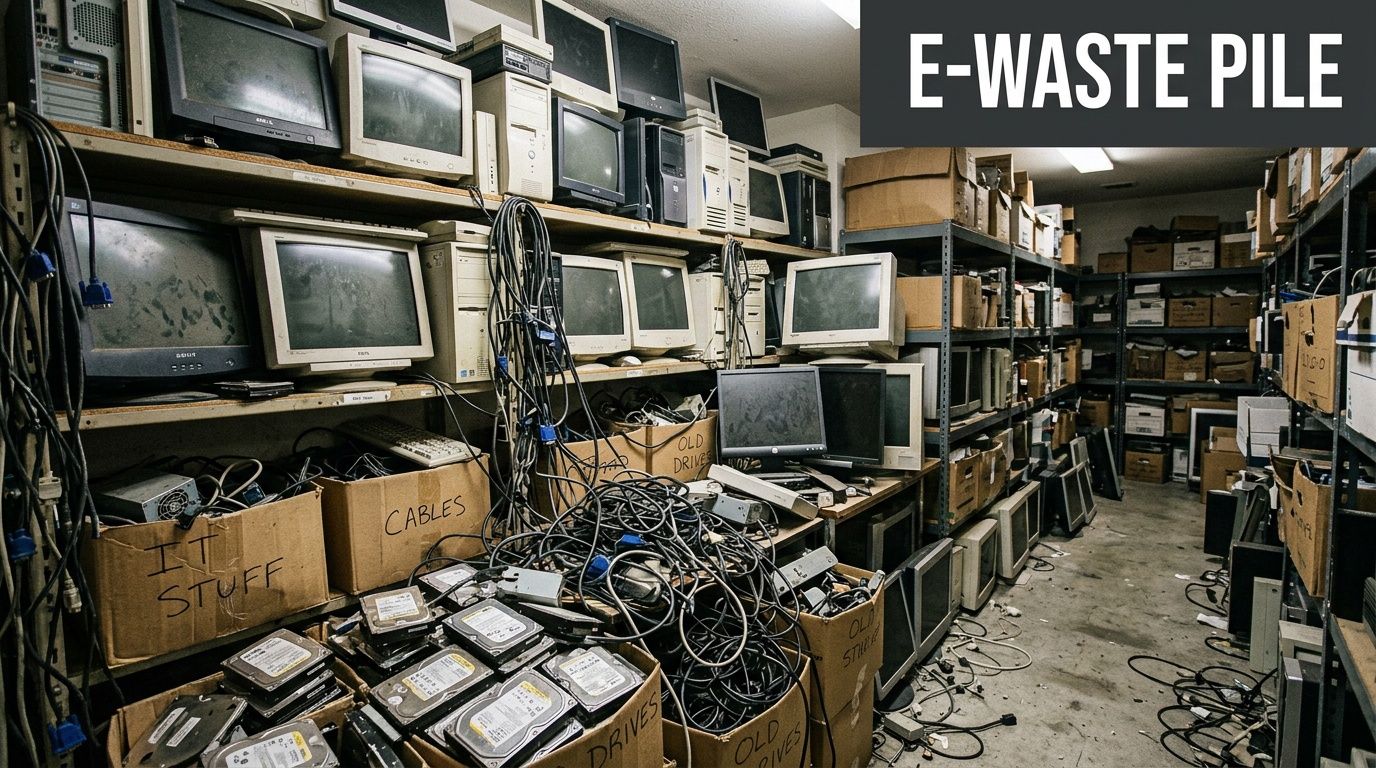
The typical office e-waste pile isn’t neat. It’s mixed.
One shelf holds obsolete desktops. Another has cracked monitors, bad batteries, dead access points, and a banker’s box full of loose drives. Somewhere in the room sits a multifunction printer nobody has used in years, but nobody wants to unplug because it might still contain stored documents.
That’s why Staples comes up so often. It’s a recognized retail option, and busy office managers naturally look for something simple. The same way local businesses look for practical disposal routes for other waste streams, such as eco-friendly Christmas tree disposal and recycling options in Metro Atlanta, they also want a straightforward answer for old electronics.
The appeal is obvious:
- It feels immediate. You can act today instead of planning a larger disposal project.
- It feels familiar. Employees often know where their nearest Staples is.
- It feels responsible. Dropping electronics at a store sounds better than sending them to the trash.
A lot of organizations stop their thinking there. That’s the mistake.
Practical rule: If a device ever stored business data, recycling convenience should never be your first filter. Your first filter should be custody and proof.
For background on the consumer-facing option, this overview of https://www.montclaircrew.com/recycling-electronics-staples/ shows why the program attracts so much attention. The problem is that convenience and suitability are not the same thing.
A few old mice and cables are one thing. Retired laptops, office phones, servers, backup drives, and copiers are another. Once your equipment touches regulated data, customer records, or internal credentials, the question changes from “Where can I recycle this?” to “How do I dispose of this without creating a security problem?”
This highlights a key distinction in this topic.
How Electronic Recycling at Staples Works
Staples built its recycling reputation around accessibility. It became the first consumer electronics retailer to exclusively partner with e-Stewards-certified recyclers around 2011, and the program expanded to over 1,500 stores with processing through partners such as ERI under standards that prohibit hazardous waste exports, landfilling, and the use of prison labor, according to Rubberform’s summary of the program.
For a walk-in customer, the model is simple.
What the store experience is designed to do
The retail program is built to remove friction. A customer brings accepted electronics to the store, hands them over, and Staples moves those items into its collection flow.
The advertised strengths are primarily operational:
- Store access: You don’t need to schedule a specialized pickup.
- Frequent availability: Recycling is available on days stores are open.
- Broad consumer convenience: The program is meant to work for routine public drop-offs.
Staples has also worked with ERI for a significant period in the national recycling chain described in the verified data. Collected electronics are secured in stores, backhauled to warehouses for consolidation, and then sent for triage and downstream processing through that certified network.
What happens after drop-off
At a high level, the flow looks like this:
- You bring in the device. That may include common office technology and related electronics.
- Store staff place it into the collection stream. The item moves out of public hands.
- Items are consolidated through logistics channels. Staples uses a warehouse and trucking model before final processing.
- The recycler triages the equipment. Some material is suitable for remanufacturing, some for parts harvesting, and some for recycling.
That general process matters because many business owners assume “recycling” means immediate destruction. It often doesn’t. A recycler may first determine whether components can be reused, harvested, or separated into material streams.
The environmental side of the Staples model is stronger than many people assume. The business side is where the gaps start to show.
Where the program fits well
For non-sensitive electronics, a retail drop-off can be reasonable.
A few examples:
| Item type | Retail drop-off fit |
|---|---|
| Old keyboard or mouse | Usually reasonable |
| Basic cables and peripherals | Often reasonable |
| Consumer device with no important stored data | Sometimes reasonable |
| Office laptop with business files | Poor fit |
| Phone used for company email | Poor fit |
| Drive removed from a business workstation | Poor fit |
If you want a plain-language look at downstream recycling flow, this explanation of https://www.montclaircrew.com/what-happens-to-recycled-electronics/ is useful because it shows why collection is only the first step. For a company, the risk usually isn’t the trip to the store. It’s everything you can’t document after that.
The Data Security Gap in Staples' Recycling Program
This is the point most businesses miss.
The biggest issue with electronic recycling at Staples is not whether the company cares about recycling. It’s whether the retail drop-off model gives a business the level of data control, verification, and compliance support that professional IT disposal requires.
The answer is often no.
What Staples puts on the customer
Staples’ own program language states that customers are “solely responsible for removing data from your device” and that “Staples is not responsible for any data left on the device turned in for recycling”, according to the Staples recycling flyer.
That sentence changes the entire risk profile.
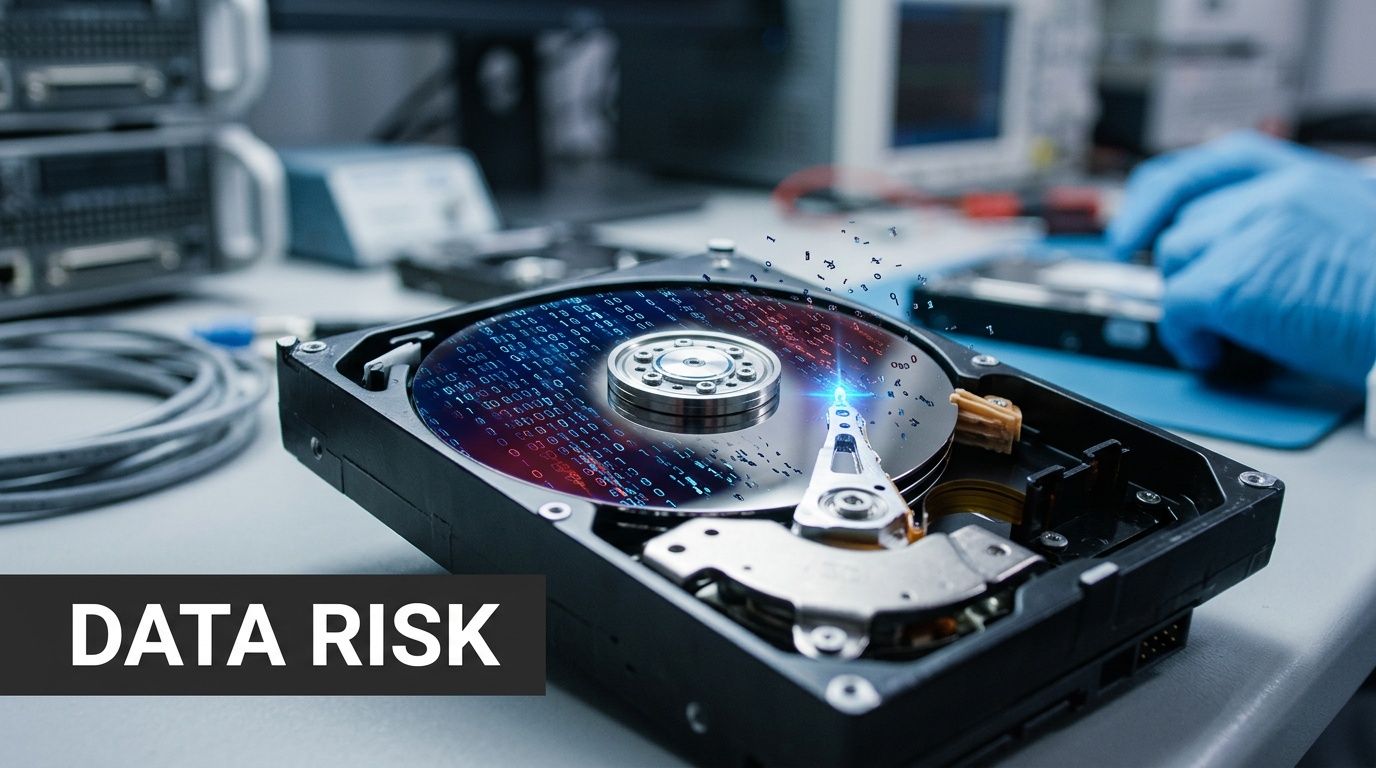
If your office manager drops off ten laptops, the burden sits with your company to ensure every drive was properly wiped before those devices ever reached the store. Staples does not shift that burden off your shoulders just because the equipment entered a recycling program.
That matters even more when a business assumes “recycled” means “securely destroyed.” Those are not interchangeable terms.
Why wiping mistakes happen in real offices
Businesses rarely retire devices under perfect conditions.
A common pattern looks like this:
- Old laptops were collected during upgrades. Nobody confirmed whether local files remained.
- Phones came back from remote staff. Some still hold company email or app tokens.
- Desktop drives were left installed. The team planned to wipe them later and never did.
- Copiers and multifunction devices were ignored. People forget these can retain document data.
This is why understanding understanding data recovery matters. Devices that look dead or discarded can still yield recoverable information if they weren’t sanitized correctly.
A retired drive is not a safe drive. It’s just a drive you stopped using.
Where compliance exposure starts
For regulated organizations, this isn’t a theoretical concern.
Healthcare groups, financial firms, schools, law offices, manufacturers, and government contractors all handle data that can trigger legal, contractual, or reputational problems if disposal goes wrong. If your company must prove how data-bearing assets were handled, “we dropped them off for recycling” is weak documentation.
A secure disposition process typically needs several things the retail model does not clearly provide at intake:
- Identified assets
- Chain of custody
- Verified sanitization or destruction
- Documentation you can retain
- A process built for audits, not just convenience
That’s why business-grade destruction services exist. If you need a reference point for what stronger controls look like, https://www.montclaircrew.com/secure-data-destruction/ outlines the kind of formal destruction workflow businesses typically need.
The practical business test
Ask these questions before using a retail drop-off for office equipment:
- Can you prove which devices were turned in?
- Can you prove each one was sanitized before drop-off?
- Can you produce destruction documentation for an auditor or client?
- Can you show an uninterrupted custody path for the assets?
If the answer is no, then the convenience of the store is doing one job. It’s helping you get rid of equipment. It is not helping you prove secure disposal.
That distinction is everything.
Comparing Staples to a B2B IT Asset Disposition Firm
A retail recycling counter and a business IT asset disposition process serve different buyers. They may both handle electronics, but they solve different problems.
One is built for public convenience. The other is built for control.
The side-by-side view
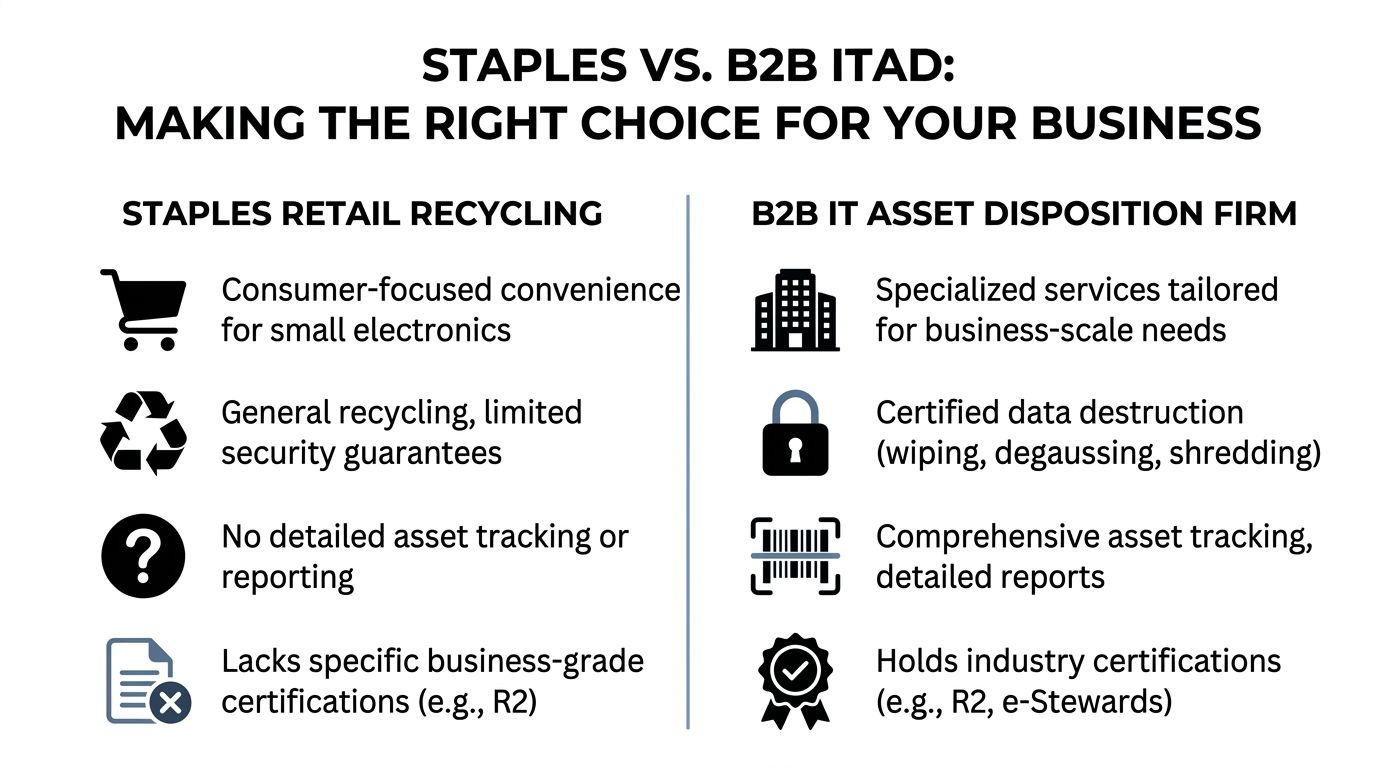
Professional recyclers with R2 and e-Stewards certifications can offer certified data destruction methods that reduce SSDs to particles with a nominal 2 mm edge length and provide serialized tracking reports, according to Recycling Today’s discussion of the Staples electronics recycling program and certified destruction methods. That is the kind of verifiable chain of custody a simple retail drop-off lacks.
Here’s how the two models compare in practice:
| Decision area | Staples retail recycling | B2B IT asset disposition firm |
|---|---|---|
| Primary design | Public drop-off convenience | Managed business disposal |
| Intake model | Customer carries items into store | Scheduled pickup or controlled transfer |
| Data handling | Customer responsibility before drop-off | Formal sanitization and destruction workflow |
| Asset tracking | Limited from the business user’s perspective | Serialized inventory and reporting |
| Documentation | Consumer-oriented | Business records and certificates |
| Scale | Good for small miscellaneous loads | Better for office moves, refreshes, closures, and data center work |
| Value recovery | Not the core offering | May include resale or remarketing where appropriate |
What works and what does not
A Staples run can work when the gear has little or no information risk.
Examples include spare cables, generic peripherals, or low-value accessories that don’t store sensitive business data. In those cases, the simplicity is the point.
A B2B ITAD process works when the retired equipment itself is part of your risk surface.
That often includes:
- Laptops and desktops
- Servers and storage
- Phones and tablets
- Network appliances
- Copiers and multifunction devices
- Loose hard drives and SSDs
The hidden cost of the wrong model
Business owners often compare only the obvious cost. Gas, staff time, and whether the store accepts the item.
That’s too narrow.
A comparison should include:
- Internal labor: Who inventories and transports the devices?
- Security exposure: Who verifies sanitation?
- Audit readiness: What records can you produce later?
- Operational disruption: Are employees making repeated store trips?
If you’re evaluating providers, https://www.montclaircrew.com/it-asset-disposition-companies/ is a useful reference because it reflects the criteria serious organizations usually care about. Not just recycling, but reporting, logistics, and defensible handling.
Businesses don’t need the fastest way to make equipment disappear. They need the safest way to retire it without creating a new problem.
This is the core difference.
The Secure Alternative for Atlanta Businesses Montclair Crew
The consumer recycling market has a participation problem. A Staples study highlighted that only 4% of consumers recycle their old electronics, according to Waste Dive’s coverage of that study. For businesses, that low-engagement model isn’t the benchmark you should follow.
Corporate disposal works best when the process is structured around business behavior, not household behavior.
What a business-grade process should include
A secure alternative for Metro Atlanta organizations should solve the issues that retail recycling leaves unresolved.
That means the service should handle the full chain:
- On-site removal: Staff don’t need to load mixed electronics into personal vehicles.
- Asset audit: The company knows what left the premises.
- Secure logistics: Equipment moves through a controlled process.
- Certified data destruction: Drives are wiped or destroyed under formal procedures.
- Environmentally compliant disposition: Reuse, resale, and recycling happen through the proper channels.
A business service also needs to adapt to different environments. A medical office doesn’t retire equipment the same way a law firm does. A manufacturer’s network gear and rugged terminals create different disposal needs than a school’s retired laptops.
Why specialized handling changes adoption
Retail drop-off asks your team to do the hard part internally. Collect assets, sort them, determine what’s risky, sanitize what you can, transport the gear, and hope nothing was missed.
That’s exactly where mistakes happen.
A specialized electronics recycler reduces those failure points. The process is easier for your staff because it is designed around office clear-outs, hardware refreshes, closures, relocations, and recurring decommissioning work.
For Atlanta organizations, that matters more than it may seem. Once disposal becomes operationally simple and security-focused, teams stop postponing it. Equipment doesn’t sit in closets for months. Drives don’t get forgotten in drawers. Office managers don’t become the default custodians of old data-bearing assets.
What to look for locally
If you’re reviewing office recycling options in Georgia, start with the service model, not the marketing language.
Look for a provider that can support:
- Pickup and removal
- Documented inventory
- Formal data destruction
- Responsible downstream recycling
- Potential asset value recovery where applicable
This regional service overview is a good starting point for that kind of evaluation: https://www.montclaircrew.com/office-electronics-recycling-services-in-georgia/
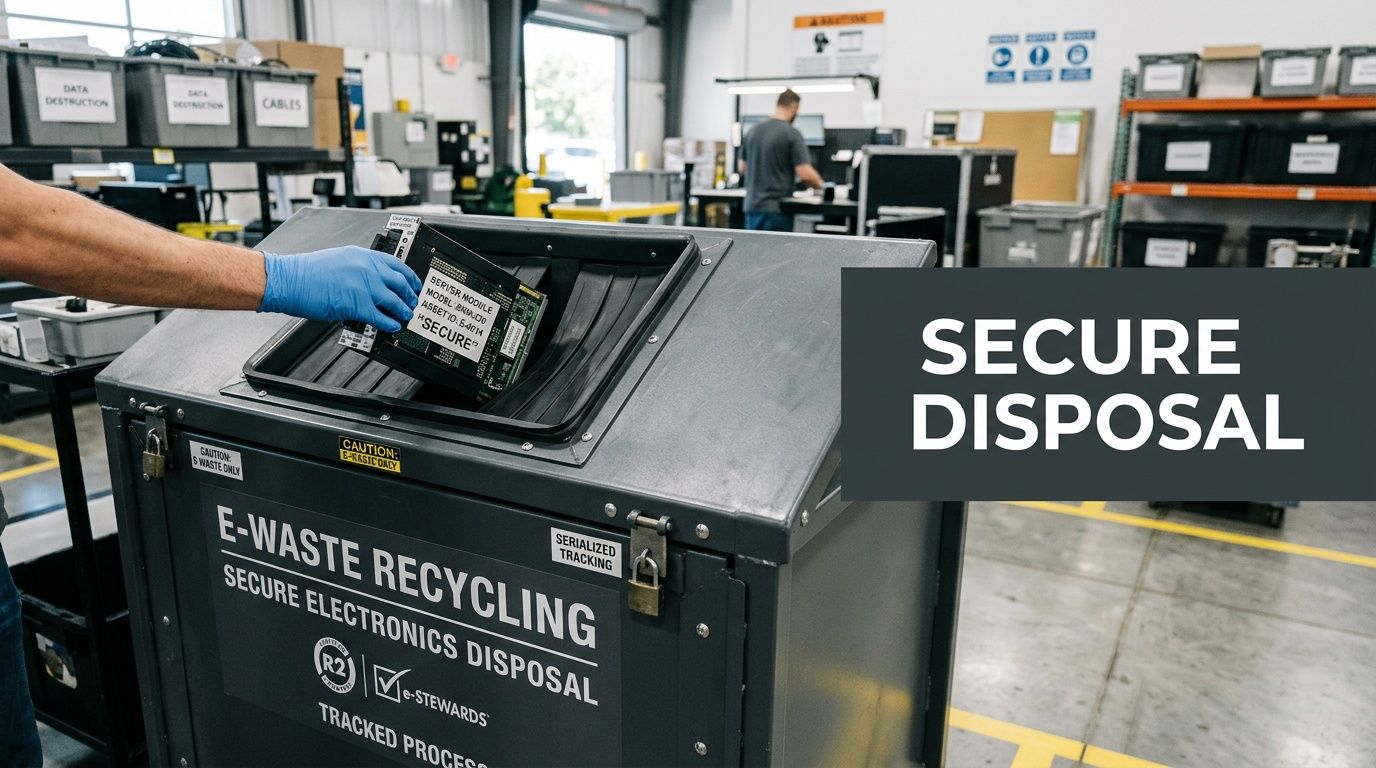
The strongest alternative to electronic recycling at Staples isn’t “another place to drop things off.” It’s a process built for organizations that need security, accountability, and a clean paper trail.
Your Next Steps for Secure IT Equipment Disposal
If your office has a growing pile of retired technology, don’t start by asking where to dump it. Start by separating low-risk accessories from anything that stores data.
That single step changes the quality of your decision.
A simple action plan
Use this checklist before moving any business electronics out the door:
Inventory the obvious data-bearing assets
Pull out laptops, desktops, servers, phones, tablets, copiers, and loose drives first.Separate peripherals from storage devices
Cables, keyboards, and simple accessories can be handled differently from equipment with memory or storage.Identify any regulated data exposure
Think about HR records, accounting files, customer information, scans, emails, saved credentials, and backups.Decide whether you need proof
If a client, insurer, regulator, or internal policy might ask how equipment was disposed of, you need a documented process.
What businesses should avoid
A few shortcuts create unnecessary risk:
- Don’t rely on memory. Staff often assume a device was wiped because someone meant to do it.
- Don’t mix office gear with household cleanout. Business assets need their own handling path.
- Don’t treat transportation as a minor detail. The move from office to recycler is part of the risk chain.
- Don’t assume all recycling equals destruction. Recycling and verified sanitization are separate things.
“If you can’t document how a device left your custody, you don’t have a disposal process. You have a hope-based process.”
How to make the process manageable
Keep it operational.
Assign one person to gather the equipment list. Take basic notes by device type and location. Flag anything obviously sensitive. Then contact a business-focused recycler and ask about pickup, audit support, data destruction, and reporting.
That approach is still practical. It just removes the weak points that show up when a company treats business hardware like consumer clutter.
Frequently Asked Questions About Electronics Recycling
Is Staples okay for keyboards, mice, and simple accessories
Often, yes. For low-risk items that don’t hold meaningful business data, a retail recycling option may be perfectly adequate.
The caution starts when a device stores files, credentials, scans, messages, or system information.
Can’t I just smash a hard drive myself
Physical damage alone isn’t a reliable business process.
A company needs consistency, chain of custody, and documentation. One employee with a hammer doesn’t give you a repeatable disposal standard, and it doesn’t help much if someone later asks what happened to a specific drive.
What about factory reset on phones and laptops
A reset may be part of a process, but it shouldn’t be treated as the whole process.
For business equipment, the stronger question is whether your organization can prove that the device was sanitized in a way that fits its internal policies, customer obligations, and industry requirements.
Does responsible recycling still matter if security is the main concern
Yes. Security and environmental responsibility should work together.
The right disposal path protects data first and then routes reusable equipment, parts, and materials through compliant downstream handling instead of informal disposal.
When is electronic recycling at Staples the wrong choice
It’s the wrong choice when the asset is business-critical, data-bearing, regulated, high-volume, or part of a larger decommissioning effort.
That includes office closures, hardware refreshes, server retirements, copier replacement, and any situation where your company needs proof, control, or pickup support.
If your organization needs a secure, documented way to retire IT equipment in Metro Atlanta, Montclair Crew Recycling is built for that job. They help businesses dispose of computers, laptops, servers, telecom gear, and other electronics through managed pickup, asset auditing, certified data destruction, compliant recycling, and resale support where appropriate.
