
Secure data destruction is the only way to make sure the information on your old IT hardware is gone for good—completely unreadable and impossible to get back. This isn't just about deleting a few files. It's a final, irreversible process using methods like software wiping or physical shredding to protect your business from data breaches and keep you on the right side of the law.
Why Erasing Files Is Not Secure Data Destruction
When your business gets new computers, what happens to all the sensitive data sitting on the old hard drives? A lot of people think dragging files to the trash can or formatting a drive does the trick. That’s a dangerously common mistake.
Think of a hard drive as a book with a detailed table of contents. When you "delete" a file, all you're really doing is tearing out that one line in the table of contents. The story itself—your confidential data—is still written on the pages, untouched. It just sits there, waiting for someone with basic recovery software to come along and read it.
The Illusion of an Empty Drive
Formatting a drive is a little more thorough, but not by much. It's like ripping out the entire table of contents and maybe the first page of every chapter. This makes the data harder to find, sure, but the bulk of it is still there. This "digital ghost" of your sensitive data leaves your business wide open to risk.
This is exactly why professional secure data destruction is so essential. It doesn't just hide the data; it completely destroys it, making any kind of recovery impossible. It’s the only way to truly protect your company from the massive financial hit and reputation damage that comes from a data breach caused by carelessly discarded hardware.
A recent study found that the average cost of a data breach hit $4.45 million in 2023. Old, improperly handled IT assets are a huge—and entirely preventable—source of these expensive incidents. This makes secure data destruction a non-negotiable business practice.
Core Methods of True Destruction
To get this level of security, the pros use proven methods that are worlds away from a simple file deletion. These techniques guarantee that not a single trace of the original information survives, turning a drive full of secrets into either a completely blank slate or a pile of tiny metal and plastic bits. You can dive deeper into the differences in our guide on what is data sanitization.
Here are the main ways it’s done:
- Software Wiping: This method systematically overwrites every single part of a drive with random characters. It’s often done in multiple passes to meet strict standards like the DoD 5220.22-M. Think of it like painting over a canvas again and again until the original image is completely gone.
- Degaussing: For traditional hard drives (HDDs), this technique uses incredibly powerful magnets to instantly scramble the magnetic field where data is stored. The information becomes a jumbled, unreadable mess in seconds.
- Physical Shredding: This is the most final solution. The hard drive is fed into a specialized shredder that grinds, crushes, or pulverizes it into small fragments. For modern Solid-State Drives (SSDs), this is the only 100% guaranteed method of data destruction.
Choosing The Right Data Destruction Method
Picking the right way to destroy your data is a big deal. It’s a balancing act between your security needs, the value of the old hardware, and legal requirements. Not every method fits every situation, and the wrong choice could leave you exposed.
The goal is simple: make sure your information is gone for good. The three main ways to do this are software wiping, degaussing, and physical destruction. Each one offers a different level of security, and understanding them is the first step to creating a solid plan for your retired IT gear.
Software Wiping: Erasing The Digital Slate
Software wiping, sometimes called data erasure, is the process of overwriting everything on a hard drive with random, useless data. Think of it like painting over a wall. One coat of paint might not completely hide the old color, but after three or four coats, the original is gone forever.
This method follows strict standards like DoD 5220.22-M, which dictate how many "coats of paint" are needed to be sure the data is unrecoverable. The huge plus here is that the drive itself is still perfectly usable. This makes wiping the go-to choice for equipment you plan to resell, donate, or use somewhere else in your company.
One catch: software wiping is most reliable on older, traditional Hard Disk Drives (HDDs). With modern Solid-State Drives (SSDs), it's a bit of a gamble. The way SSDs manage data internally can leave pockets of old information behind, even after a wipe.
This diagram shows the basic choice every organization has to make with old equipment: take the easy but insecure path, or the deliberate, secure one.
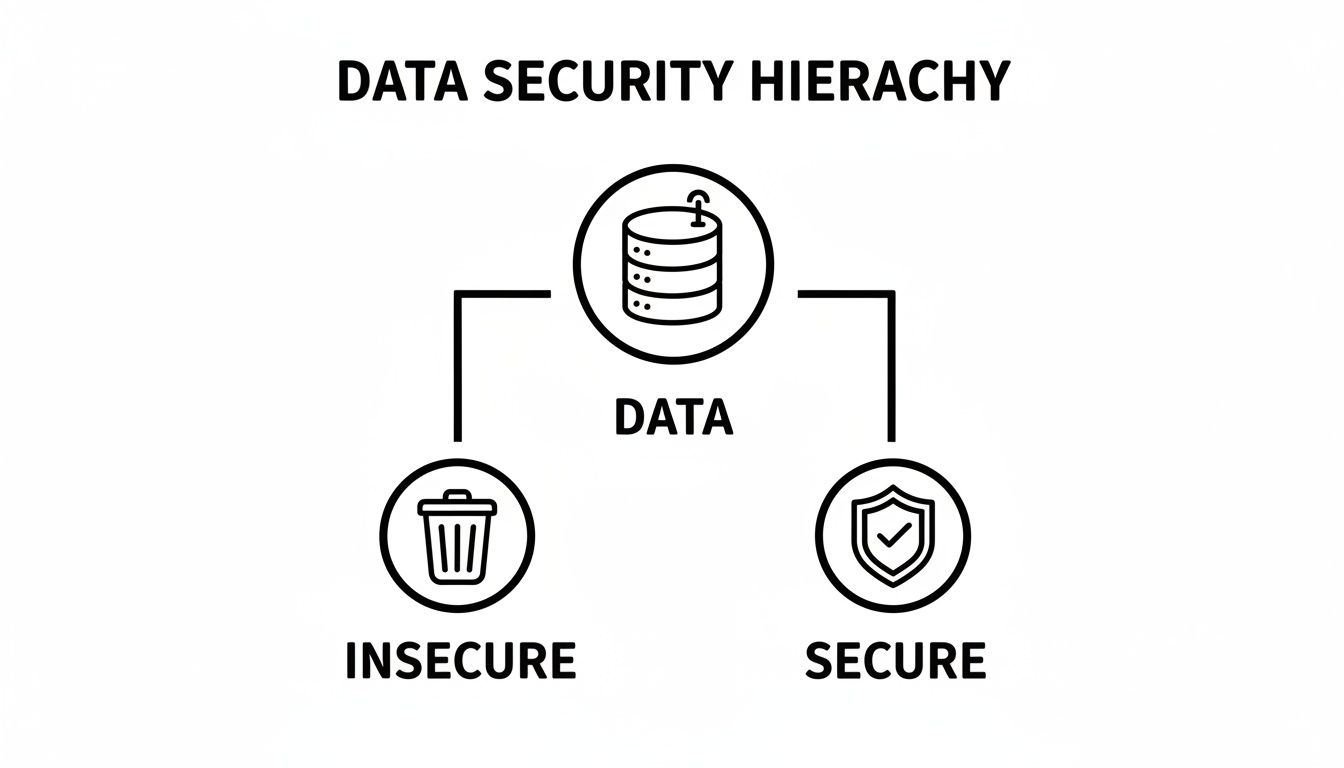
As you can see, true data security doesn't happen by accident. It requires a proven process, not just tossing a device in a bin.
Degaussing: The Magnetic Scramble
For a faster, more forceful approach on magnetic media like HDDs and backup tapes, there’s degaussing. Remember what happened if you put a strong magnet next to an old cassette tape? The music turned into garbled noise. Degaussing is that, but on an industrial scale.
A degausser hits the drive with an incredibly powerful magnetic field, scrambling the magnetic bits on the platters where your data lives. The information is instantly and permanently gone.
Because it destroys the drive's firmware along with the data, a degaussed hard drive can never be used again. This makes it a secure option but eliminates any possibility of hardware reuse or resale. It's important to note that this method is entirely ineffective on SSDs, which do not use magnetic storage.
Physical Destruction: The Final Guarantee
When your data is so sensitive that you can't afford even a tiny risk of recovery—or when you're dealing with SSDs—physical destruction is the only answer. This is exactly what it sounds like: the complete obliteration of the storage device.
It's the digital version of putting a top-secret folder through a cross-cut shredder until it's just a pile of confetti. For a closer look at how this works, you can check out our guide on the best ways to destroy a hard drive.
The most common methods include:
- Shredding: Massive industrial shredders use powerful steel teeth to grind hard drives into tiny, mangled pieces of metal.
- Crushing: A hydraulic press uses thousands of pounds of force to bend, break, and shatter the drive and its internal parts.
- Pulverizing: This takes it a step further, grinding the device into fine particles like sand or dust. Nothing is left to recover.
This is the ultimate guarantee. It provides the highest level of security and is the best practice for SSDs and any device holding highly regulated information. You lose any chance of reusing the asset, but the peace of mind is priceless.
To make the choice clearer, here’s a quick comparison of the three main methods.
Comparison Of Secure Data Destruction Methods
| Method | How It Works | Best For | Allows Reuse? | Assurance Level |
|---|---|---|---|---|
| Software Wiping | Overwrites data with random characters in multiple passes. | Reusing or reselling HDDs with low to medium-sensitivity data. | Yes | High |
| Degaussing | Exposes media to a powerful magnetic field, erasing all data. | Quickly destroying data on magnetic media like HDDs and tapes. | No | Very High |
| Physical Shredding | Grinds, crushes, or pulverizes the device into small fragments. | SSDs and any media with highly sensitive, top-secret data. | No | Extreme/Complete |
Each of these methods has its place. The key is to match the method to the media type, the sensitivity of your data, and your plans for the old hardware.
Understanding Data Privacy and Compliance Laws
Let's be clear: secure data destruction isn't just a smart security practice. For most businesses, it's a non-negotiable legal requirement. Getting this wrong isn't just risky; it can open the door to staggering fines, painful legal battles, and a hit to your reputation that you might never recover from. Navigating this web of rules and regulations is mission-critical for any organization that handles private data.
These aren't some abstract legal theories, either. They have real, practical consequences for how you get rid of old IT hardware. Think about a dental office in Marietta retiring an old server. They can't just drag the files to the trash bin and call it a day. They have a legal duty to make sure every last bit of patient data on that server is completely obliterated, beyond any hope of reconstruction.
The Heavy Hitters of Data Regulation
Several key laws form the bedrock of data privacy in the U.S., and each one has specific demands for how data is handled and, just as importantly, destroyed. Getting to know them is the first step in building a process that keeps you out of trouble.
- HIPAA (Health Insurance Portability and Accountability Act): This is the big one for healthcare. HIPAA demands that any electronic Protected Health Information (ePHI) on any device—from massive servers to old office laptops—must be rendered completely unusable, unreadable, and indecipherable before it's thrown out.
- GLBA (Gramm-Leach-Bliley Act): If you're in the financial world, from a local bank to a major investment firm, GLBA is your rulebook. It requires you to create a formal information security plan that explicitly details how customer financial data will be permanently destroyed when it's no longer needed.
- State-Specific Laws: On top of federal rules, many states are adding their own layers of protection. Laws like the California Consumer Privacy Act (CCPA) give people the "right to be forgotten," which means your business is legally required to permanently delete their personal information if they ask.
Ignoring these laws comes with a hefty price tag, and the penalties are only getting steeper. This regulatory pressure is fueling the secure data destruction market, especially in North America where HIPAA, CCPA, and GDPR demand verifiable proof that sensitive media has been wiped or shredded. Just look at the numbers: HIPAA violations averaged $1.5 million in fines in 2023, and since 2018, GDPR has dished out an eye-watering €2.7 billion in penalties. This isn't just a trend; it's a complete shift in how businesses must handle the final chapter of their data's life.
Why Industry Standards Matter
So, how do you actually prove you've followed the law? This is where established industry standards become your best friend and strongest defense. Frameworks like DoD 5220.22-M provide a clear, widely recognized benchmark for properly sanitizing data.
It’s crucial to understand that the DoD standard isn't a law in itself. You won’t get a fine just for not following it. However, using it as your guide creates a rock-solid, defensible position for your company.
Think of it this way: if a law says you have to build a "safe" bridge, using government-approved engineering blueprints is the best way to prove you did your job right. The DoD standard is the blueprint for "safe" data destruction.
If you ever face a data breach investigation or a compliance audit, being able to show that you followed a rigorous, nationally recognized standard is powerful evidence that you did your due diligence. It proves you took your responsibility seriously. For companies dealing with European data, achieving full SharePoint GDPR compliance is a top priority, and that absolutely includes having ironclad data destruction protocols.
This proactive approach doesn't just shield you from legal trouble—it also builds trust with your clients and partners. By understanding how these laws and standards work together, you can confidently manage your IT asset destruction program and protect what matters most.
Building Your Secure Data Destruction Plan
Knowing the methods is one thing, but actually putting them into practice? That takes a solid, written-down plan. Think of a secure data destruction policy as more than just a document—it's your company's commitment to airtight security and compliance. It takes all the guesswork out of the equation and gives your team the confidence to make the right call every single time an old piece of IT gear is retired.
Putting this plan together is all about asking the right questions first. You wouldn't build a house without a blueprint, right? By figuring out the key details upfront, you ensure your process is strong, secure, and fits your business perfectly. This is how you build a policy that protects your business, your customers, and your reputation from a completely preventable disaster.
Figuring Out What You've Got
First things first, you need a clear inventory. You can't just apply one method to everything and hope for the best, because different types of hardware require different approaches.
Start by making a list of every single device that holds data in your organization. Get specific.
- Old-School Hard Disk Drives (HDDs): These are common in older desktops and servers. Wiping, degaussing, or shredding all work well here.
- Solid-State Drives (SSDs): The standard in modern laptops and servers. For 100% guaranteed data removal, physical destruction is the only way to go.
- Backup Tapes: These magnetic tapes are best handled by a powerful degausser or a shredder.
- Mobile Devices: Don't forget company phones and tablets. They're packed with sensitive info and need to be properly wiped or physically destroyed.
Once you know what you have, you need to know what's on it. Is it just everyday operational data, or are we talking about sensitive financial records or Protected Health Information (PHI)? The sensitivity of the data is what really drives how secure the destruction process needs to be.
Matching Your Plan to Regulations and Risk
Next up, you have to connect the dots between your equipment and your legal responsibilities. A healthcare provider in Alpharetta has a completely different set of rules to follow than a manufacturing plant over in Kennesaw. Your plan has to be tailored to your specific industry.
A data destruction policy isn't just an internal memo—it's a critical piece of evidence when the auditors come knocking. It proves you have a repeatable, documented process for handling data at the end of its life, which is a core requirement for laws like HIPAA and GLBA.
This step also requires an honest look at your company’s tolerance for risk. Are you in an industry where a data breach would be front-page news? Or are you just trying to meet the baseline requirements to avoid fines? Your answers will guide your decision between wiping hardware for reuse versus shredding it for total peace of mind. Your budget matters, of course, but it should never be the reason you cut corners on legal requirements.
Finalizing Your Destruction Protocol
Okay, you've got a clear picture of your assets, the data on them, and your legal obligations. Now you can lay out the final rules of the road. These are the key decisions that will guide how every piece of IT hardware is handled from this point forward.
Just ask yourself these last few questions to lock in your plan:
- Reuse or Destroy? Is there value left in the hardware that you want to recover through resale or donation? If so, professional data wiping is your path. But if absolute security is non-negotiable, physical destruction is the only surefire bet.
- What Kind of Proof Do You Need? To keep auditors and your leadership team happy, what level of documentation is required? A serialized Certificate of Destruction is the gold standard, giving you a legally defensible paper trail.
- Who's Going to Do the Work? Do you have the right equipment and trained staff in-house? Or does it make more sense to partner with a certified data destruction vendor to handle the process, guarantee compliance, and take the risk off your plate?
The Importance of Certified Proof of Destruction
So, after your sensitive data has been wiped, degaussed, or shredded, how do you know for sure the job was done right? More importantly, how do you prove it to auditors, regulators, or even your own leadership team? This is where the paper trail becomes your best friend for managing risk and staying compliant.
Simply taking someone's word that your data is gone for good isn't enough in today's world; you need concrete, legally defensible proof. This comes in the form of two critical documents: the Certificate of Destruction and a detailed Chain of Custody record. Together, they create an ironclad audit trail that officially closes the loop on your old IT assets, shielding your organization from huge liabilities.
Your Legal Receipt: The Certificate of Destruction
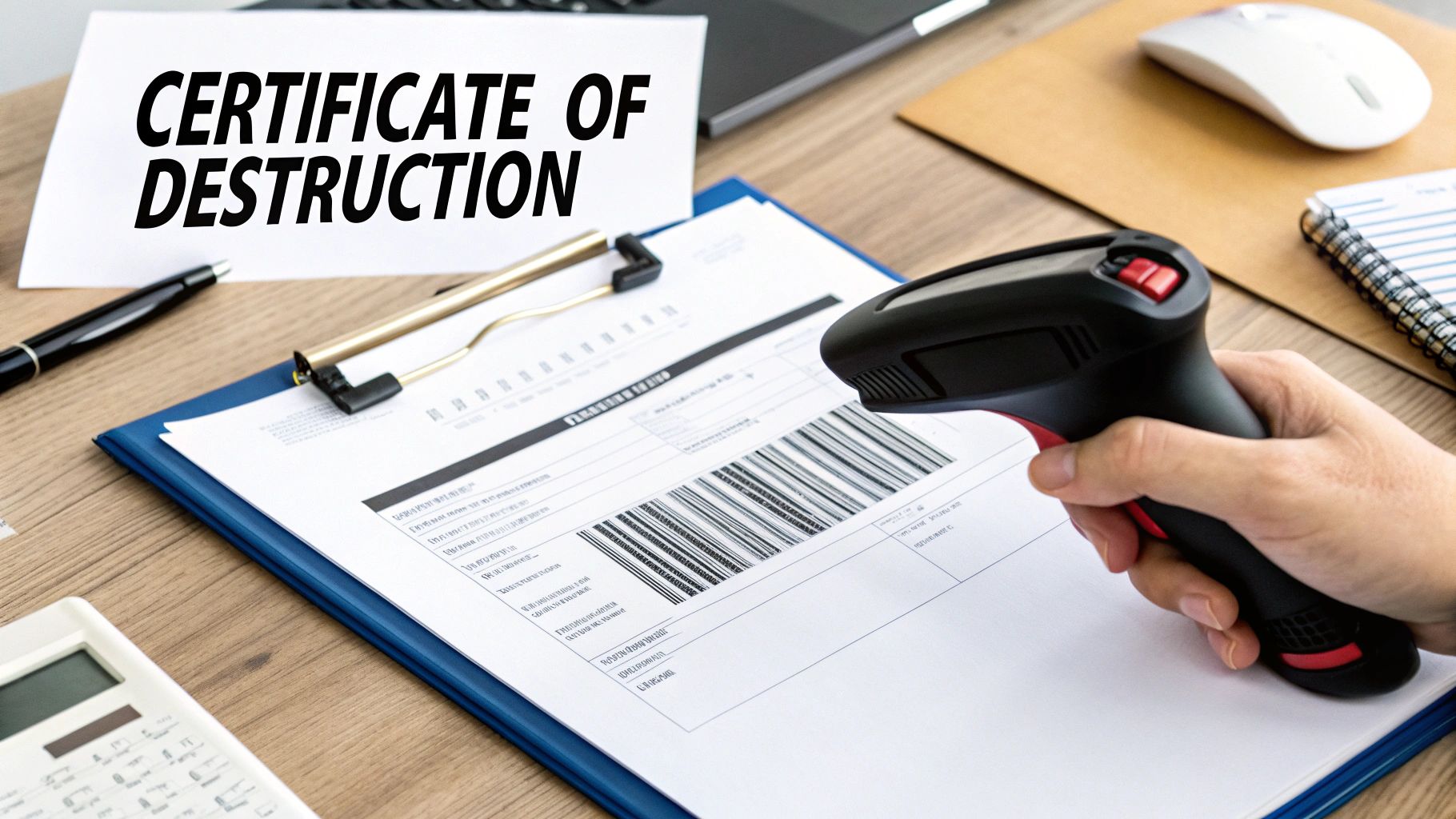
Think of a Certificate of Destruction (CoD) as the official, legal receipt confirming your data has been permanently erased from existence. It’s a formal document from a certified vendor stating that your assets were destroyed following all relevant privacy laws and industry standards. A proper CoD is much more than just a piece of paper.
This document meticulously logs all the crucial details for your records, including:
- Individual Serial Numbers: Every single hard drive or device is uniquely identified and accounted for.
- The Destruction Method: It clearly states whether assets were wiped, degaussed, or physically shredded.
- Date and Location: Pinpoints the exact "when" and "where" of the destruction process.
- Transfer of Custody: A critical signature line legally transfers liability from your company to the destruction vendor.
This certificate is your ace in the hole during any compliance audit. If you ever need to prove you've met HIPAA or GLBA requirements, the CoD serves as undeniable evidence that you fulfilled your data security duties. You can check out a detailed breakdown and see what a real one looks like by reviewing a certificate of destruction sample.
Tracking Your Assets with a Chain of Custody
Before any destruction can even happen, your equipment has to get from your office to the secure facility. That transit period is a major potential security gap. The Chain of Custody is the document that slams that gap shut.
Think of it like a detailed tracking log for your most sensitive packages. It creates an unbroken, chronological paper trail that documents every single person who handled your IT assets—from the moment they leave your control until their final destruction.
This obsessive record-keeping is absolutely vital. It prevents hardware from "disappearing" on the way to the facility, a nightmare scenario that could lead to a catastrophic data breach. A strong chain of custody process ensures total accountability at every step.
For any organization serious about data security, this documentation isn't just a best practice—it's a non-negotiable necessity for protecting your data, your reputation, and your bottom line.
When to Partner with a Destruction Expert
Deciding whether to handle data destruction yourself or call in a professional is a huge decision. A DIY approach might seem like it saves money for a handful of old devices, but the risks add up fast, especially when security and compliance are on the line. In a few key situations, partnering with a certified expert isn't just a good idea—it's the only strategic move.
You absolutely need a certified partner when you're dealing with a large volume of assets, operate under strict regulations, or just don't have the specialized equipment and know-how in-house. For any business handling healthcare or financial data under laws like HIPAA, the stakes are simply too high to wing it. These regulations don't just suggest secure data destruction; they demand it.

Key Scenarios Demanding Professional Services
Certain triggers should be an immediate red flag that it’s time to call in the pros. Trying to manage these situations without certified help is an open invitation to financial, legal, and reputational damage.
Think about partnering with an expert when you’re facing:
- Strict Regulatory Requirements: If your business handles healthcare, financial, or other personal data, complying with HIPAA or GLBA is non-negotiable. Experts make sure the destruction methods meet every legal standard and give you the paperwork to prove it.
- Large-Scale IT Asset Retirement: Getting rid of dozens or even hundreds of computers, servers, or hard drives is a logistical nightmare. A professional service handles the entire process, from securely picking everything up to final destruction and documentation.
- Lack of In-House Resources: That specialized gear for shredding or degaussing? It’s expensive and needs trained operators. A certified vendor brings all the necessary tools and expertise right to your door, saving you a massive capital investment.
- Need for Legally Defensible Proof: When you need an audit trail that can stand up in court, a Certificate of Destruction from a trusted partner is your golden ticket. This document legally transfers liability away from you and serves as definitive proof of compliance.
On-Site Shredding vs. Secure Drop-Off
Once you decide to work with an expert, you’ve got options that fit your security needs. The two main choices are on-site destruction and secure drop-off.
On-site shredding offers the ultimate peace of mind. A mobile destruction truck pulls up to your location, and you can literally watch your hard drives get turned into tiny, useless bits of metal. This is the best choice for highly sensitive data because it completely erases any chain of custody risks during transport.
Secure drop-off services are a convenient and cost-effective alternative. You bring your equipment to a secure, monitored facility where it’s logged and destroyed using certified processes. It’s a great option for businesses with smaller batches of gear that still need professional handling and certified proof.
The threat of a data breach isn't just something you read about. A mind-boggling 422.61 million data records were leaked in U.S. data breaches in Q3 2024 alone, showing exactly why secure disposal is critical. For businesses in Kennesaw or Roswell, this number highlights the very real danger of mishandling e-waste. Learn more about the latest data loss statistics from Infrascale.
Beyond Destruction: Value and Sustainability
A top-tier partner does more than just destroy data; they help you manage the entire IT asset disposition (ITAD) lifecycle. This includes environmentally responsible e-waste recycling, ensuring the hazardous materials inside your old electronics don’t end up poisoning a landfill.
Better yet, a professional service can spot enterprise equipment that still has market value. They can securely wipe the data and help you recover some of your initial investment through responsible resale. By checking out professional IT asset disposition companies, you can find a partner who cuts your risk, guarantees compliance, and even helps your bottom line.
Frequently Asked Questions About Data Destruction
Even with a solid plan, questions always pop up when it’s time to retire old IT assets. Getting this part right is absolutely critical for protecting your business, and having clear answers ready can make all the difference. Let's tackle some of the most common questions we hear about secure data destruction.
These answers should clear up any confusion and give you the confidence to handle your end-of-life data the right way.
Is Formatting a Hard Drive Enough to Be Secure?
Absolutely not. Think of formatting a hard drive like ripping the table of contents out of a book—the story is still there, you just removed the guide to finding it. Formatting only removes the pointers your computer uses to locate data, which makes the files seem like they've vanished.
In reality, the underlying data is still sitting on the drive, fully intact and frighteningly easy to get back with basic, widely available software. For real security, you need professional data wiping that overwrites every last bit of information or physical destruction that makes recovery completely impossible.
What Is the Best Destruction Method for SSDs?
Physical destruction, specifically shredding or crushing, is the only way to be 100% sure the data on a Solid-State Drive (SSD) is gone for good. SSDs are a different beast than traditional magnetic hard drives (HDDs) because they store data on complex flash memory chips.
Wiping methods that work on HDDs just don't cut it for SSDs. Degaussing, for example, is completely useless because SSDs aren't magnetic. Even software wiping can be a gamble due to how SSDs spread data around to manage wear and tear, often leaving recoverable fragments behind.
For any SSD holding sensitive information, pulverizing it into tiny pieces is the only way to guarantee total data security. It ensures the memory chips are destroyed beyond any hope of reconstruction.
Why Do I Need a Certificate of Destruction?
A Certificate of Destruction is your official, legally defensible proof that you did everything right. It shows your data was destroyed properly and in line with privacy laws like HIPAA and GLBA. Think of it as your get-out-of-jail-free card in an audit—it protects your business from massive legal and financial penalties.
This document is your formal record, confirming key details:
- The specific serial numbers of every asset destroyed.
- The exact method used, like shredding or DoD-compliant wiping.
- The date and location of the destruction.
- A legal transfer of liability from you to the certified vendor.
Simply put, it’s the undeniable evidence that you took your data security obligations seriously and saw them through to the end.
When it's time to retire your company's IT assets, don't leave data security to chance. Montclair Crew Recycling offers certified, compliant, and convenient data destruction services for businesses across Metro Atlanta. Protect your organization with free DoD-compliant wiping or on-site physical shredding. Secure your data and recycle responsibly by contacting us at https://www.montclaircrew.com.
