

In the current business environment, small and medium-sized businesses (SMBs) are increasingly targeted by cybercriminals. Without the extensive resources of larger corporations, many Atlanta-area companies find it challenging to deploy effective security, leaving them exposed to data breaches, ransomware, and significant financial damage. Fortunately, building a strong defense doesn't require an enterprise-level budget or an overly complex strategy.
This guide delivers ten prioritized and practical cybersecurity tips for small businesses, specifically designed to create a resilient security foundation. We will move beyond generic advice and provide actionable steps you can implement immediately. The topics cover the full lifecycle of your data and technology, from initial governance and employee training to the secure decommissioning of outdated IT equipment.
By following these recommendations, you will be better equipped to protect your sensitive data, maintain critical customer trust, and navigate regulatory compliance with confidence. Each tip is structured for clarity, helping you build a comprehensive security posture one step at a time. To simplify the implementation of these tips, small businesses can explore comprehensive cybersecurity tools like Cyberupgrade that offer integrated solutions for managing multiple security layers from a single platform. Let's dive into the essential playbook for securing your business.
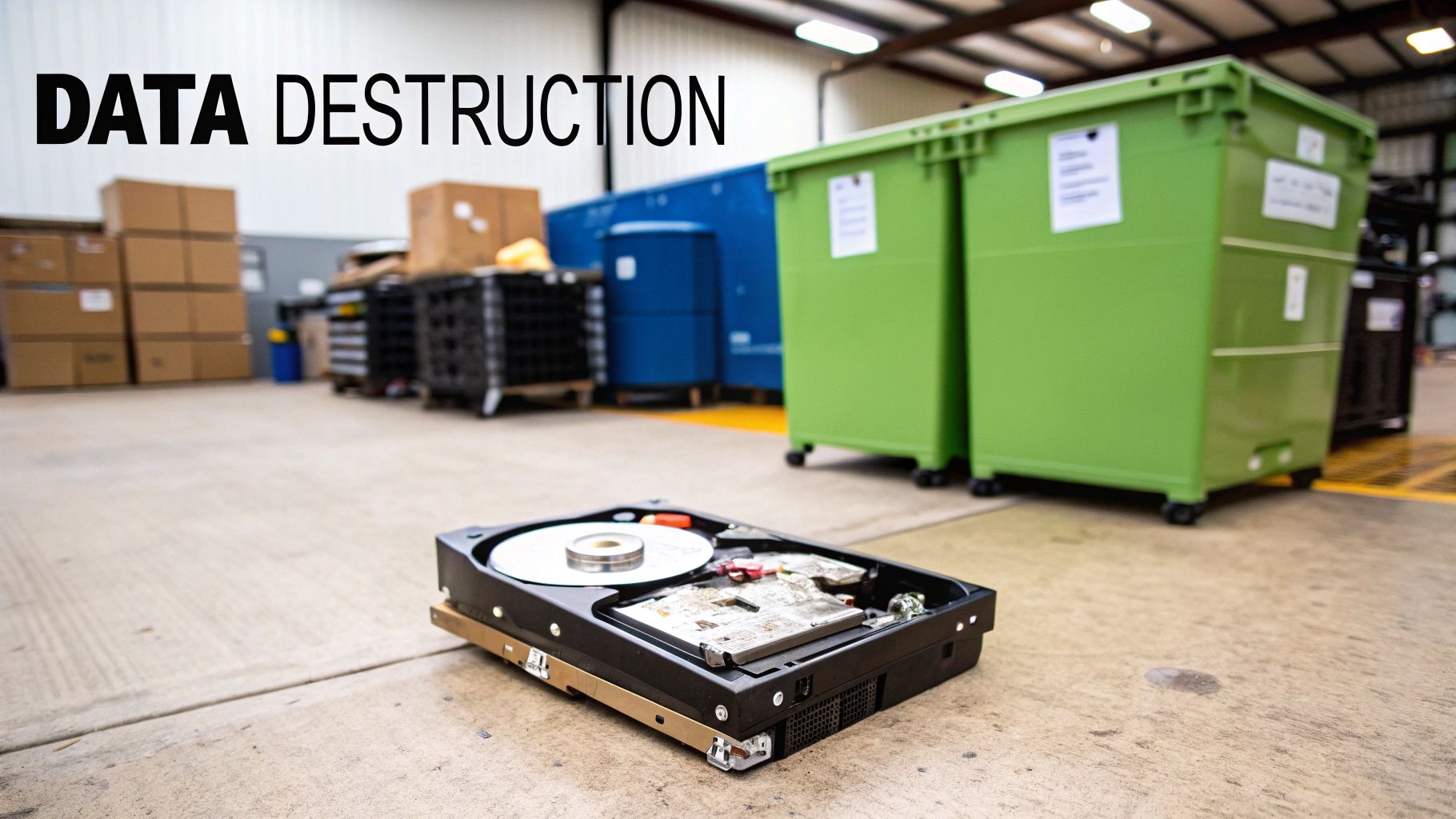
1. Implement Secure Data Destruction Protocols Before Device Disposal
One of the most overlooked cybersecurity tips for small businesses involves what happens to your IT equipment at the end of its life. Simply deleting files or reformatting a hard drive is not enough to permanently erase sensitive data. Lingering information on retired computers, servers, or copiers can expose your company to significant risk if those devices fall into the wrong hands. Implementing a secure data destruction protocol ensures that all confidential information is rendered completely unrecoverable before any asset leaves your control.
Why It's Critical
For businesses in Metro Atlanta handling everything from patient records to client financial data, this step is non-negotiable. A data breach from a discarded hard drive can lead to devastating financial penalties, reputational damage, and loss of customer trust. Certified data destruction methods, such as multi-pass data wiping that meets DoD 5220.22-M standards or physical shredding, provide a verifiable way to neutralize this threat and meet compliance requirements like HIPAA and FACTA.
Actionable Steps for Implementation:
- Create a Formal Policy: Document a clear IT Asset Disposition (ITAD) policy that mandates secure data destruction for all company-owned devices.
- Maintain a Chain of Custody: Keep a detailed inventory of all equipment slated for disposal and track its movement until you receive a Certificate of Destruction.
- Partner with Certified Experts: Work with a trusted vendor that specializes in these procedures. For a deeper understanding of certified methods, you can learn more about secure data destruction services and how they protect your business.
- Train Your Team: Ensure employees understand the importance of the policy and know the correct procedures for handing off old equipment for disposal.
2. Enforce Strong Password Policies and Multi-Factor Authentication (MFA)
One of the most effective cybersecurity tips for small businesses is to move beyond simple passwords. A strong password policy, combined with multi-factor authentication (MFA), creates a formidable defense against unauthorized access. Even if a cybercriminal manages to steal a password, MFA requires a second form of verification, such as a code from a smartphone app or a physical security key, effectively stopping them from breaching your systems.

Why It's Critical
For small businesses, compromised credentials are a primary entry point for attackers. A single stolen password can give a threat actor access to sensitive company data, financial accounts, and client information. An Atlanta-based accounting firm, for example, can prevent devastating data breaches by requiring MFA to access client tax records and financial software. This simple step transforms a potentially weak password into a robust security checkpoint, protecting both your business and your clients' trust.
Actionable Steps for Implementation:
- Prioritize Critical Systems: Start by enabling MFA on your most sensitive accounts, including email, financial platforms, cloud storage, and administrative portals.
- Utilize Authenticator Apps: Encourage the use of reliable authenticator apps like Google Authenticator or Microsoft Authenticator over SMS-based codes, which are more vulnerable to interception.
- Promote Password Managers: Mandate the use of a password manager like 1Password or Bitwarden to help employees generate and store complex, unique passwords for every service.
- Establish Clear Policies: Create and communicate a formal password policy that outlines complexity requirements, expiration rules, and the mandatory use of MFA.
3. Conduct Regular Security Awareness Training for All Employees
Your employees are your first line of defense, but they can also be your biggest vulnerability. Human error is a primary factor in most successful data breaches, often stemming from an employee clicking a malicious link or falling for a phishing scam. Implementing a continuous security awareness training program turns this potential weakness into a powerful asset, creating a security-conscious culture where every team member is equipped to identify and report threats.

Why It's Critical
For Atlanta-based healthcare practices handling sensitive patient data or financial firms managing client assets, a single mistake can have massive consequences. Ongoing training is one of the most effective cybersecurity tips for small businesses because it addresses the human element directly. Regular, relevant education helps employees recognize sophisticated phishing attacks, understand the importance of strong passwords, and avoid social engineering tactics, drastically reducing your company's risk profile and helping maintain compliance with regulations like HIPAA.
Actionable Steps for Implementation:
- Make Training Interactive and Frequent: Ditch the annual, hour-long seminar. Opt for brief, quarterly or monthly training sessions (15-20 minutes) and use phishing simulations to keep employees engaged and vigilant.
- Customize Content: Develop training modules specific to different roles. A finance team member needs different training than someone in marketing, focusing on threats like business email compromise (BEC) and wire transfer fraud.
- Include New Hires Immediately: Integrate security awareness training into your onboarding process to ensure new employees understand your security policies from day one.
- Document and Reward: Keep detailed records of training completion for compliance purposes. More importantly, create a positive security culture by rewarding employees who proactively report suspicious emails or potential threats.
4. Maintain Regular Software Updates and Patch Management
One of the most effective cybersecurity tips for small businesses is to establish a rigorous process for applying software updates and security patches. Cybercriminals actively seek out and exploit known vulnerabilities in operating systems, applications, and firmware. Delaying these updates, often due to concerns about operational disruptions, leaves critical security gaps that attackers can use to gain unauthorized access, deploy ransomware, or steal sensitive data.
Why It's Critical
For any Metro Atlanta business, from healthcare practices handling patient records to manufacturers managing industrial control systems, unpatched software is a primary entry point for cyberattacks. A single outdated application can compromise your entire network. A consistent patch management strategy drastically reduces your attack surface, strengthens your security posture, and is often a core requirement for regulatory compliance frameworks like HIPAA. It is a foundational defense that prevents common, automated attacks.
Actionable Steps for Implementation:
- Prioritize and Schedule: Focus first on internet-facing systems like firewalls and web servers, as they are most exposed. Schedule updates during planned maintenance windows to minimize business impact.
- Automate Where Possible: Enable automatic updates for operating systems and non-critical applications to ensure patches are applied promptly without manual intervention.
- Test Before Deploying: For critical business systems, test patches in a non-production environment first to verify they won't cause operational issues before rolling them out company-wide.
- Use Management Tools: Implement solutions to centralize and track updates across all devices. For a comprehensive overview, you can explore the best IT asset management software options that often include patch management features.
- Monitor and Document: Keep track of all applied patches for compliance audits and stay informed about vendor security advisories for emerging threats.
5. Create and Maintain a Data Backup and Disaster Recovery Plan
Ransomware attacks, hardware failures, or even simple human error can wipe out years of critical business data in an instant. A robust data backup and disaster recovery (BDR) plan is your ultimate safety net, ensuring you can restore operations quickly after a catastrophic event. This proactive strategy involves creating regular, automated copies of your data and having a clear, tested procedure to bring systems back online, minimizing costly downtime and protecting your business continuity.
Why It's Critical
For small businesses in Metro Atlanta, losing access to financial records, client information, or operational data can be a business-ending event. A well-designed BDR plan is a core component of resilience, allowing you to recover from a ransomware encryption event without paying a ransom. It also protects against more common threats like a failed server or an accidentally deleted folder. For industries like healthcare or finance, maintaining accessible data backups is often a strict regulatory requirement.
Actionable Steps for Implementation:
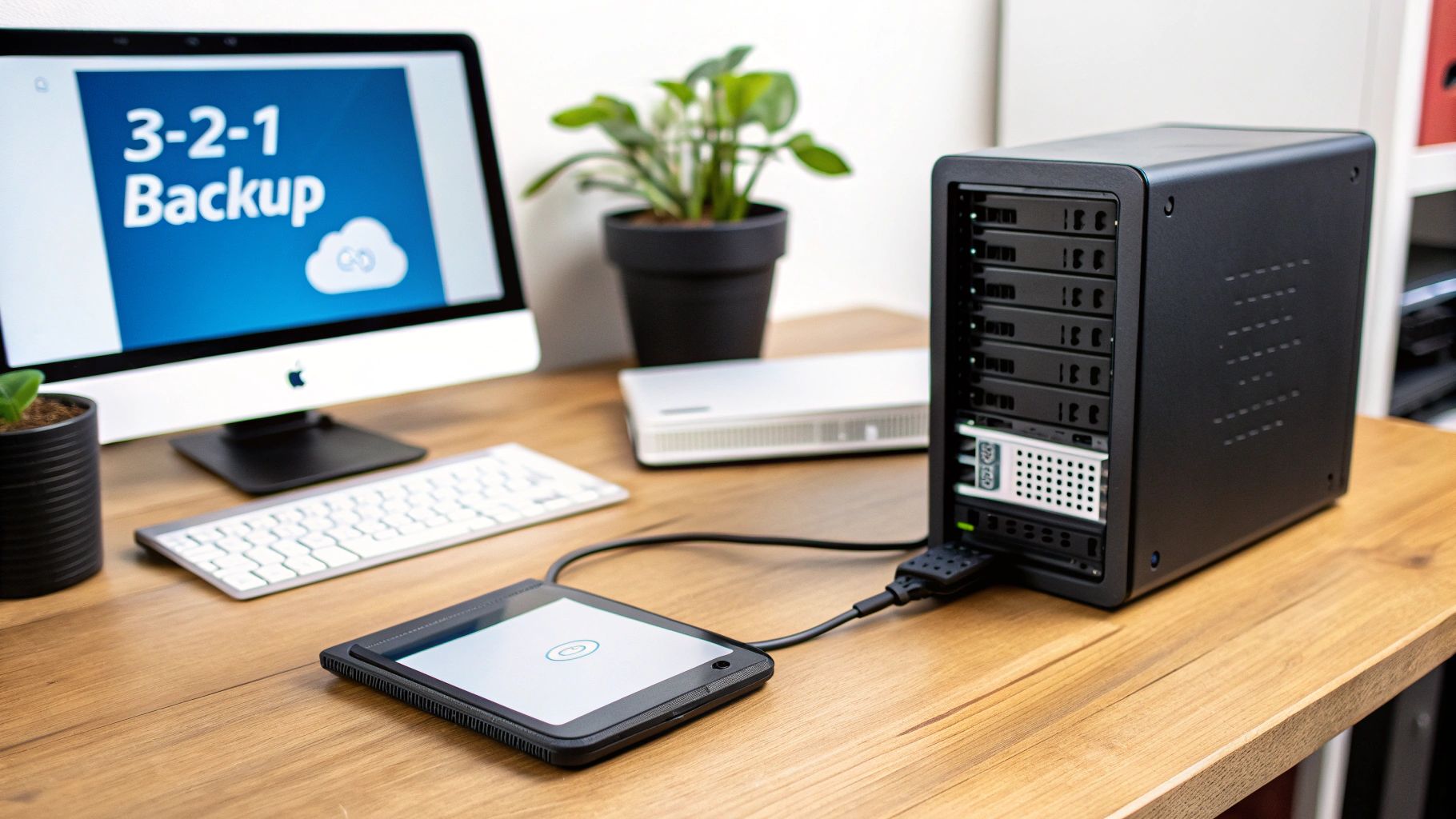
- Follow the 3-2-1 Rule: Maintain three copies of your data on at least two different types of media, with one copy stored off-site (e.g., in the cloud or a secure physical location).
- Automate and Verify: Use automated backup solutions like those from Veeam or Carbonite to ensure consistency. Check backup logs daily to confirm that jobs are completing successfully.
- Encrypt Your Backups: All backup data, whether stored on-site or in the cloud, should be encrypted to prevent unauthorized access if the backup media is compromised.
- Test Your Recovery Process: Regularly test your ability to restore data from your backups. A quarterly test ensures your plan works as expected and that your team knows the recovery procedures.
6. Implement Network Security with Firewalls and Intrusion Detection
Your business network is the digital gateway to your most valuable data, making it a prime target for cyberattacks. A foundational cybersecurity tip for small businesses is to establish a strong perimeter defense using firewalls and network monitoring tools. These systems act as a vigilant gatekeeper, controlling all inbound and outbound traffic to block malicious connections and prevent unauthorized individuals from gaining access to your internal systems. A well-configured firewall is your first and most critical line of defense against external threats.
Why It's Critical
Without robust network security, your systems are exposed to malware, ransomware, and data theft attempts. For an Atlanta-based healthcare clinic, a firewall can prevent unauthorized access to patient records, while a local school district can use it to block malicious websites and inappropriate content. Intrusion Detection Systems (IDS) add another layer by actively monitoring network activity for suspicious patterns that might indicate an attack in progress, allowing you to respond before significant damage occurs. These tools are essential for maintaining operational integrity and protecting sensitive information.
Actionable Steps for Implementation:
- Deploy a Managed Firewall: Reduce the operational burden by using a managed firewall service or a modern cloud-based solution like Cloudflare or Zscaler, which handle updates and configuration for you.
- Segment Your Network: Isolate critical systems, such as servers containing financial data, from the rest of the network. This practice, known as network segmentation, contains potential breaches to a single area.
- Configure Strict Rules: Adopt a "default deny" policy, blocking all unnecessary ports and protocols. Only allow traffic that is explicitly required for business operations to minimize your attack surface.
- Continuously Monitor and Review: Regularly review firewall logs for suspicious activity and update your rules at least quarterly. Beyond implementation, continuously validating your defenses by conducting a comprehensive computer network security audit is vital to protect against evolving threats.
7. Establish a Formal Incident Response and Breach Notification Plan
When a cyberattack occurs, the chaos and pressure of the moment are not the time to decide what to do next. Having a pre-defined Incident Response (IR) plan is a critical cybersecurity tip for small businesses, transforming a potential catastrophe into a managed crisis. This documented strategy outlines the exact steps to take to detect, contain, eradicate, and recover from a security incident, minimizing damage and ensuring a swift, organized response.
Why It's Critical
For any Metro Atlanta business, a data breach can trigger legal and regulatory obligations. A formal IR plan ensures you meet breach notification laws like HIPAA or Georgia’s Personal Identity Protection Act, which dictate how and when you must inform affected parties. Without a plan, businesses risk prolonged downtime, increased data loss, severe financial penalties, and irreversible damage to their reputation. A well-rehearsed plan reduces recovery time and demonstrates due diligence to clients and regulators.
Actionable Steps for Implementation:
- Form a Response Team: Designate specific roles and responsibilities for key personnel, including IT, management, legal, and communications.
- Document Procedures: Create step-by-step guides for different incident types (e.g., ransomware, data breach, phishing attack). Include contact lists for internal and external stakeholders.
- Conduct Tabletop Exercises: Regularly simulate a security incident to test your plan’s effectiveness and identify gaps in a low-stakes environment.
- Understand Asset Lifecycles: Your response plan should cover all assets, including those being retired. Proper IT asset management is crucial, as improper disposal can itself become a security incident. You can explore a deeper dive into the disposal of IT assets to see how it fits into your overall security posture.
- Review and Update: Treat the IR plan as a living document, updating it after any real incident or exercise to incorporate lessons learned.
8. Conduct Regular Vulnerability Assessments and Penetration Testing
A proactive defense is one of the most effective cybersecurity tips for small businesses. Rather than waiting for an attack to reveal your weak points, you can identify and fix them beforehand. Conducting regular vulnerability assessments and penetration tests allows you to look at your network through an attacker's eyes, uncovering exploitable security gaps before malicious actors can find them. This process simulates real-world attacks in a controlled, authorized environment to test your digital defenses.
Why It's Critical
For any Metro Atlanta business handling sensitive data, from financial institutions to healthcare providers, understanding your vulnerabilities is paramount. A single unpatched server or misconfigured application could provide an entry point for a catastrophic data breach. Regular testing not only strengthens your security posture but is often a requirement for compliance standards like PCI DSS and HIPAA. It provides a clear, prioritized roadmap for remediation, enabling you to allocate resources effectively to fix the most critical issues first.
Actionable Steps for Implementation:
- Schedule Routine Assessments: Implement automated vulnerability scans at least quarterly or after any significant system changes. Plan for a professional penetration test annually or biennially.
- Use a Mix of Tools and Talent: Start with reputable scanning tools like Nessus or OpenVAS for initial assessments. For deeper insights, partner with certified penetration testers who hold credentials like CEH or OSCP.
- Prioritize and Remediate Findings: Create a formal process to document, prioritize, and address all identified vulnerabilities. Allocate a specific budget and timeline for these remediation efforts.
- Validate and Retest: After applying patches and making configuration changes, retest the affected systems to confirm that the vulnerabilities have been successfully eliminated.
9. Implement Secure Device Lifecycle Management and Asset Tracking
Effective cybersecurity for small businesses extends beyond software and networks; it requires managing the physical devices that access your data. Establishing a secure device lifecycle management process ensures that every piece of IT equipment, from purchase to decommissioning, is accounted for, properly configured, and securely disposed of. This comprehensive oversight prevents unauthorized access, ensures devices are always updated, and mitigates risks associated with lost, stolen, or improperly retired assets.
Why It's Critical
For any organization, from a local school district tracking laptops to a healthcare practice managing HIPAA-compliant devices, knowing the status of every asset is fundamental. Without a formal tracking system, a forgotten device can become a backdoor into your network. A robust IT Asset Disposition (ITAD) plan ensures that when a device reaches its end-of-life, it is removed from your environment in a compliant manner, protecting sensitive data and preventing potential breaches from discarded hardware.
Actionable Steps for Implementation:
- Create a Centralized Inventory: Use a spreadsheet or dedicated software like Snipe-IT to log every device. Document its specifications, assigned user, location, and purchase date.
- Tag All Hardware: Apply physical asset tags with unique identifiers to all computers, servers, and network equipment. This simplifies tracking and regular audits.
- Establish a Refresh Cycle: Proactively plan for device replacement based on age, warranty status, and performance to avoid using unsupported or vulnerable hardware.
- Secure Your Disposal Process: Partner with a certified ITAD vendor for secure e-waste recycling and data destruction. Always obtain a Certificate of Destruction for compliance records. To better grasp the stages involved, you can explore what asset lifecycle management entails and how it strengthens security.
10. Establish Clear Data Classification and Access Control Policies
Not all data is created equal, and one of the most effective cybersecurity tips for small businesses is to treat it accordingly. Establishing a clear data classification and access control policy means you stop protecting everything with the same level of security. Instead, you categorize information based on its sensitivity-from public to highly restricted-and then grant employees access only to the data they absolutely need to perform their jobs. This strategy, known as the principle of least privilege, drastically reduces your attack surface and contains the potential damage of a compromised account.
Why It's Critical
For a Metro Atlanta law firm, a client's case files are far more sensitive than the public-facing marketing brochures. A data classification policy ensures that the most critical assets receive the highest level of protection, such as encryption and strict access logging. By implementing role-based access controls (RBAC) through platforms like Microsoft Entra ID or Active Directory, you can systematically enforce these rules, preventing unauthorized employees from accessing, modifying, or sharing information they shouldn't. This not only strengthens security but also simplifies compliance with regulations that mandate data protection.
Actionable Steps for Implementation:
- Define Classification Levels: Create simple, clear categories for your data, such as Public, Internal, Confidential, and Restricted.
- Assign Data Owners: Make specific individuals or departments responsible for classifying their data and approving access requests.
- Implement Least Privilege: Use your existing directory service (like Active Directory) to create user groups with specific permissions and grant employees the minimum access necessary for their roles.
- Conduct Regular Access Reviews: At least quarterly, review who has access to what. Remove permissions for employees who have changed roles or left the company.
- Document Retention Rules: Complement your access policies by defining how long each data type should be kept. You can explore these record retention guidelines for businesses to align with legal requirements.
10 Essential Cybersecurity Practices Comparison
| Item | 🔄 Implementation Complexity | ⚡ Resource Requirements & Operational Effort | ⭐ Expected Outcomes / Effectiveness | 📊 Ideal Use Cases | 💡 Key Advantages / Tips |
|---|---|---|---|---|---|
| Implement Secure Data Destruction Protocols Before Device Disposal | Medium — vendor coordination, logistics | Moderate–High — certified tools, on-site/off-site services, audit trails | ⭐⭐⭐⭐ — prevents data recovery, supports compliance | Decommissioning devices in healthcare, finance, government, schools | 💡 Keep documented policy and certificates of destruction; include in procurement |
| Enforce Strong Password Policies and Multi-Factor Authentication (MFA) | Low — policy and configuration | Low — authenticators, password managers, support overhead | ⭐⭐⭐⭐⭐ — greatly reduces account compromise | All businesses, especially cloud/email/financial systems | 💡 Start with critical systems; prefer authenticator apps; provide backup methods |
| Conduct Regular Security Awareness Training for All Employees | Low–Medium — program setup and scheduling | Low — training platform/time, periodic refreshers | ⭐⭐⭐⭐ — reduces phishing/social engineering success | Organizations where human error risks are high (schools, healthcare) | 💡 Use short interactive modules, run phishing simulations, track completions |
| Maintain Regular Software Updates and Patch Management | Medium — testing and scheduling processes | Moderate — patch tools, staging/test environments, possible downtime | ⭐⭐⭐⭐ — closes known vulnerabilities, improves stability | Internet-facing systems, servers, endpoints, IoT | 💡 Automate non-critical updates, test in staging, prioritize internet-facing assets |
| Create and Maintain a Data Backup and Disaster Recovery Plan | Medium–High — design, documentation, testing | Moderate–High — storage, backup tools, periodic DR tests | ⭐⭐⭐⭐⭐ — enables rapid recovery and continuity after incidents | Ransomware risk, critical business operations, regulated data stores | 💡 Follow 3-2-1 rule, encrypt backups, test recoveries regularly |
| Implement Network Security with Firewalls and Intrusion Detection | Medium–High — design, tuning, segmentation | Moderate — appliances or managed service, monitoring staff | ⭐⭐⭐⭐ — blocks network attacks and increases visibility | Networks with remote access, public-facing services, regulated environments | 💡 Use managed firewalls, segment critical systems, enable logging and alerts |
| Establish a Formal Incident Response and Breach Notification Plan | High — cross-functional procedures and legal alignment | Moderate–High — IR team training, tabletop exercises, external partners | ⭐⭐⭐⭐ — reduces impact and ensures compliant notification | Any org handling regulated or sensitive data | 💡 Define roles, run tabletop exercises, maintain external forensics/legal contacts |
| Conduct Regular Vulnerability Assessments and Penetration Testing | Medium–High — scanning and authorized testing | High — professional testers, tools, remediation resources | ⭐⭐⭐⭐ — identifies exploitable weaknesses before attackers | Applications, networks, pre-deployment, compliance-driven environments | 💡 Prioritize remediation, retest after fixes, use certified testers |
| Implement Secure Device Lifecycle Management and Asset Tracking | Medium — inventory, processes, tagging | Moderate — asset management tools, audits, staffing | ⭐⭐⭐⭐ — reduces unmanaged-device risk and improves compliance | Organizations with large device fleets (schools, healthcare, enterprises) | 💡 Tag assets, schedule audits, remove devices from network before disposal |
| Establish Clear Data Classification and Access Control Policies | High — governance, RBAC design and enforcement | Moderate–High — identity systems, periodic access reviews | ⭐⭐⭐⭐⭐ — limits exposure and supports regulatory compliance | Organizations handling confidential or regulated information | 💡 Assign data owners, enforce least privilege, audit access regularly |
Building a Resilient and Secure Business Future
Navigating the digital landscape without a robust security strategy is like sailing in a storm without a rudder. The cybersecurity tips for small businesses detailed in this article are not just isolated recommendations; they are interconnected components of a comprehensive defense system designed to protect your organization's most valuable assets. From the foundational layers of strong password policies and employee training to the strategic implementation of incident response plans and regular vulnerability assessments, each tip builds upon the others to create a resilient security posture.
The journey to cybersecurity maturity is ongoing, not a one-time project. It begins with a commitment to proactive defense rather than reactive cleanup. The principles we've covered, such as diligent patch management, secure network configurations, and multi-factor authentication, form the bedrock of this defense. These technical controls significantly shrink your attack surface, making it far more difficult for malicious actors to find a foothold.
From Digital Defenses to Physical Security
A truly comprehensive security plan extends beyond the digital realm. As we've discussed, managing the entire lifecycle of your IT assets is a critical, yet often overlooked, security function. Your data's vulnerability doesn't end when a server is powered down or a laptop is retired. In fact, improper disposal of IT equipment can instantly negate all your sophisticated digital defenses, creating a catastrophic data breach from a device sitting in a landfill.
This is why establishing secure IT equipment decommissioning and certified data destruction protocols is non-negotiable. Partnering with a certified expert ensures that every byte of sensitive information on retired hard drives, servers, and mobile devices is permanently and verifiably destroyed, safeguarding your company, your customers, and your reputation.
Your Actionable Path Forward
Building a fortress around your business can feel daunting, but progress is made one step at a time. Your immediate next steps should be to:
- Assess Your Current State: Where are your biggest gaps? Start with the fundamentals like implementing MFA and scheduling your first security awareness training session.
- Prioritize a Plan: You don't have to tackle everything at once. Create a realistic roadmap, focusing on high-impact, low-cost measures first.
- Formalize Your Policies: Document your processes for everything from data classification and access control to incident response and device disposal. A written plan transforms ambiguity into clear, repeatable action.
By consistently applying these cybersecurity tips for small businesses, you are not just preventing financial loss or reputational damage. You are building a culture of security, fostering trust with your clients, and creating a sustainable, resilient foundation that allows your Metro Atlanta business to thrive securely in an increasingly connected world.
Ready to secure the final, critical link in your data security chain? Contact Montclair Crew Recycling to handle your IT asset disposition and certified data destruction needs. We provide Metro Atlanta businesses with secure, compliant, and environmentally responsible solutions to ensure your sensitive data is permanently destroyed when your equipment reaches its end-of-life. Visit Montclair Crew Recycling to learn more.
