
Old laptops are stacked under a folding table. A dead printer is wedged behind copy paper. Someone put three retired monitors in a supply closet six months ago and forgot about them. Then the office moves, the lease renews, or the insurance audit shows up, and suddenly that pile matters.
For many business owners and office managers, the first thought is simple: take it to Staples. That instinct makes sense. Electronic recycling at Staples is visible, familiar, and easy to understand. If you just want old gear out of the office without throwing it in the trash, Staples is one of the first names people think of.
That said, convenience and compliance are not the same thing. A retail drop-off program can be a solid option for some equipment and a poor fit for others. The difference usually comes down to what’s on the device, who owned it, and whether your business needs proof of secure handling after the item leaves your hands.
The E-Waste Pileup in Your Office Closet
A lot of e-waste problems start small. One laptop from a terminated employee. Two broken label printers. A box of keyboards no one wants to test. Then the closet becomes the unofficial graveyard for every cable, docking station, and monitor nobody has time to deal with.
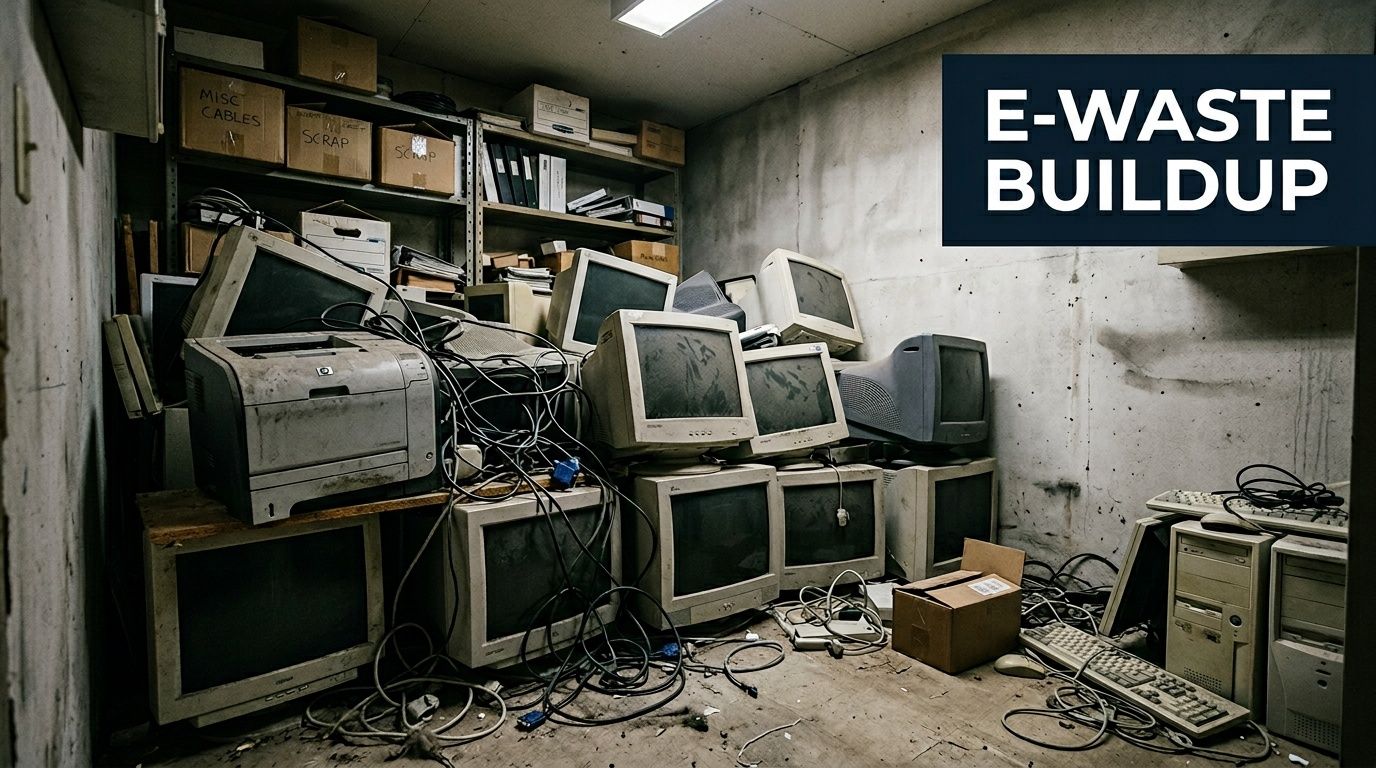
In a small office, this usually happens because the team is busy. In a larger company, it happens because nobody owns the project. Operations assumes IT will handle it. IT assumes facilities has a vendor. Facilities assumes someone will schedule a cleanout later.
Why Staples comes up first
Staples is the obvious answer because it feels manageable. You can load a few items into a car, drive to a store, and clear some space the same day. For a business trying to reduce clutter and keep usable material out of the landfill, that’s a practical starting point.
If your goal is general cleanup, that instinct isn't wrong. Responsible disposal matters, and if you’re trying to build a smarter internal process, this guide on how to reduce electronic waste is a useful place to start.
Where the closet problem gets more serious
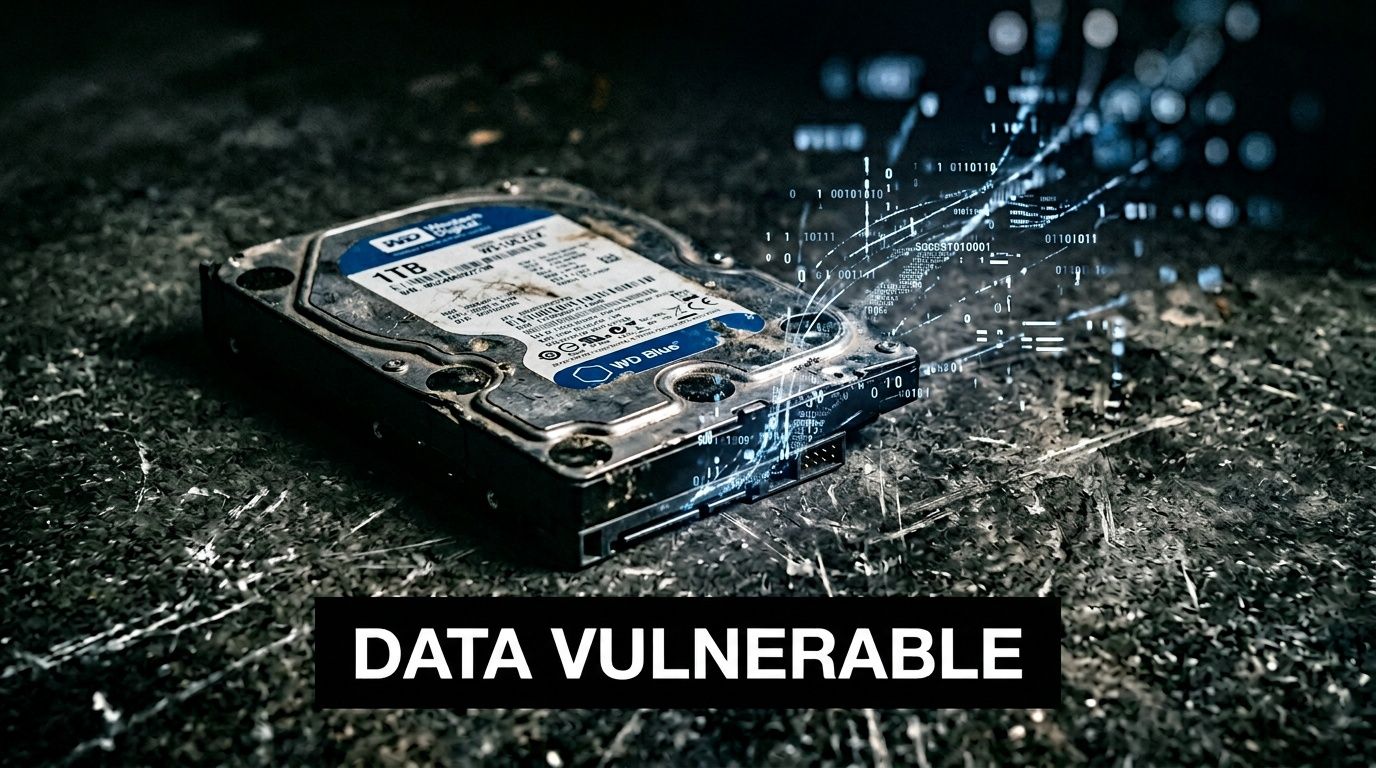
The trouble starts when the pile includes devices that once held company data. That can mean employee laptops, desktop towers, external hard drives, network gear, or phones. It can also mean equipment that looks harmless but still stores information, such as multifunction printers and backup devices.
Practical rule: If the device ever connected to your business systems, treat it like a data-bearing asset until someone verifies otherwise.
That’s the point where a simple cleanup job turns into an IT asset disposition decision. Staples may still fit. It may not. The right answer depends on risk, not just convenience.
Understanding the Staples Recycling Program
Staples is useful for one specific job. It gives a business an easy local drop-off option when the equipment count is small, staff can handle transport themselves, and the devices do not create a major compliance problem.
That convenience is why Atlanta-area businesses look at it first.
Staples has broad store coverage and an established recycling program. It also points to certified downstream processing through partners tied to e-Stewards standards, as summarized in this Staples recycling overview. From an environmental handling standpoint, that gives the program more credibility than a generic "electronics accepted here" sign.
For a simple office cleanout, that matters. If you have a few old monitors, dead keyboards, broken mice, or a printer your team has already cleared for disposal, a retail drop-off program can be perfectly reasonable. It is fast, familiar, and usually easier to schedule than a business pickup.
The limit is operational, not environmental.
Staples is still a consumer-facing channel. For a business, that leaves a gap between "the item was dropped off" and "the asset was retired in a way we can prove later." If you manage regulated data, client information, employee records, or even basic internal security policies, that gap matters more than the convenience of same-day drop-off.
Here is the practical split:
| Good fit for Staples | Usually a better fit for a professional ITAD provider |
|---|---|
| Small batches | Larger cleanouts or recurring disposal |
| Non-sensitive accessories and peripherals | Laptops, desktops, phones, servers, storage media |
| Equipment already sanitized internally | Assets that still need wiping, shredding, or destruction records |
| Cases where no pickup is needed | Cases where chain of custody starts at your office |
| Low-audit environments | Businesses with compliance, legal, or client reporting needs |
For companies that do use Staples, internal preparation does the heavy lifting. If a device ever stored company data, sanitize it before anyone puts it in a car. A documented process for how to wipe a computer before recycling closes part of the risk gap, but it does not replace serialized tracking, pickup logs, or destruction certificates.
That is the decision framework. Use Staples for convenience when the assets are low-risk and the stakes are low. Use a dedicated ITAD provider when you need accountability, documentation, and controlled handling from pickup through final disposition.
Your Step-by-Step Drop-Off Guide
If you’ve decided the Staples route fits your situation, keep the process simple and controlled. The goal is to move a small batch of equipment out of the office without creating avoidable risk on the way.
Before you leave the office
Start with a quick sort.
Separate devices into two groups:
- Clearly non-sensitive items
- Anything that may store data
That second group deserves extra attention. A monitor usually isn't the issue. A laptop, printer, desktop, phone, external drive, or SSD is.
Before drop-off, wipe what you can internally. If your team doesn't have a consistent process, use a checklist for how to wipe a computer before recycling. A basic wipe is still better than handing over a live device with company files intact.
Pack for control, not speed
Don't toss everything loosely into a trunk. Label items if you need internal tracking, especially if they came from different users or departments. If you remove drives before transport, bag and mark them separately so they don't get mixed into general office scrap.
A practical packing order works well:
- First layer: heavier items such as desktops or printers
- Middle: monitors and accessories
- Top: small loose devices, cables, and removable media in containers
This isn't about presentation. It prevents damage, confusion, and lost pieces in transit.
Bring only the equipment you’ve already approved for retail drop-off. The parking lot isn't the place to decide whether a company laptop should have gone through a formal disposition process.
What to expect at the store
At the store, bring the items to the service area designated for recycling or customer assistance. Staples staff typically receives the equipment, confirms it fits the program, and accepts it for processing.
For a small office cleanout, that simplicity is the main benefit. You don’t need to coordinate a truck, wait for a warehouse appointment, or hold material for a bulk pickup. You can get it out quickly.
What this process does not do is create the kind of audit trail many businesses need. You’re using a retail convenience channel. That’s fine for the right assets. It’s the wrong approach for the wrong ones.
Data Security Risks for Business Equipment
Business owners often assume that “recycled” also means “securely destroyed.” Those are different promises.
A responsible recycler can still be the wrong answer for your business if the intake process, documentation, and destruction standard don't match your compliance needs. Many companies make an avoidable mistake with electronic recycling at Staples because they focus on environmental responsibility and skip the data handling question.
The free drop-off gap
The free in-store Staples program is convenient, but it isn't the same as a business-grade data destruction workflow. For true B2B compliance, Staples offers a paid Large Recycling Kit with serialized tracking and a certificate of destruction, and its certified data destruction process can shred solid-state devices into 2 mm particles, according to the Staples Large Recycling Kit product details. That same source makes the key distinction explicit: that level of security is not offered in the free in-store drop-off program.
That’s the line many companies miss.
If Staples itself separates its free retail drop-off from its serialized, certified destruction service, your business should too.
Practical implications
A retired office PC may contain saved browser credentials, HR files, customer spreadsheets, tax records, or VPN tools. A copier may store scanned contracts. A phone may hold email, texts, and authentication apps. Even a failed SSD can still create risk if your process doesn't include verified destruction.
For businesses in healthcare, finance, legal, education, and government work, the issue isn't abstract. You need to be able to answer basic questions after the equipment leaves the office:
- Which exact asset was disposed of
- Who handled it
- How the data was destroyed
- What proof you retained
If you can't answer those questions, your recycling process may be environmentally responsible but operationally weak.
What a compliant process usually includes
A business-grade disposition path often includes more than one control point. At minimum, look for these:
| Control point | What it protects |
|---|---|
| Asset identification | Prevents missing or unaccounted-for devices |
| Chain of custody | Reduces ambiguity after pickup or transfer |
| Certified data destruction | Addresses recoverability risk |
| Reporting | Gives legal, audit, and internal teams proof |
If you need stronger handling, review options for secure data destruction before using a consumer drop-off path.
A safe consumer recycling process isn't automatically a compliant business disposition process.
A practical dividing line
Use a stricter standard any time the equipment came from employees, shared workstations, network closets, executive offices, finance teams, or multifunction devices. Those assets deserve documentation, not assumptions.
The free store program solves a transport and recycling problem. It does not automatically solve a governance problem.
The Professional Alternative Montclair Crew Recycling
For Atlanta-area businesses, a dedicated B2B recycler changes the process from “drop these off somewhere” to “manage this equipment as business property until final disposition.” That difference is what matters when you’re handling company assets instead of personal electronics.
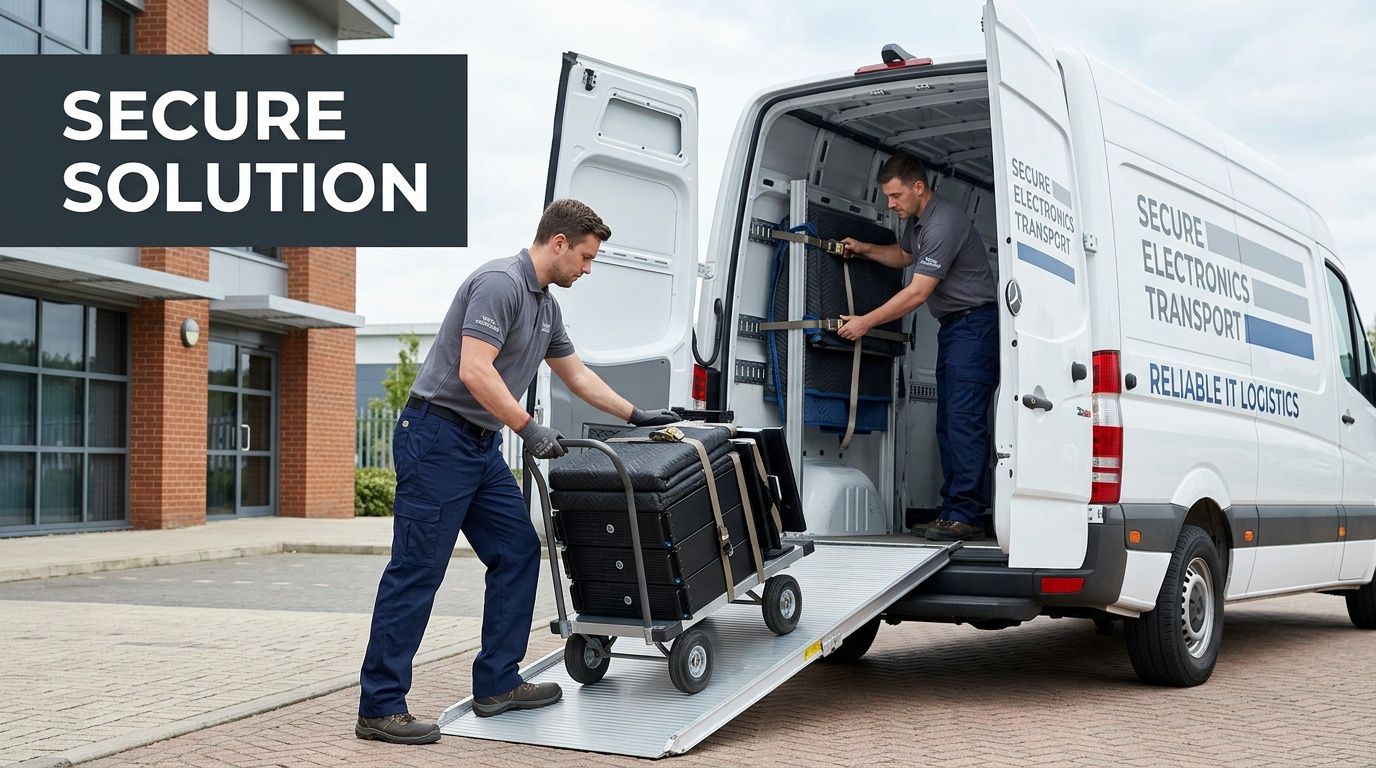
A professional ITAD provider is built around custody, documentation, and logistics. That means your staff doesn't have to load personal vehicles, make repeated retail trips, or guess whether a particular item belongs in the consumer stream.
What business service changes first
The first improvement is pickup. Equipment leaves the office through a planned handoff instead of an informal errand. That matters for volume, but it also matters for accountability.
The second improvement is reporting. Business recycling isn't just about whether the item gets processed. It's about whether your company can prove what happened.
Montclair Crew’s Atlanta-area service model includes corporate electronics disposal services in Georgia built around business collection, asset handling, and secure disposition. For organizations that need a cleaner internal process, that’s usually the difference between “we got rid of it” and “we can document it.”
When the professional route makes more sense
A dedicated B2B provider is usually the better fit in cases like these:
- You have multiple devices from former employees. Laptops, phones, docks, and drives need organized intake.
- The equipment includes servers or telecom gear. These don't fit neatly into a casual retail cleanup.
- Your industry has audit pressure. Healthcare, finance, schools, and public-sector offices often need retained records.
- The volume is large enough to disrupt staff time. Repeated store runs are not a good use of your team.
What works better than retail drop-off
For business equipment, these features usually create the biggest operational gain:
Chain of custody
A documented transfer reduces confusion about where the asset was between your office and final processing.
Serialized device reporting
If you need to match a retired asset back to an internal inventory list, serial-based reporting helps.
Data destruction options
Montclair Crew states that it offers free DoD 5220.22-M three-pass hard drive wiping and optional on-site shredding for organizations that need stricter controls. That’s a very different model from a general public drop-off bin.
Broader handling capability
Professional B2B recyclers are set up for office infrastructure. That includes servers, telecom equipment, larger decommissions, and mixed IT loads that would be awkward in a retail environment.
Businesses rarely struggle with the idea of recycling. They struggle with managing risk while doing it.
The main trade-off
A professional service is not the same thing as grabbing a box and heading to a store. It usually involves scheduling, inventory coordination, and a more formal handoff. That added structure is exactly why businesses use it.
If the assets are ordinary household electronics, that structure may be unnecessary. If the assets belong to your company and may affect compliance, it’s usually the right level of process.
Choosing Your Recycling Path Staples vs Montclair Crew
The fastest way to choose is to stop asking which option is “better” and ask which option fits the assets in front of you. Staples is useful. A B2B ITAD service is useful. They solve different problems.
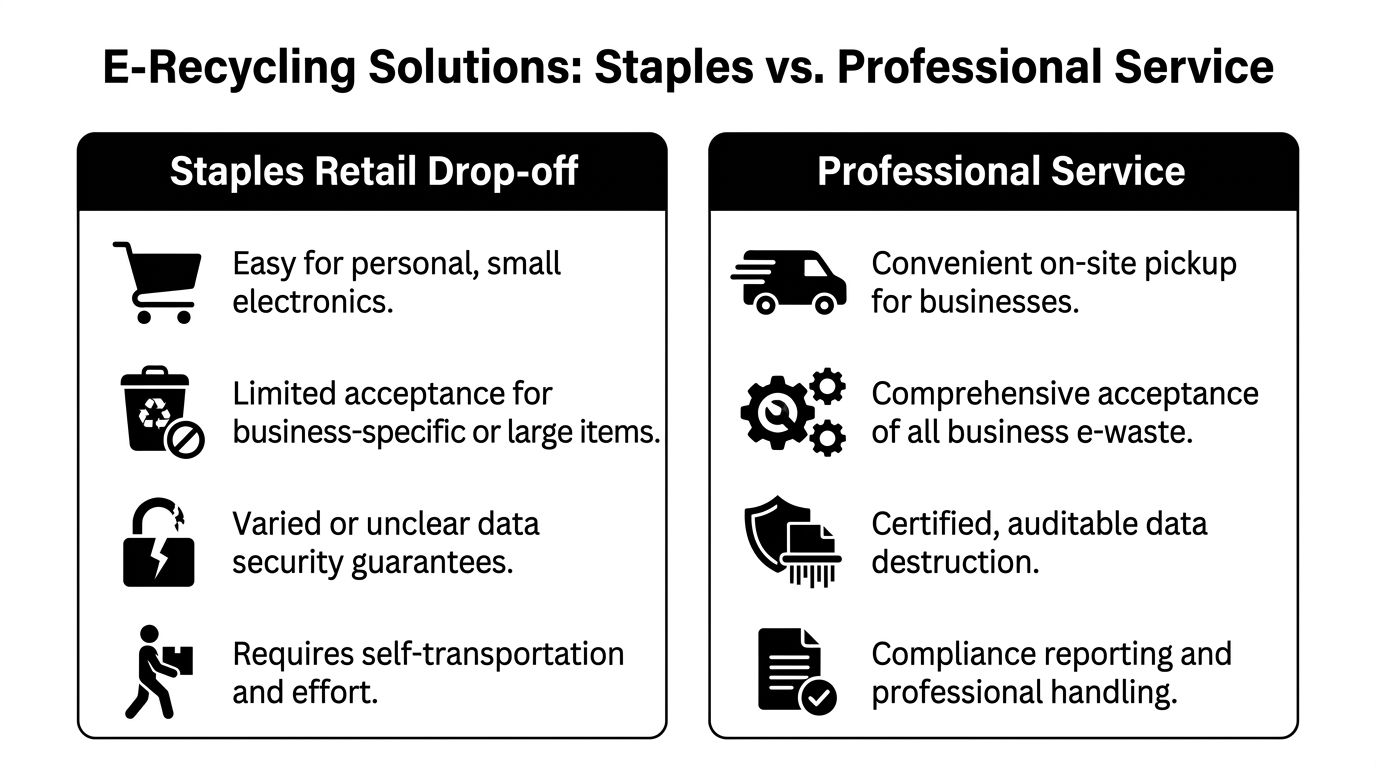
If you want another retail comparison for context, this guide to recycling electronics at Best Buy is useful because it shows how consumer programs tend to share the same strengths and limitations.
Recycling Service Comparison Staples vs. Montclair Crew
| Feature | Staples (Free In-Store Program) | Montclair Crew (B2B Service) |
|---|---|---|
| Best for | Small quantities and lower-sensitivity equipment | Business assets with security, reporting, or pickup needs |
| Convenience model | Customer drop-off | On-site business pickup |
| Data destruction documentation | Not the same as certified business-grade destruction in the free store program | Built around business documentation and secure handling |
| Chain of custody | Limited for business audit purposes | Designed for tracked business disposition |
| Volume handling | Better for modest loads | Better for office cleanouts and larger IT lots |
| Equipment profile | General electronics and office devices | Computers, laptops, servers, telecom gear, and mixed IT assets |
| Compliance fit | Limited for regulated business environments | Better aligned to business compliance workflows |
| Staff effort required | Your team sorts, transports, and unloads | Vendor manages pickup and downstream handling |
A simple decision rule
Choose Staples when all three are true:
- The batch is small.
- The equipment isn't sensitive.
- Your business doesn't need formal disposition records.
Choose a professional ITAD provider when any one of these is true:
- The devices held company data.
- Your industry expects documentation.
- The volume is too large for casual transport.
- The load includes infrastructure gear, not just office accessories.
That’s the practical split. One path is for convenient disposal. The other is for controlled disposition.
Making the Right Choice for Your E-Waste
Staples offers a public service. For small amounts of low-risk equipment, electronic recycling at Staples is accessible and responsible. That’s valuable.
Business equipment changes the equation. Once devices may contain company, employee, or customer data, recycling becomes a security process, not just a cleanup task. The right choice depends on whether you need convenience only, or convenience plus proof, control, and compliance.
If you’re staring at a closet full of retired office electronics in Metro Atlanta, sort the pile first. Keep low-risk items separate from anything data-bearing. Use the consumer channel where it fits. Use a business-grade process where the risk says you should.
Frequently Asked Questions
Is Staples recycling really free?
For many everyday electronics, yes. Staples is a practical drop-off option if you have a few low-risk items and you do not need pickup, asset tracking, or proof of data destruction.
Businesses should read "free" carefully. The store program can solve disposal, but it does not replace a documented IT asset disposition process.
Can I drop off old business laptops without wiping them first?
You can. I would not advise it.
A retired laptop, desktop, or external drive should be treated as a data-bearing asset until your team has wiped it and verified the result, or until a qualified recycler has processed it under a documented destruction workflow. If the device held employee records, customer files, financial data, saved passwords, or browser sessions, convenience should stop being the deciding factor.
Why do businesses need a stricter process than consumers?
Consumer recycling programs are built around easy participation. Business disposal has to hold up under policy reviews, client questions, and, in some cases, legal or regulatory scrutiny.
Staples cited low consumer electronics recycling rates and strong demand for new devices, as reported by Waste Dive’s coverage of the Staples study. That gap helps explain why retail programs focus on convenience first. Businesses have a different standard. They need chain of custody, data handling controls, and records that show what happened to each asset.
Does a professional recycler only make sense for large companies?
No. Small and mid-sized businesses often feel the pain sooner because they have fewer people to sort old equipment, log serial numbers, move heavy devices, and keep records straight.
A ten-person office with six retired laptops and a box of old drives can create more risk than a much larger company with a formal process. Volume matters, but data exposure and documentation needs matter more.
What happens to equipment after collection?
The equipment is usually triaged first. Reuse candidates are separated, commodities are broken down by material stream, and unusable items are sent to downstream processors.
For a business owner, the bigger issue is documentation. If a recycler cannot clearly explain how data-bearing devices are handled, who receives the material next, and what records you will get back, the process may be fine for household cleanup but weak for business compliance.
If your business in Metro Atlanta needs more than a retail drop-off, Montclair Crew Recycling can help with secure pickup, IT asset disposition, and data-focused electronics recycling built for business equipment. Contact the team to discuss your inventory, schedule a collection, or set up a compliant path for retired laptops, servers, drives, and office electronics.
