
In today's complex technology environments, simply tracking your IT assets is insufficient. Effective management demands a comprehensive strategy that spans an asset's entire journey, from procurement and deployment to secure data destruction and responsible e-waste recycling. Without a robust IT Asset Management (ITAM) framework, your organization faces significant risks. These include critical security vulnerabilities, costly software compliance penalties, uncontrolled "shadow IT" spending, and persistent operational bottlenecks that hinder productivity.
This guide provides a direct, actionable roundup of essential IT asset management best practices designed to address these challenges head-on. Each point offers specific implementation details to help you move from theory to practice quickly and effectively. By implementing these strategies, you will transform ITAM from a reactive, administrative burden into a proactive, strategic function. A well-executed plan not only optimizes costs and fortifies security but also aligns your technology infrastructure with core business objectives, ensuring every asset delivers maximum value throughout its lifecycle. We will explore how to build a program that secures, manages, and retires your technology with precision and foresight.
1. Implementing Automated Discovery and Inventory Management
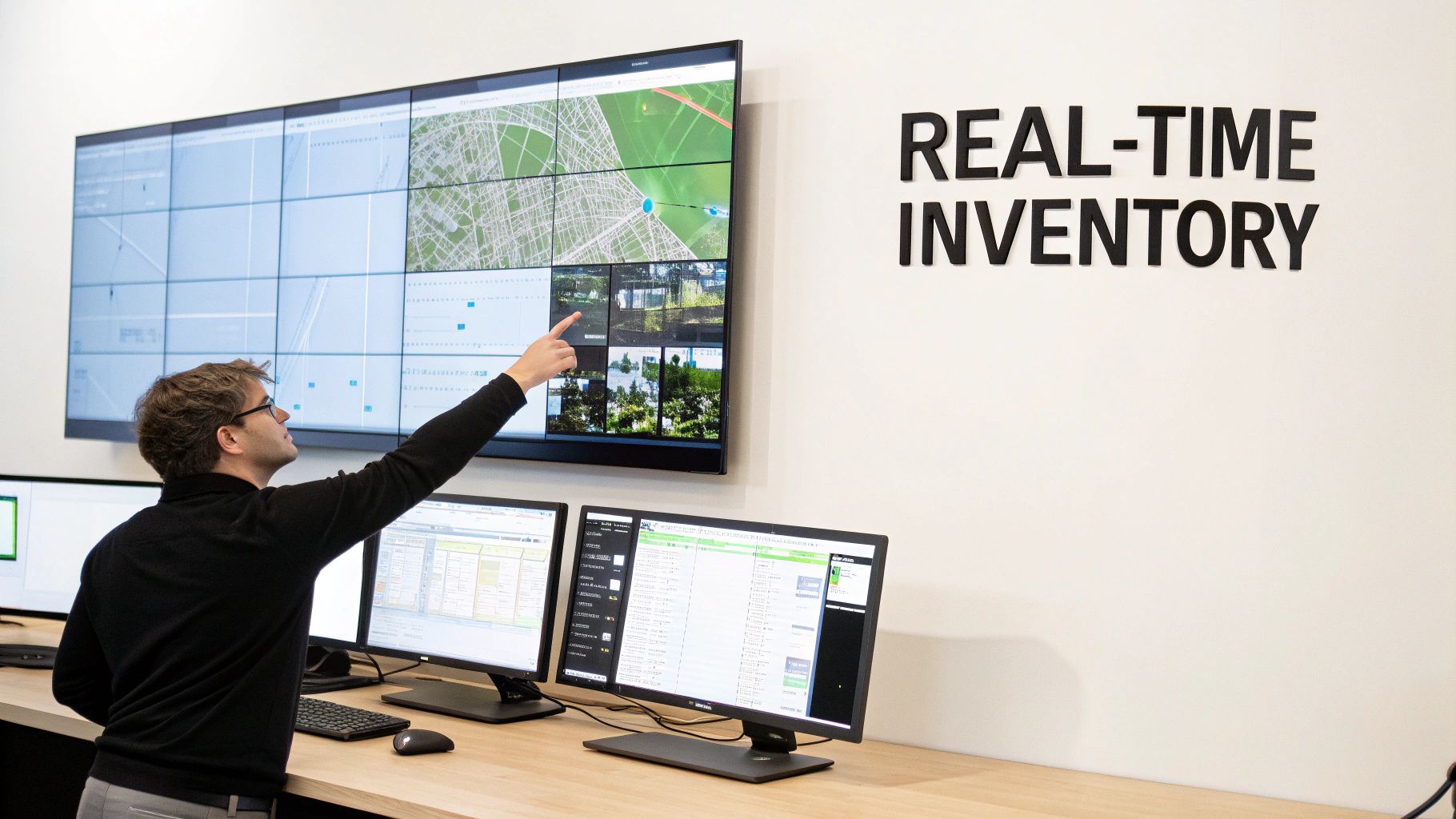
Manual inventory tracking is a relic of the past, prone to human error and incapable of keeping pace with dynamic IT environments. A cornerstone of modern IT asset management best practices is implementing automated discovery tools. These systems continuously scan your network infrastructure, identifying and cataloging every connected device, from servers and laptops to printers and IoT sensors. This creates a real-time, comprehensive inventory without manual intervention.
This approach provides an accurate, up-to-the-minute single source of truth for your entire asset portfolio. It eliminates ghost assets (items on record but physically missing) and uncovers shadow IT (unauthorized devices), providing a complete picture of your technological footprint.
Actionable Implementation Steps
To successfully deploy an automated system, start by establishing a baseline of your current inventory. This initial snapshot helps validate the accuracy of the automated tool once it's active. Next, configure discovery schedules during off-peak hours to minimize any impact on network performance.
Effective integration is key to maximizing value. Consider these steps:
- Set up automated alerts: Configure notifications for when new devices join the network or when assets are unexpectedly removed.
- Integrate with your help desk: Connect your discovery tool to your IT service management (ITSM) or ticketing system. When a user reports an issue, the ticket can automatically populate with the asset’s details, streamlining troubleshooting.
- Validate data regularly: Periodically cross-reference automated discovery data with physical audits to ensure ongoing accuracy and fine-tune your tool's configuration.
By automating inventory, you lay a foundational data layer that strengthens security, optimizes resource allocation, and simplifies lifecycle management. This accuracy is crucial, especially when assets reach end-of-life and require responsible disposal. You can discover more about proper disposal in our guide on electronic waste recycling.
2. Establishing a Centralized CMDB (Configuration Management Database)
While an automated inventory tells you what assets you have, a Configuration Management Database (CMDB) tells you how they all fit together. A CMDB is a centralized repository that stores information about your IT components (called Configuration Items or CIs) and, crucially, the relationships between them. This creates a detailed map of your entire IT ecosystem, serving as the definitive single source of truth for configurations and dependencies.
This holistic view is a game-changer for effective IT asset management best practices. It empowers your team to perform impact analysis before making changes, trace the root cause of incidents more quickly, and make informed strategic decisions. Instead of just a list of assets, you have a living model of your IT environment, from servers and software to the business services they support.
Actionable Implementation Steps
Deploying a CMDB requires a strategic, phased approach. Begin by identifying your most critical business services and mapping the assets that support them. This initial focus delivers immediate value and builds a solid foundation for expansion.
To ensure your CMDB remains accurate and useful, follow these steps:
- Define relationships: Actively map dependencies between assets. For example, link a specific application server to the database it relies on and the business service it enables.
- Automate data population: Integrate your CMDB with the automated discovery tools mentioned earlier. This ensures that CI data is populated and updated automatically, reducing manual effort and preventing data staleness. For comprehensive IT asset management, understanding and implementing a robust framework like CMDB and CSDM best practices is paramount to maintaining accurate configuration information.
- Establish governance: Appoint data owners for different CI classes and create clear processes for updating information. Conduct regular audits and reconciliation to validate data integrity and ensure the CMDB accurately reflects your live environment.
3. Implementing Lifecycle Management and Asset Depreciation Tracking
Effective IT asset management best practices extend far beyond simple inventory. They involve overseeing the entire lifecycle of an asset, from procurement and deployment to maintenance, and eventual disposal. Implementing a structured lifecycle management process allows you to track an asset’s total cost of ownership (TCO), including acquisition costs, maintenance expenses, and depreciation over time.
This holistic view provides critical financial insights, helping you maximize the return on investment (ROI) for every piece of hardware. By tracking depreciation and vendor support timelines, you can proactively plan for upgrades and replacements, avoiding unexpected expenses and performance bottlenecks. This financial and operational foresight is what separates basic inventory from strategic asset management.
Actionable Implementation Steps
To begin tracking the asset lifecycle, you must first define standard lifecycle stages for different asset categories (e.g., servers, laptops, networking gear). This creates a consistent framework for management. From there, you can integrate financial data and automate key processes.
Effective lifecycle and depreciation tracking involves several key actions:
- Establish standard lifecycle definitions: Create clear stages such as Procurement, Deployment, In-Use, Maintenance, and End-of-Life for each asset type.
- Automate depreciation calculations: Use ITAM software to apply standard depreciation methods (like straight-line or declining balance) to automate financial reporting and budget forecasting.
- Integrate with financial systems: Connect your ITAM platform to your organization's accounting software to ensure data consistency and streamline financial audits.
- Track vendor end-of-support dates: Set up automated alerts for warranty expirations and end-of-support dates to avoid security vulnerabilities and unplanned downtime.
By understanding an asset's age and performance history, you can make informed decisions about its future. For a deeper dive into aging hardware, you can find helpful information in our guide on how to determine your computer's age.
4. Software License Compliance and Optimization
Failing to manage software licenses is a direct path to unexpected costs and legal liabilities. One of the most critical IT asset management best practices involves establishing a systematic approach to software license compliance and optimization. This process ensures your organization adheres to vendor agreements, preventing costly penalties from software audits while simultaneously identifying opportunities to reduce spending by eliminating unused or redundant licenses.
This practice transforms software from an unmanaged expense into a strategically optimized asset. By tracking usage against entitlements, you can prevent over-licensing, reallocate underutilized licenses, and make informed procurement decisions. This proactive management provides a clear view of your software landscape, mitigating risks associated with non-compliance and shadow IT.
Actionable Implementation Steps
To build a robust software license management program, begin by centralizing all license agreements and purchase records into a single repository. This creates a baseline for entitlement that you can compare against actual software installations discovered on your network. From there, you can move toward optimization.
Effective license management requires ongoing vigilance and clear processes:
- Establish a software request workflow: Implement a formal approval process for all new software purchases to prevent unauthorized installations and ensure proper license allocation from the start.
- Conduct regular internal audits: Periodically scan your network for installed software and compare the findings against your license entitlements. This helps you identify and remediate compliance gaps before a vendor audit occurs.
- Categorize and track license types: Differentiate between perpetual, subscription, SaaS, and usage-based licenses. Each type has unique compliance rules that must be monitored differently.
By mastering software license management, you not only avoid legal trouble but also unlock significant savings. This data-driven approach allows you to negotiate more effectively with vendors and ensures that every dollar spent on software delivers maximum value to your organization.
5. Implementing Security and Access Control Policies for Assets
IT assets are not just tools; they are gateways to sensitive corporate and customer data. A critical component of IT asset management best practices involves establishing robust security and access controls. This means defining who can access what, when, and how, ensuring that every asset is protected from unauthorized use, theft, or data breaches throughout its lifecycle.
This strategy moves beyond basic password protection to a comprehensive framework that includes identity verification, role-based access control (RBAC), and physical security measures like asset tagging. By implementing these policies, you create a defensible security posture that aligns with frameworks like NIST and ISO 27001, safeguarding your organization’s most valuable information.
Actionable Implementation Steps
Begin by classifying assets based on their sensitivity level and the data they handle. This classification will determine the stringency of the security controls applied. Next, enforce the principle of least privilege, granting users only the minimum access required to perform their jobs.
To effectively implement these controls, consider the following actions:
- Implement Role-Based Access Control (RBAC): Use platforms like Okta or Microsoft Intune to create access profiles based on job functions, automating permissions and simplifying management.
- Conduct Regular Access Reviews: Schedule quarterly audits of user access rights to identify and revoke unnecessary or outdated permissions, especially for high-privilege accounts.
- Automate Deprovisioning: Integrate your HR system with your access management tools to automatically disable access for terminated employees, closing a common security gap.
These security measures ensure assets are protected during their active use. When an asset is retired, protecting its data becomes equally important. You can find more details in our guide on what is data sanitization to ensure secure disposal.
6. Establishing Asset Tagging and Barcode/RFID Systems
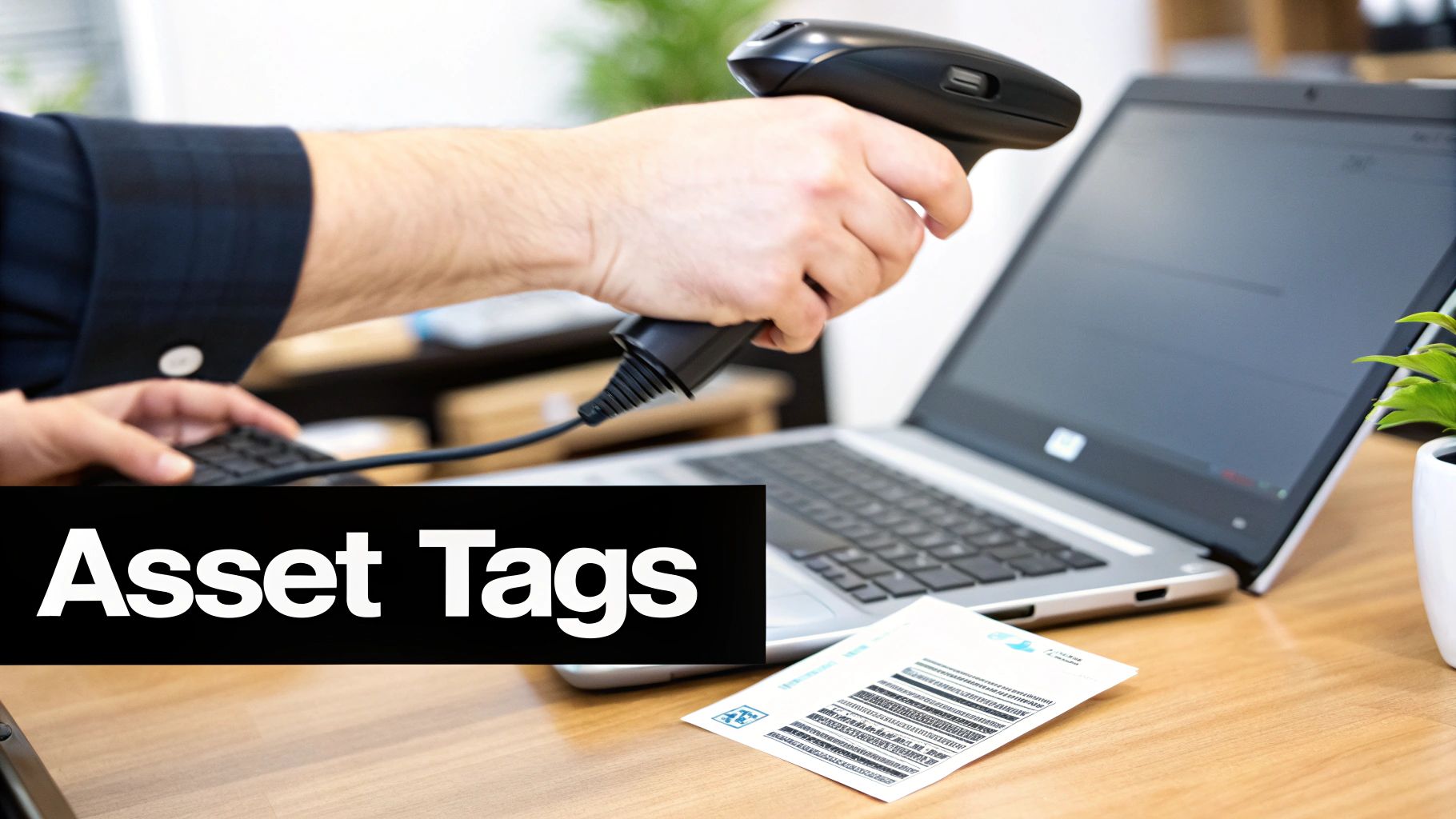
While automated discovery tools excel at tracking software and network-connected devices, physical identification remains a critical component of IT asset management best practices. Implementing a system of asset tagging with barcodes, QR codes, or RFID technology affixes a unique physical identity to every piece of hardware. This allows for rapid and accurate tracking as assets move between departments, locations, or employees.
This method bridges the gap between your digital inventory and the physical world, creating accountability and simplifying audits. It streamlines processes like equipment check-in/check-out, location verification, and maintenance scheduling, ensuring that no physical asset gets lost in the shuffle.
Actionable Implementation Steps
To begin, develop a standardized tagging convention that includes essential information like asset ID, purchase date, and assigned user. Consistency is key to a scalable system. For physical IT assets requiring robust and clear identification, particularly in industrial or challenging environments, consider utilizing durable Traffolyte labels.
Effective deployment requires a clear strategy:
- Establish tagging standards: Define where tags are placed on different types of equipment (e.g., top-left corner on laptops, front panel on servers) to ensure uniformity.
- Integrate scanning with your ITAM system: Connect your mobile scanners directly to your central asset database. This allows for real-time updates during physical audits or when an asset's status changes.
- Train staff on procedures: Ensure all IT staff are trained on proper scanning procedures for receiving new equipment, deploying assets to users, and conducting periodic inventory checks.
By combining physical tags with a digital management system, you create a robust, hybrid approach that provides complete oversight of your asset lifecycle from procurement to disposal. This physical verification is essential for preventing loss and theft.
7. Establishing Service Level Agreements (SLAs) for Asset Support
Beyond tracking assets, it is crucial to define expectations for their performance, maintenance, and support. Establishing clear Service Level Agreements (SLAs) is an essential IT asset management best practice that formalizes the level of service expected from the IT department. These agreements outline specific, measurable targets for asset uptime, response times for support requests, and resolution times for issues.
This practice transforms asset support from a reactive, unpredictable process into a structured, reliable service. For example, a high-priority enterprise server might have an SLA guaranteeing 99.9% uptime and a one-hour response time, while a standard office printer may have a next-business-day support target. This tiered approach ensures resources are allocated according to business impact, maximizing operational efficiency and minimizing downtime for critical systems.
Actionable Implementation Steps
To implement effective SLAs, begin by classifying assets into tiers based on their criticality to business operations. This allows you to create tailored agreements that reflect the importance of each asset category. From there, you can define and communicate clear service expectations.
Consider these steps for a successful rollout:
- Define asset classifications: Create tiers (e.g., Tier 1 for critical servers, Tier 2 for employee laptops, Tier 3 for peripherals) to assign appropriate service levels.
- Set realistic metrics: Establish achievable response and resolution times for each tier. Include clear escalation procedures for when these targets are at risk.
- Integrate SLAs into vendor contracts: When procuring new assets, ensure vendor support contracts align with or exceed your internal SLAs.
- Monitor and review regularly: Track SLA compliance monthly and conduct an annual review to adjust targets based on performance data and evolving business needs.
By formalizing support expectations, you ensure consistent service delivery and make informed decisions about asset lifecycles, including when it’s time to decommission a server that can no longer meet its SLA.
8. Implementing Cost Allocation and Chargeback Models
Treating IT as a cost center without accountability is an outdated approach. A key element of modern IT asset management best practices involves implementing cost allocation and chargeback models. These systems assign the costs of IT assets and services directly to the business units that use them, shifting from a generalized overhead model to a consumption-based one. This fosters financial discipline and encourages departments to be more mindful of their resource usage.
This strategy transforms how your organization views IT spending. Instead of seeing it as a necessary expense, departments can directly correlate technology costs with their operational output and revenue generation. This transparency promotes smarter decision-making, such as choosing more cost-effective software licenses or rightsizing cloud infrastructure, leading to significant savings.
Actionable Implementation Steps
To introduce this model without causing organizational friction, begin with a "showback" phase. This involves reporting usage costs to departments without actually charging them, allowing them to understand their consumption patterns first. Once they are accustomed to the data, you can transition to a full chargeback system.
Effective implementation requires clear communication and accurate data:
- Define a clear methodology: Establish a transparent and fair formula for how costs are calculated. This could be based on CPU hours, storage consumed, software licenses assigned, or help desk tickets logged.
- Utilize metering tools: Deploy tools to accurately measure resource consumption. For example, use native cloud monitoring in AWS or Azure for infrastructure costs or SAM tools for software license allocation.
- Communicate and educate: Regularly report costs to business unit leaders and educate them on how their decisions impact IT spending. Explain the benefits of the model in terms of budget control and efficiency.
By linking costs directly to consumption, you empower business units to manage their technology footprint responsibly. This financial accountability is crucial for optimizing budgets and ensuring that IT investments deliver clear business value.
9. Establishing Asset Management Governance and Policies
Without clear rules, IT asset management can become chaotic, leading to inconsistencies, compliance risks, and wasted resources. A critical best practice is to establish a robust governance framework with documented policies and procedures. This framework defines roles, responsibilities, and standardized processes for handling IT assets throughout their lifecycle, ensuring everyone in the organization follows the same playbook.
This structured approach transforms asset management from a reactive task into a strategic, organization-wide function. It creates accountability and provides clear guidelines for procurement, deployment, maintenance, and, crucially, secure disposal. By codifying these rules, you align IT operations with business goals and regulatory requirements like HIPAA or FISMA.
Actionable Implementation Steps
To build an effective governance structure, start by forming a cross-functional committee with representatives from IT, finance, legal, and key business units. This ensures policies are practical and have organizational buy-in. From there, focus on clear and accessible documentation.
Consider these key actions to solidify your policies:
- Develop a RACI matrix: Clearly define who is Responsible, Accountable, Consulted, and Informed for major asset management processes like procurement, audits, and disposal.
- Integrate policy training: Include asset management policies as a mandatory part of new employee onboarding and conduct annual refresher courses for all staff.
- Schedule regular policy reviews: The technology landscape changes rapidly. Review and update your governance policies at least annually to address new technologies, security threats, and business needs.
- Mandate disposal verification: Your policy should require proof of secure data destruction for all retired assets. Understanding the importance of a certificate of destruction is a key component of this process, as it provides a verifiable audit trail.
10. Implementing Predictive Analytics and AI for Asset Management
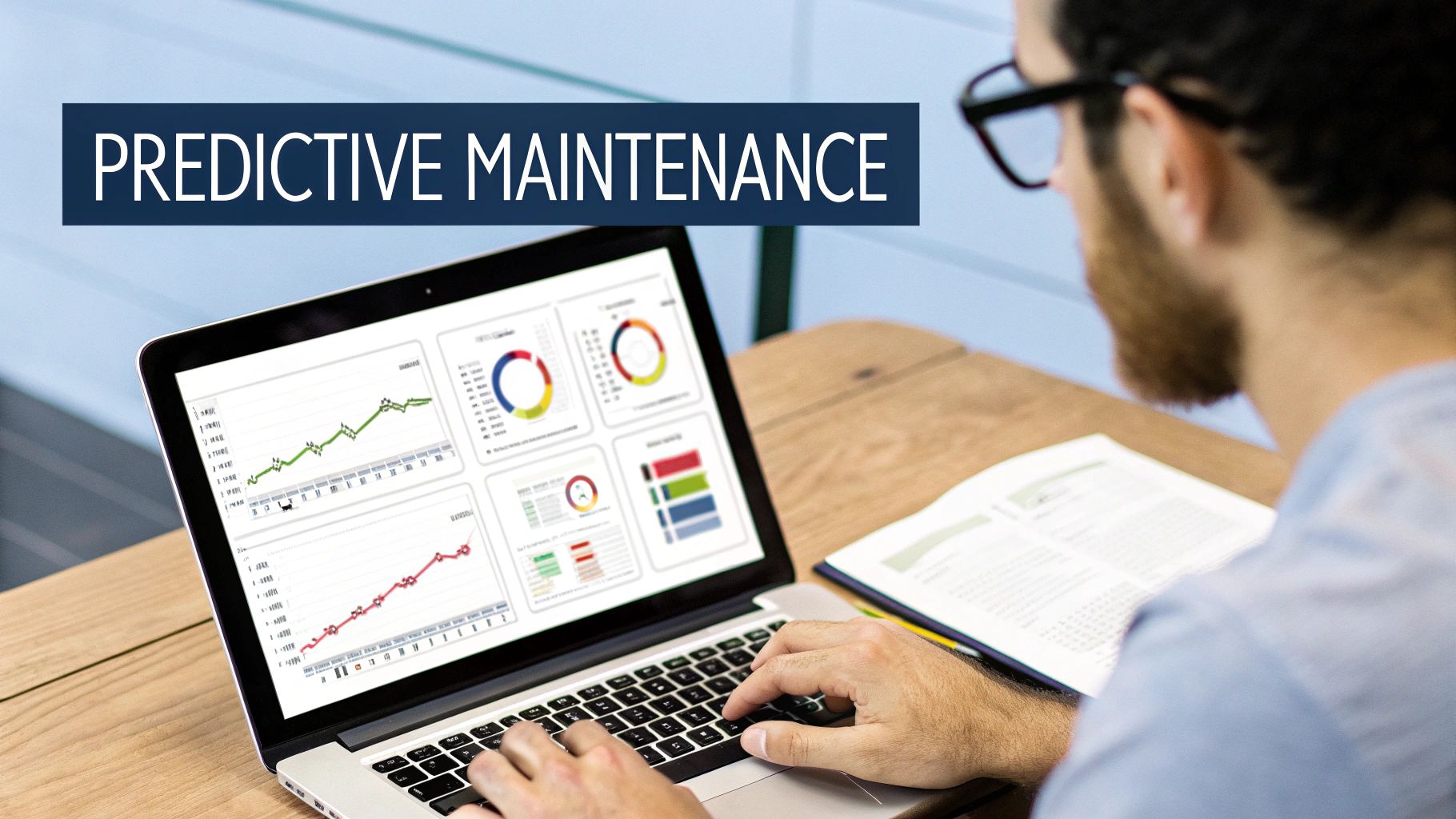
Moving beyond reactive management, forward-thinking organizations are adopting predictive analytics and AI to transform their IT asset management best practices. This advanced approach uses machine learning algorithms to analyze historical asset data, forecast potential failures, optimize maintenance schedules, and predict total lifecycle costs. It shifts IT management from fixing problems as they occur to preventing them before they impact operations.
By leveraging AI, you can identify patterns and trends invisible to human analysis, leading to smarter procurement decisions and reduced operational downtime. For instance, platforms like ServiceNow now use AI to provide recommendations for asset optimization, ensuring you get maximum value from your IT investments.
Actionable Implementation Steps
To successfully integrate AI and predictive analytics, you must begin with a strong data foundation. Clean, accurate, and comprehensive historical data on asset performance, maintenance history, and costs is essential for training effective machine learning models.
Follow these steps for a structured implementation:
- Start with a clear objective: Identify a specific goal, such as reducing server failures or optimizing software license usage. This focuses your initial efforts.
- Select the right tools: Evaluate platforms like IBM Maximo or Splunk that offer robust AIOps (AI for IT Operations) capabilities suited to your specific needs and existing infrastructure.
- Validate and refine your models: Begin with simpler predictive models and continuously validate their predictions against actual outcomes. Use this feedback loop to refine the algorithms and improve their accuracy over time.
- Combine AI insights with human expertise: Use AI-driven recommendations as a powerful decision-support tool, not a replacement for experienced IT professionals. Their judgment is crucial for interpreting complex or unusual scenarios.
10-Point IT Asset Management Best-Practices Comparison
| Item | Implementation complexity 🔄 | Resource requirements ⚡ | Expected outcomes 📊 | Ideal use cases 💡 | Key advantages ⭐ |
|---|---|---|---|---|---|
| Implementing Automated Discovery and Inventory Management | Medium–High 🔄🔄🔄 | Moderate (discovery tools, network access, integrations) ⚡⚡ | Real-time asset visibility, fewer manual errors, improved audits 📊 | Dynamic networks, hybrid cloud, large/rapidly changing estates 💡 | Accurate, up-to-date inventory; detects shadow IT ⭐⭐⭐ |
| Establishing a Centralized CMDB | High 🔄🔄🔄🔄 | High (governance, integrations, staff training) ⚡⚡⚡ | Single source of truth; faster incident resolution; better change mgmt 📊 | Enterprises with complex dependencies and change processes 💡 | Relationship mapping; supports service mapping & compliance ⭐⭐⭐⭐ |
| Implementing Lifecycle Management & Asset Depreciation Tracking | Medium 🔄🔄 | Moderate (finance integration, historical data) ⚡⚡ | Optimized replacement timing; improved budgeting and compliance 📊 | Asset-heavy orgs, finance-driven planning, regulated disposal workflows 💡 | Better ROI and accurate cost allocation; EOL planning ⭐⭐⭐ |
| Software License Compliance & Optimization | Medium–High 🔄🔄🔄 | Moderate–High (usage monitoring, legal/vendor management) ⚡⚡⚡ | Reduced licensing costs; lower audit risk; purchasing insights 📊 | Organizations with significant software spend or mixed license models 💡 | Cost savings, audit protection, usage-based decisions ⭐⭐⭐⭐ |
| Implementing Security & Access Control Policies for Assets | High 🔄🔄🔄🔄 | High (IAM/MFA, SIEM, policy enforcement) ⚡⚡⚡ | Fewer unauthorized access incidents; improved compliance & forensics 📊 | Regulated industries; sensitive data environments; zero-trust adoption 💡 | Stronger access controls; supports compliance and incident response ⭐⭐⭐⭐ |
| Establishing Asset Tagging and Barcode/RFID Systems | Low–Medium 🔄🔄 | Low–Moderate (tags, scanners, mobile devices) ⚡⚡ | Faster physical inventory; reduced loss/theft; accurate audits 📊 | Offices, warehouses, field assets, environments needing physical tracking 💡 | Quick ID/location of assets; cost-effective (barcodes) ⭐⭐⭐ |
| Establishing Service Level Agreements (SLAs) for Asset Support | Medium 🔄🔄 | Moderate (process definition, monitoring tools) ⚡⚡ | Predictable support delivery; measurable performance KPIs 📊 | IT service desks, critical business services, vendor-managed assets 💡 | Aligns IT support to business priorities; measurable SLAs ⭐⭐⭐ |
| Implementing Cost Allocation and Chargeback Models | High 🔄🔄🔄 | High (metering, billing systems, finance integration) ⚡⚡⚡ | Transparent cost attribution; encourages efficient usage; better forecasting 📊 | Cloud cost control, shared services, showback/chargeback initiatives 💡 | Promotes accountability and accurate cost reporting ⭐⭐⭐ |
| Establishing Asset Management Governance and Policies | Medium–High 🔄🔄🔄 | Moderate (policy creation, training, governance bodies) ⚡⚡ | Consistent practices; reduced rogue purchases; compliance adherence 📊 | Organizations needing standardization, regulatory compliance, centralized control 💡 | Clear roles/responsibilities; consistent asset lifecycle management ⭐⭐⭐ |
| Implementing Predictive Analytics & AI for Asset Management | Very High 🔄🔄🔄🔄🔄 | Very High (historical data, ML models, data science expertise) ⚡⚡⚡⚡ | Fewer unplanned failures; optimized maintenance schedules; cost reductions 📊 | Large datasets, critical uptime environments, predictive maintenance needs 💡 | Preventive maintenance, data-driven recommendations, reduced downtime ⭐⭐⭐⭐ |
Turning Best Practices into Business Value
Navigating the complexities of the modern IT landscape requires more than just acquiring technology; it demands a strategic, disciplined approach to managing every asset from procurement to disposal. The it asset management best practices we've explored, from implementing automated discovery and establishing a centralized CMDB to integrating predictive analytics, are not isolated tasks. They are interconnected components of a powerful operational engine that drives business success.
Adopting these practices moves your organization from a reactive "fix-it" model to a proactive, strategic framework. You gain clear visibility into your entire IT ecosystem, empowering you to make informed decisions that optimize costs, enhance security, and ensure seamless service delivery. It’s the difference between guessing your software license needs and knowing them precisely, or between discovering a security vulnerability after a breach and preventing it with robust access controls.
From Theory to Tangible ROI
The true value of a mature ITAM program is measured in tangible outcomes. By implementing lifecycle tracking and cost allocation, you transform your IT department from a cost center into a value-driven business partner. You can accurately charge back usage, justify technology investments with hard data, and plan future budgets with confidence.
Key takeaways to prioritize include:
- Centralize Your Data: A robust CMDB is the single source of truth that underpins all other ITAM functions. Without it, you are managing assets in silos.
- Automate Where Possible: Manual tracking is prone to error and inefficiency. Automated discovery, inventory, and monitoring tools are essential for accuracy at scale.
- Secure the Entire Lifecycle: Security is not just a firewall issue. It involves managing access, tracking physical assets, and, critically, ensuring secure data destruction at end-of-life.
The Final, Critical Step: Secure and Sustainable Disposition
While managing active assets is crucial, the final stage of the lifecycle, disposal, carries some of the most significant risks. A single misplaced hard drive can lead to a catastrophic data breach, regulatory fines, and irreparable damage to your reputation. This is where your ITAM strategy must extend beyond your four walls to include a certified, trusted partner.
Proper IT asset disposition (ITAD) is a non-negotiable component of a comprehensive ITAM program. It ensures that all sensitive data is irretrievably destroyed according to standards like those set by the Department of Defense (DoD). Furthermore, it guarantees that electronic waste is recycled responsibly, aligning your operational practices with corporate sustainability goals and environmental regulations. Integrating these it asset management best practices builds a resilient, efficient, and forward-thinking IT infrastructure that not only supports your business today but also prepares it for the challenges of tomorrow.
Ready to master the final, most critical phase of IT asset management? Partner with Montclair Crew Recycling for certified, secure, and environmentally responsible ITAD services, including free DoD-compliant data wiping for businesses in the Metro Atlanta area. Visit us at Montclair Crew Recycling to ensure your end-of-life assets are handled with the expertise and security you can trust.
