
Figuring out where to unload your old laptop really comes down to one thing: what do you value more, cold hard cash or sheer convenience?
If you're looking to squeeze every last dollar out of your old machine, online marketplaces like Swappa or eBay are usually the way to go, but you'll have to put in the work. On the flip side, if you just want it gone now with zero fuss, manufacturer trade-in programs offer instant credit toward your next purchase.
Your Quick Guide to the Best Places to Sell a Laptop
It can feel a little overwhelming trying to find the right home for your old tech, but each option out there really serves a different need. The best choice for you depends entirely on what you're trying to achieve—whether that's maximizing your return, getting rid of it fast, or making sure your data is handled securely.
The market for used electronics is surprisingly strong. The global refurbished laptop market actually hit USD 8.9 billion in 2024 and is expected to keep climbing. This is driven by smart buyers who want quality gear without the brand-new price tag, making online marketplaces a great place for sellers to connect with a huge audience.
Comparing Your Selling Options
Before we get into the nitty-gritty, let's take a high-level look at your main options. Each one strikes a different balance between what you get back and what you have to put in.
Laptop Selling Channels At a Glance
Here’s a quick comparison of the most popular places to sell your laptop. This should help you see the key differences in potential earnings, speed, and how much work is involved on your part.
| Selling Channel | Potential Payout | Speed of Sale | Effort Level |
|---|---|---|---|
| Online Marketplaces | High | Slow to Moderate | High |
| Manufacturer Trade-In | Low to Moderate | Instant | Very Low |
| Big-Box Retailers | Low to Moderate | Fast | Low |
| Local Buyers | Moderate to High | Fast to Moderate | Moderate |
| ITAD Services | Varies | Fast | Low |
Breaking it down is simple: if you have the time and want the most cash, marketplaces are your best bet. If you're upgrading and just want a smooth, easy process, trade-ins are perfect. For businesses offloading a bunch of devices at once, specialized ITAD (IT Asset Disposition) services are the way to go.
For companies here in Atlanta, finding reliable partners that handle bulk laptop pickups can be a real game-changer, saving you time and logistical headaches.
It all comes down to defining your priority. Are you willing to take photos, write a description, and deal with shipping for an extra $100? Or is the convenience of an instant gift card worth more to you right now?
Getting a handle on these differences is the first step. For more great insights, it’s worth checking out general strategies for selling used items for top dollar, because a lot of the same principles apply no matter what you're selling.
How to Accurately Determine Your Laptop's Value
Before you can sell your laptop, you need a realistic price. Honestly, setting the right price from the get-go is the single biggest factor in making a quick sale. If you aim too high, you'll hear nothing but crickets. Price it too low, and you're just leaving cash on the table.
Your goal is to become an expert on your exact model. This means looking at your laptop through a critical buyer's eye. Get it under some good lighting and do a thorough physical inspection. Note every single scratch, dent, or scuff mark. Be brutally honest here—buyers certainly will be.
Next, fire it up and test everything. Do all the keys work? Is the trackpad still responsive and clicky? Plug something into every port to make sure they all connect properly.
Assess Your Laptop's Core Condition
What's on the inside is just as important as how it looks on the outside. Three key areas really determine the bulk of its value: the screen, the battery, and the core specs.
- Screen Condition: Hunt for dead pixels, bright spots, or any weird discoloration. A flawless screen is a huge selling point and can make or break a deal.
- Battery Health: Modern operating systems can generate a battery health report. A battery that still holds a strong charge is way more valuable than one that dies in an hour. For instance, a MacBook showing a battery health of over 85% will always fetch a higher price.
- Exact Specifications: You have to know your CPU, RAM, and storage size. Don't guess—dig into your system information to confirm the details. A laptop with 16GB of RAM is in a different league than one with 8GB, and a savvy buyer will want to know the exact processor model.
The age of your device is also a massive factor in its depreciation. If you're not sure exactly how old it is, figuring out how to tell how old your computer is will give you a much better starting point for your research.
Research Real-World Sold Prices
At the end of the day, your laptop is only worth what someone is actually willing to pay for it. The best way to find that magic number is to see what identical models have actually sold for recently.
Don't just look at current asking prices on sites like eBay or Facebook Marketplace. That's just wishful thinking. Instead, use their filter options to view "Sold" or "Completed" listings. This is real transaction data, not just what sellers are hoping to get.
I'd recommend creating a simple spreadsheet to track the sale prices of at least five to ten laptops with the same specs and in similar cosmetic shape as yours. Doing this will give you a solid, realistic price range to work with.
Finally, don't forget the little things that add value. Do you still have the original box, charger, and manuals? These items signal to a buyer that the device was well-cared for and can easily add $25-$50 to your final sale price. A transferable warranty like AppleCare+ is another significant bonus that can make your listing stand out from the crowd.
Comparing Your Best Selling Options
Once you have a realistic price in your head, the big question is: where do you actually sell this thing? It really boils down to a classic trade-off—getting the most cash versus having the least amount of hassle. Every platform is built for a different kind of seller, and figuring out where you fit in is the key to a smooth sale.
Online marketplaces like eBay and Swappa almost always put the most money in your pocket. Why? Because you're connecting directly with a huge pool of people who are actively shopping for used tech. But that higher payout comes with a bit more work. You'll be the one taking photos, writing the listing, answering questions, and dealing with shipping.
For many people, this is the main decision point. This quick visual guide can help you figure out which path makes the most sense from the get-go.
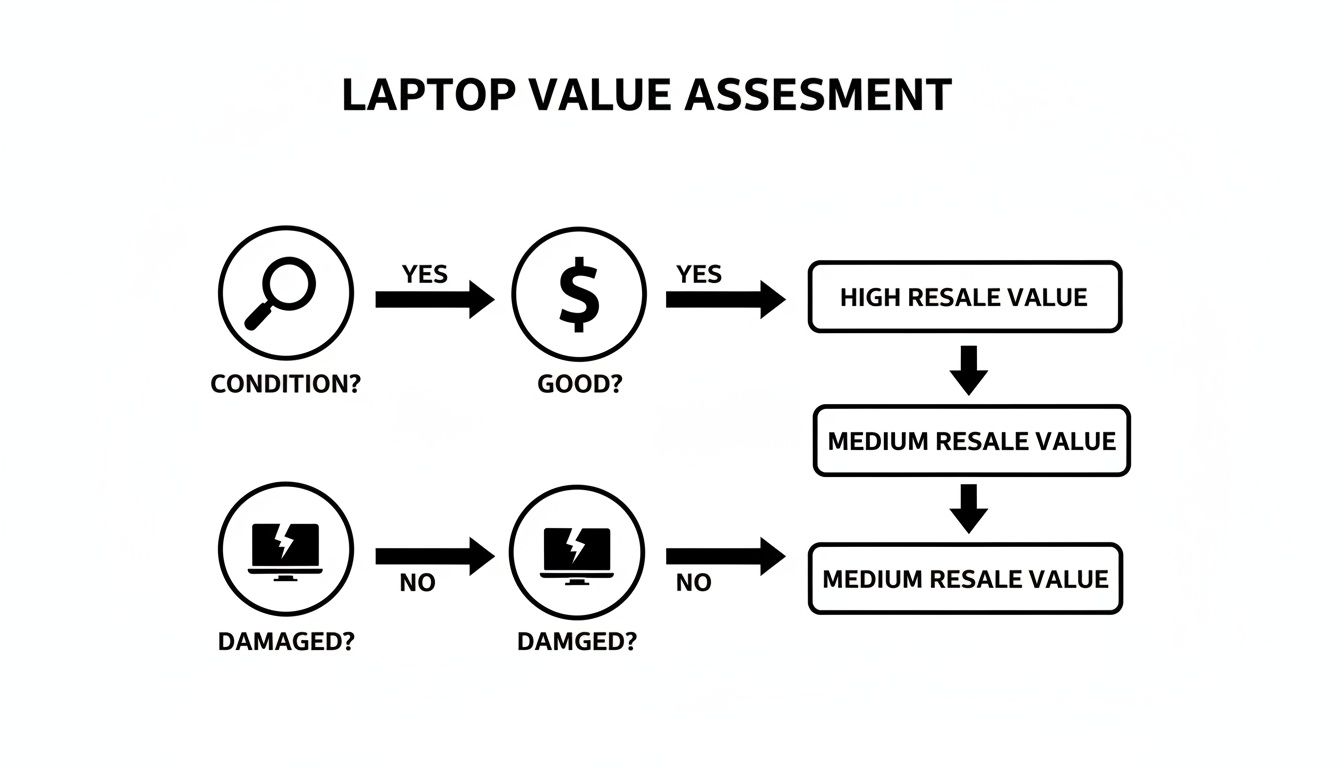
As you can see, a laptop in good shape opens up the most profitable selling channels, while a beat-up machine is usually better suited for a simple trade-in or a responsible recycling program.
Maximizing Profit on Marketplaces
If getting top dollar is your goal, then specialized tech marketplaces are where you want to be. Swappa, for instance, is built just for electronics. They have a verification process that weeds out junk, which helps buyers feel more confident. That trust often translates to faster sales and better prices for you.
eBay gives you access to the largest audience on the planet, but it's a bit of a wild west. You'll face higher seller fees and a bit more risk. To protect yourself, be brutally honest about your laptop's condition in the listing and take plenty of clear photos.
It's no surprise that laptops are a hot commodity. They make up the biggest slice of the refurbished computer market, pulling in 74.2% of the revenue. This huge demand makes these resale platforms incredibly effective for connecting with buyers who are ready to pull the trigger.
The Convenience of Trade-In Programs
What if you just want this old laptop gone, like, yesterday? If speed and simplicity are your priorities, trade-in programs are tough to beat. Big names like Apple, Best Buy, and Amazon have this process down to a science. You answer a few questions online, get an instant quote, and ship your device off with a prepaid label. It's incredibly easy.
The catch is that you're swapping cash for convenience. The payout is almost always lower than what you’d get from a private sale, and it usually comes as a gift card or store credit, not actual cash.
This is a fantastic option if you're already planning to buy your next device from that same store. The credit gets applied right away, making your new gadget feel a little more affordable without all the back-and-forth of selling it yourself.
To help visualize the difference in potential earnings, here's a rough comparison of what you might expect from different channels for a typical 2-year-old laptop.
Payout Comparison Across Top Selling Platforms
| Platform / Service | Estimated Payout (% of Original Price) | Payment Method | Best For |
|---|---|---|---|
| Swappa / eBay | 40% – 60% | Cash (PayPal, Direct Deposit) | Maximizing profit for devices in good condition |
| Best Buy Trade-In | 20% – 35% | Store Gift Card | Convenience and immediate credit toward new tech |
| Apple Trade In | 15% – 30% | Apple Gift Card / Store Credit | Upgrading to a new Apple product seamlessly |
| Facebook Marketplace | 35% – 55% | Cash (Local Pickup) | Quick local sales and avoiding shipping fees |
Keep in mind these are just estimates. Your actual payout will depend heavily on your laptop's specific model, condition, and current market demand.
Selling in Bulk with ITAD Services
Okay, but what if you're a business with a closet full of 10, 50, or even 100 old laptops? Selling them one by one is a nightmare. This is exactly where IT Asset Disposition (ITAD) services are a lifesaver. These companies are pros at managing the entire lifecycle of corporate IT gear.
An ITAD provider handles it all—the pickup, the inventory, the certified data destruction, and the resale. For a business, this is a huge deal. It guarantees you’re compliant with data privacy laws and lifts a massive logistical weight off your shoulders. You might not get the absolute highest price for each machine, but the security and efficiency are priceless.
And for the older machines that have no resale value left, it's critical to know how to properly dispose of old laptops to ensure they are handled responsibly and securely.
How to Prepare Your Laptop for a Safe Sale
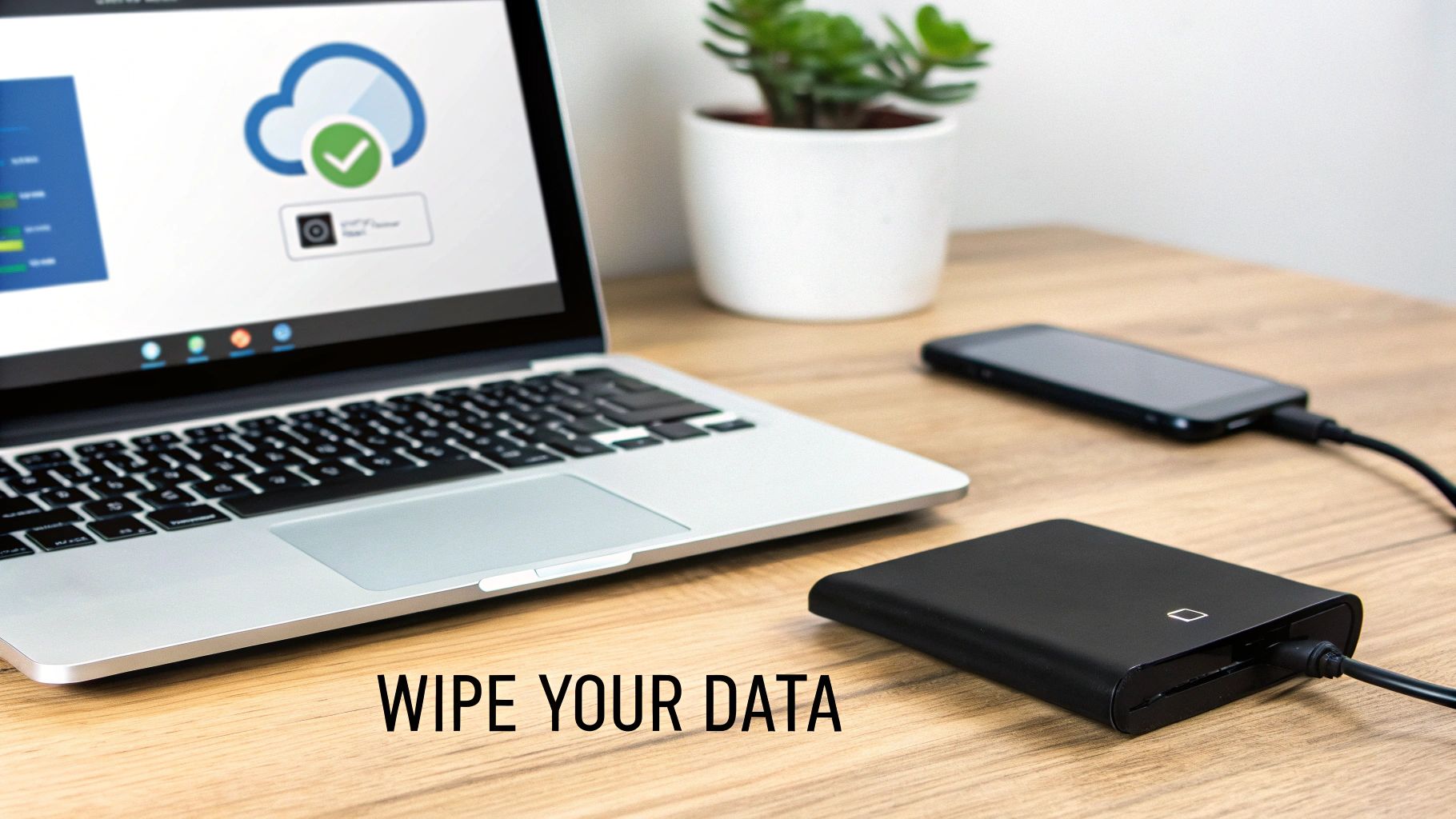
Before your laptop finds its new home, there's one step that is absolutely non-negotiable: making sure none of your personal information goes along for the ride. This isn't just about deleting a few files here and there. It's about a complete digital scrub-down to make your data totally inaccessible to the next owner.
Let's walk through how to do it right. The process kicks off with a comprehensive backup, because once you wipe the drive, there's no going back for that one folder you forgot about.
Back Up Everything First
Your first move is to create a complete copy of all your personal files, photos, documents, and anything else you can't live without. You've got a couple of solid options here, and honestly, using both is the smartest play for total peace of mind.
- Cloud Storage: Services like Google Drive, Dropbox, or iCloud are fantastic for your most critical files. This also makes them super easy to access from whatever new device you get next.
- External Hard Drive: For massive photo libraries, video projects, or a full system image, a physical external drive is your best friend. It gives you a tangible, offline copy of all your data, which is a huge relief before you hit "erase."
Think of it this way: your data currently lives in one place—your laptop's hard drive. The goal is to create at least one, and preferably two, secure copies of it somewhere else before you permanently delete the original.
Securely Sign Out and Deauthorize
With your data safely tucked away, it's time to sever all the connections between your laptop and your online life. This crucial step prevents the new owner from gaining access to your accounts and deauthorizes the machine from any subscription software.
Go through your applications and manually sign out of absolutely everything:
- Cloud accounts like iCloud, your Google Account, and Microsoft Account
- Software subscriptions such as Adobe Creative Cloud or Microsoft 365
- Streaming services like iTunes, Spotify, or Netflix
This digital spring cleaning is a vital security layer. It effectively tells every service that this specific piece of hardware should no longer be trusted with access to your accounts.
Perform a Full Factory Reset
Alright, now it’s time to wipe the slate clean.
Every modern operating system—Windows, macOS, and ChromeOS—has a built-in feature to restore the device to its original factory settings. This process nukes your personal files, custom settings, and all the applications you've installed, returning the software to the pristine state it was in when you first unboxed it.
For the vast majority of people selling a personal laptop, a standard factory reset is perfectly sufficient. However, if that laptop was used for sensitive client information, financial data, or other confidential records, a simple reset might not be enough.
For a deeper, more secure erasure process, check out our guide on how to properly wipe a computer before recycling; the principles for secure data destruction are exactly the same. In high-stakes scenarios, like a business retiring multiple devices, professional data destruction services can provide certified proof that all data has been irretrievably destroyed, ensuring you meet strict compliance standards.
Crafting a Listing That Sells Quickly
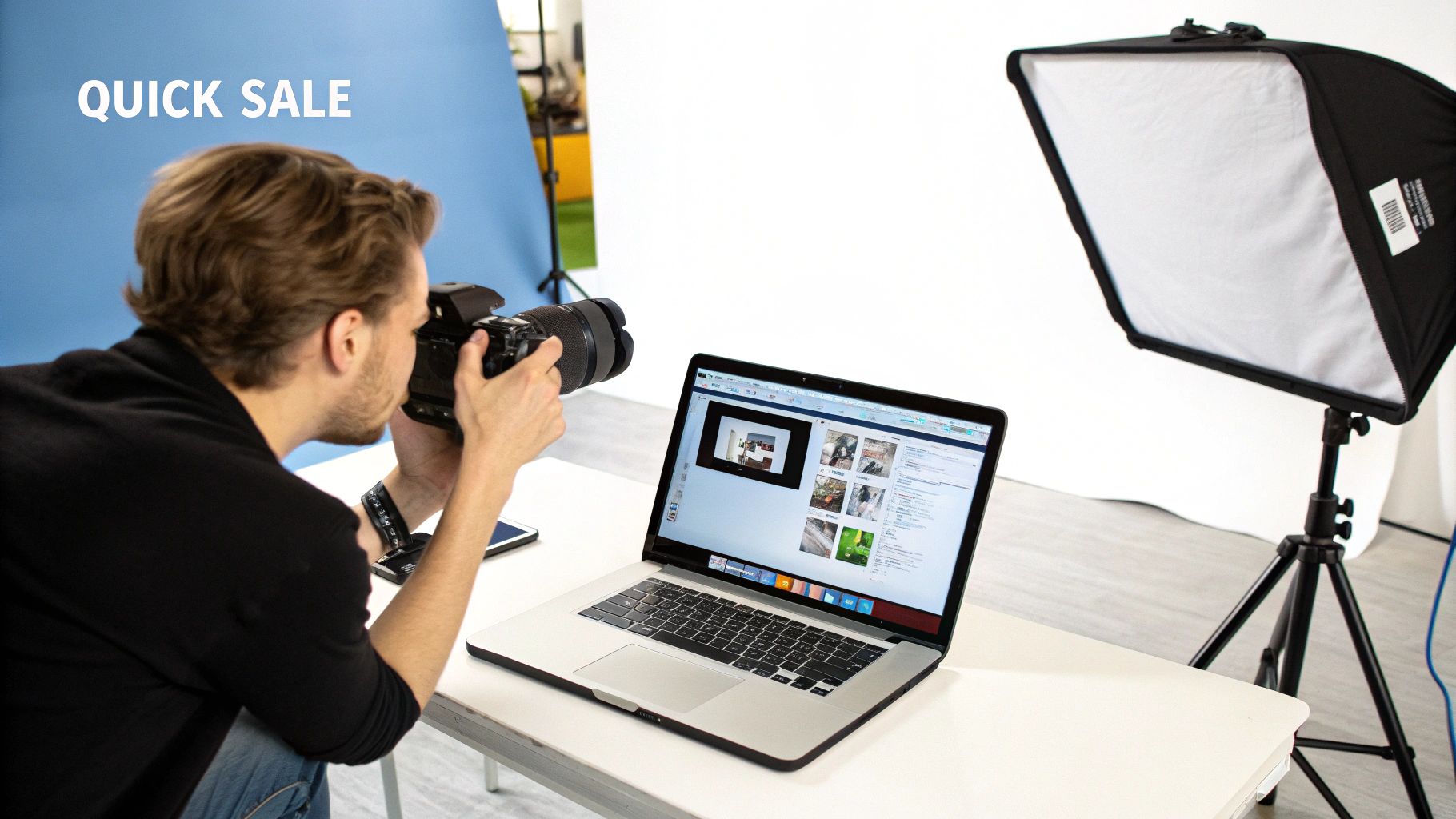
Once you’ve figured out where to sell your laptop, the next hurdle is putting together a listing that actually grabs attention. Think of it as your digital storefront. A blurry photo or vague description is the online equivalent of a dusty, uninviting window display.
Your goal is simple: make a potential buyer feel confident and informed. You want to answer their questions before they even have to ask.
The foundation of any great listing is solid photography. You don’t need a professional studio—your smartphone and a clean, well-lit space will do just fine. Natural light from a window is your best friend here. It shows the true color and condition of your device without creating harsh shadows or weird glare.
First, give the laptop a thorough wipe-down to get rid of fingerprints and dust. Then, start snapping photos from every angle imaginable.
- The Hero Shot: Get a clean, straight-on picture of the laptop open and powered on. A neutral desktop background works best.
- The Details: Take close-ups of the keyboard, trackpad, and all the ports. This shows they’re clean and undamaged.
- The Flaws: This is a big one. Be honest and take a clear, well-lit photo of any scratches, dents, or scuffs. Transparency builds trust and saves you from headaches and disputes later.
- The Accessories: Lay out the laptop with its original charger and any other included accessories for a group shot.
Writing a Description That Works
With your photos ready, it's time to tackle the description. The trick is to be thorough but also easy to scan. Most buyers skim, so use clear headings and bullet points to break up the info.
Kick things off with a concise, compelling title like "MacBook Air M1 13-inch (2020) – 8GB RAM, 256GB SSD – Excellent Condition."
From there, your description should cover the essentials:
- Core Specifications: List the exact model, processor (CPU), RAM, and storage (SSD/HDD) size. Don't make people guess.
- Condition: Describe the cosmetic state honestly, and be sure to reference your photos. Use terms like "Mint," "Excellent," or "Good," and briefly explain your reasoning.
- Functionality: Confirm that everything works perfectly—the screen, keyboard, battery, ports, and webcam. If you can find the battery health percentage, definitely include it.
- What's Included: Clearly state that the original charger and any other items you photographed are part of the sale.
Your listing is more than just a spec sheet; it's a sales pitch. A well-crafted post not only justifies your asking price but also filters out lowball offers and time-wasters by providing all the necessary information upfront.
Setting Your Price and Staying Safe
Setting a competitive price is always a bit of a balancing act. After you've researched what similar models have actually sold for, price your laptop just a little above your absolute minimum. This gives you some wiggle room for negotiation without starting so high that you scare everyone off.
The refurbished electronics sector is booming, with projections showing it will grow to USD 21.17 billion by 2034. This means there's a strong demand for quality used devices. You can even see this on platforms like Amazon Renewed, which can pay up to USD 500 for a recent MacBook. This trend just confirms that if you price your laptop fairly, you'll attract serious buyers. You can read more about the growing refurbished market and its trends.
Finally, and most importantly, prioritize your safety.
- Payments: Only accept payments through the platform's official system, like PayPal Goods & Services or the built-in Swappa payment gateway. Never agree to use Zelle, Venmo, or wire transfers—they offer zero seller protection.
- Shipping: Always, always use a trackable shipping method. It’s also wise to insure the package for its full value.
- Scams: Be very wary of buyers who want to communicate or pay outside the platform. If they offer more than your asking price or have strange shipping requests, those are almost always red flags. Trust your gut.
What to Do with a Laptop That Won't Sell
Sometimes, you just have to face the music: an old or broken laptop simply has no cash value left. When your search for “where to sell my laptop” comes up empty, the next move isn't the trash bin—it's responsible disposal.
Even if it won’t fetch any money, your device can still do a lot of good. You'd be surprised how many non-profits and local schools are eager to accept used electronics. These organizations are often wizards at refurbishing older machines for educational programs or community centers, giving your old tech a meaningful second life.
Explore Donations and Recycling
Donating your old computer isn't just a great way to support a cause you care about; it can also be a savvy financial move. Make sure you keep detailed records of your donation, because you might be eligible for a tax deduction based on the device's fair market value.
For those in the Atlanta area, you can learn more about how to donate a laptop to a charity that will put it to good use.
But what if the laptop is truly at the end of its road? We're talking cracked screens, a fried motherboard, or other critical failures. At that point, it’s officially e-waste.
Never, ever throw a laptop in your household garbage. These devices are packed with hazardous materials like lead and mercury that can leach into the soil and water if they end up in a landfill.
The right move is to take it to a certified e-waste recycling program. Big box retailers like Best Buy and Staples usually have free drop-off programs that guarantee these toxic materials are handled safely. Just do yourself a favor and perform a full factory reset before dropping it off to protect your privacy.
Got Questions? We've Got Answers
Once you've decided to sell, a few final questions always seem to pop up. Getting these details right is the difference between a smooth sale and a logistical headache. Let's cover the common ones.
How Do I Ship This Thing Without It Getting Smashed?
Packing your laptop correctly is non-negotiable. You absolutely need to use a new, sturdy cardboard box that gives you at least two inches of space on every side of the computer.
Wrap the laptop itself in a generous amount of bubble wrap. Then, fill every last bit of empty space in the box with more packing material—foam, crumpled paper, anything to make sure it's snug and can't slide around. The last thing you want is an email from a buyer with a picture of a cracked screen.
Always, always ship using a service that gives you tracking and insurance for the full price you sold it for. This isn't just for the buyer's peace of mind; it's your only protection if the package gets lost or damaged on its way.
Is There a "Best" Time of Year to Sell a Laptop?
You can definitely sell a laptop any time, but if you're looking for a faster sale and maybe a few extra bucks, timing can help. Demand really spikes during a couple of key periods:
- Late Summer (July-August): This is prime back-to-school season. Students everywhere are on the hunt for a good deal on a machine for the upcoming semester.
- The Holidays (November-December): People are in buying mode, looking for gifts. A solid used laptop makes for a fantastic and practical present.
Listing your laptop right before these rushes means more people will see it, and a little friendly competition among buyers never hurts your final price.
The real trick is to think like a buyer. Align your sale with these peak seasons to get your laptop in front of a much larger, more motivated audience.
For businesses here in Metro Atlanta dealing with more than just one or two old machines, a marketplace sale just doesn't scale. Montclair Crew specializes in professional IT asset disposition. We handle everything from secure data destruction to responsible e-waste recycling, making sure your company's old tech is managed the right way. See how we can take the load off your shoulders at https://www.montclaircrew.com.
