

Thinking you’ve done your due diligence by hitting 'delete' is one of the most common—and most dangerous—assumptions in business. It feels final, but it's not.
Imagine a deleted file is like a library book. You’ve removed its card from the card catalog, so no one can easily look it up. But the book itself? It’s still sitting right there on the shelf, just waiting for someone who knows how to find it. For real data security, you have to destroy the book. That's why physical destruction is the only foolproof method, making a professional hard drive shredding service an essential partner for any responsible organization.
Why Just Deleting Data Isn't Enough
Simply deleting a file or reformatting a hard drive gives a false sense of security. These actions typically just remove the pointers that tell your operating system where to find the data. The actual ones and zeros that make up your sensitive files are often left intact on the drive's platters, fully recoverable with software that’s easy to find online.
This lingering data is a massive liability. Old computers, servers, and even office copiers can become a goldmine for identity thieves and corporate spies. A single hard drive you thought was "wiped" could contain years of confidential information, like:
- Customer lists and sensitive financial records
- Employee Social Security numbers and payroll data
- Proprietary business plans and trade secrets
- Protected Health Information (PHI) governed by HIPAA
Comparing Data Disposal Methods
A quick look at common data removal methods reveals just how wide the security gap can be.
| Method | How It Works | Recovery Risk | Best For |
|---|---|---|---|
| Deleting Files | Removes file pointers; data remains on the disk. | Very High | Clearing up space for non-sensitive, daily use. |
| Reformatting Drive | Wipes the file allocation table; data often recoverable. | High | Prepping a drive for reuse with non-sensitive data. |
| Software Wiping | Overwrites data with random characters (1s and 0s). | Low to Medium | Preparing drives for reuse or resale, but not foolproof. |
| Physical Shredding | Mechanically grinds the drive into tiny metal fragments. | Zero | Permanent, irreversible destruction of sensitive data. |
As you can see, when the goal is 100% data elimination, nothing comes close to physical destruction.
The Real-World Consequences of Getting It Wrong
This isn't just a hypothetical problem. Businesses have been hit with crippling fines and have seen their reputations destroyed by data breaches traced directly back to improperly discarded hardware. Understanding why secure destruction is so critical means acknowledging the severe consequences of security breaches. In one infamous case, a small accounting firm faced criminal charges because old client tax returns were found on hard drives they’d tossed in a dumpster.
Relying on software-based wiping alone can be a gamble. Physical destruction offers the only 100% guarantee that your data is permanently and irretrievably gone, protecting you from liability and compliance violations.
This is where the line between data sanitization and physical destruction becomes crystal clear. While software wiping overwrites data, only shredding ensures the storage device itself is rendered completely useless and its data unrecoverable. For a deeper look at the software side, check out our guide on what is data sanitization (https://www.montclaircrew.com/what-is-data-sanitization/).
Ultimately, choosing a professional shredding service isn't just an IT decision—it’s a core business security strategy.
On-Site vs. Off-Site: Which Shredding Service Is Right for You?
When you start looking for a "hard drive shredding service near me," you’ll quickly find there are two main ways it's done: on-site and off-site destruction. Picking the right one really boils down to your business's needs for security, convenience, and of course, budget. Getting this choice right is the key to a data destruction plan that actually works.
On-site shredding, sometimes called mobile shredding, brings the whole operation right to your doorstep. A specialized truck pulls up to your office, fully equipped with an industrial-grade shredder. This approach lets you and your team watch every single hard drive get physically destroyed, offering a level of security and peace of mind that’s tough to beat.
This is the gold standard for any organization that handles seriously sensitive data, like healthcare providers bound by HIPAA or financial institutions. The chain of custody is as short as it gets—literally from your hands straight into the shredder. There's zero chance of data getting lost or stolen while it's being transported.
The Case for Maximum Security: On-Site Shredding
The biggest win for on-site service is total transparency. You get to see your drives turned into a pile of useless metal fragments with your own eyes.
- Ultimate Security: It completely removes the risk of anything happening to those drives while they're being moved.
- Immediate Verification: You get instant confirmation that your data is gone for good, right then and there.
- Compliance Peace of Mind: It's the perfect fit for industries with strict, verifiable data destruction rules.
This decision tree clearly shows why physical destruction is the only answer when data is both sensitive and recoverable.
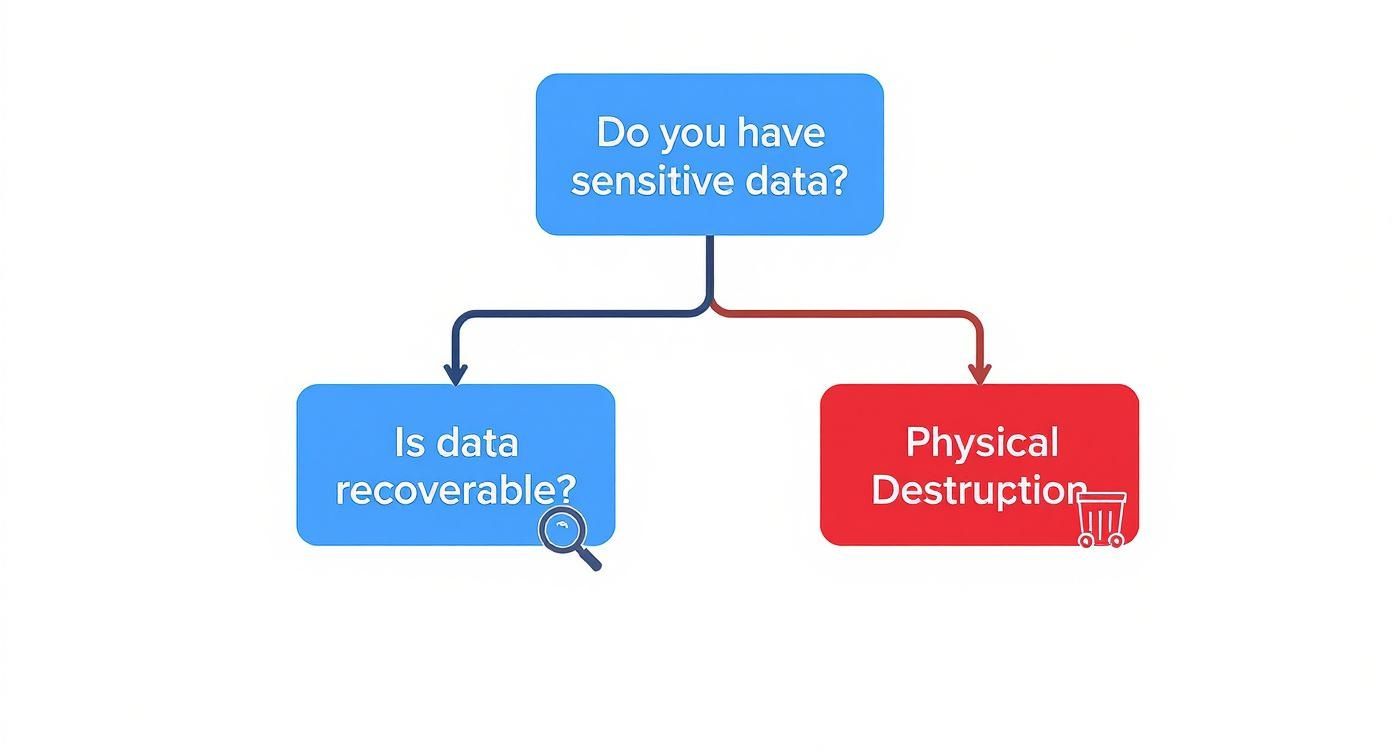
As you can see, once data is flagged as sensitive, physical destruction isn't just an option; it's the required final step to guarantee it can never be recovered.
When Off-Site Shredding Makes Sense
On the other hand, off-site shredding is a secure and often more budget-friendly alternative. In this model, a certified technician picks up your hard drives in locked, tamper-proof containers. These are then securely transported to a specialized destruction facility.
While you don't witness the shredding firsthand, a reputable provider will maintain a strict chain of custody throughout the entire process, documenting every step from pickup to final destruction and providing a Certificate of Destruction as proof.
This is a great option for businesses dealing with huge volumes of media or those that have a bit more flexibility in their security protocols. All the logistics are handled for you, which saves your team valuable time and effort. If you're weighing the operational side of things, it can be helpful to explore offsite service operations to see how they can create efficiencies.
For those curious about the nuts and bolts, we cover the details of how to destroy a hard drive before disposal (https://www.montclaircrew.com/how-to-destroy-a-hard-drive-before-disposal/) in our guide. Ultimately, choosing between on-site and off-site is a balancing act between your company's risk tolerance, budget, and operational needs.
How to Verify Your Data Was Securely Destroyed
Shredding a hard drive is one thing, but proving it was destroyed securely is a whole different ballgame. True security isn't just about the physical act itself; it's about having an unbroken, auditable trail that shows exactly what happened, when, and where.
This is where the concept of Chain of Custody becomes your best friend. Think of it as the documented journey your hard drives take, from the moment they leave your hands to their final, irreversible destruction.
It’s a lot like a secure package delivery. Every time the package changes hands, it gets scanned and signed for. A proper Chain of Custody for hard drive shredding works the same way. It creates a paper trail that confirms nothing was lost, misplaced, or compromised along the way. This isn't just a formality—it's your legal and compliance backbone, proving you did everything right.
Decoding Key Verification Documents
When you bring in a professional hard drive shredding service, you should expect to receive a few key documents that build this chain of trust. These aren't just receipts; they are critical pieces of your data security program.
Here's what you should be looking for:
- Serialized Audit Trail: Every single hard drive should be scanned and its unique serial number logged. This creates a detailed manifest of every asset you're handing over for destruction.
- Signed Transfer Receipts: Each time the drives are moved—from your office to the truck, or from the truck into the shredding facility—a signed receipt should confirm the transfer.
- Certificate of Destruction: This is the final and most important document. It officially states the date, time, location, and method of destruction and lists the serial numbers of the devices that were destroyed.
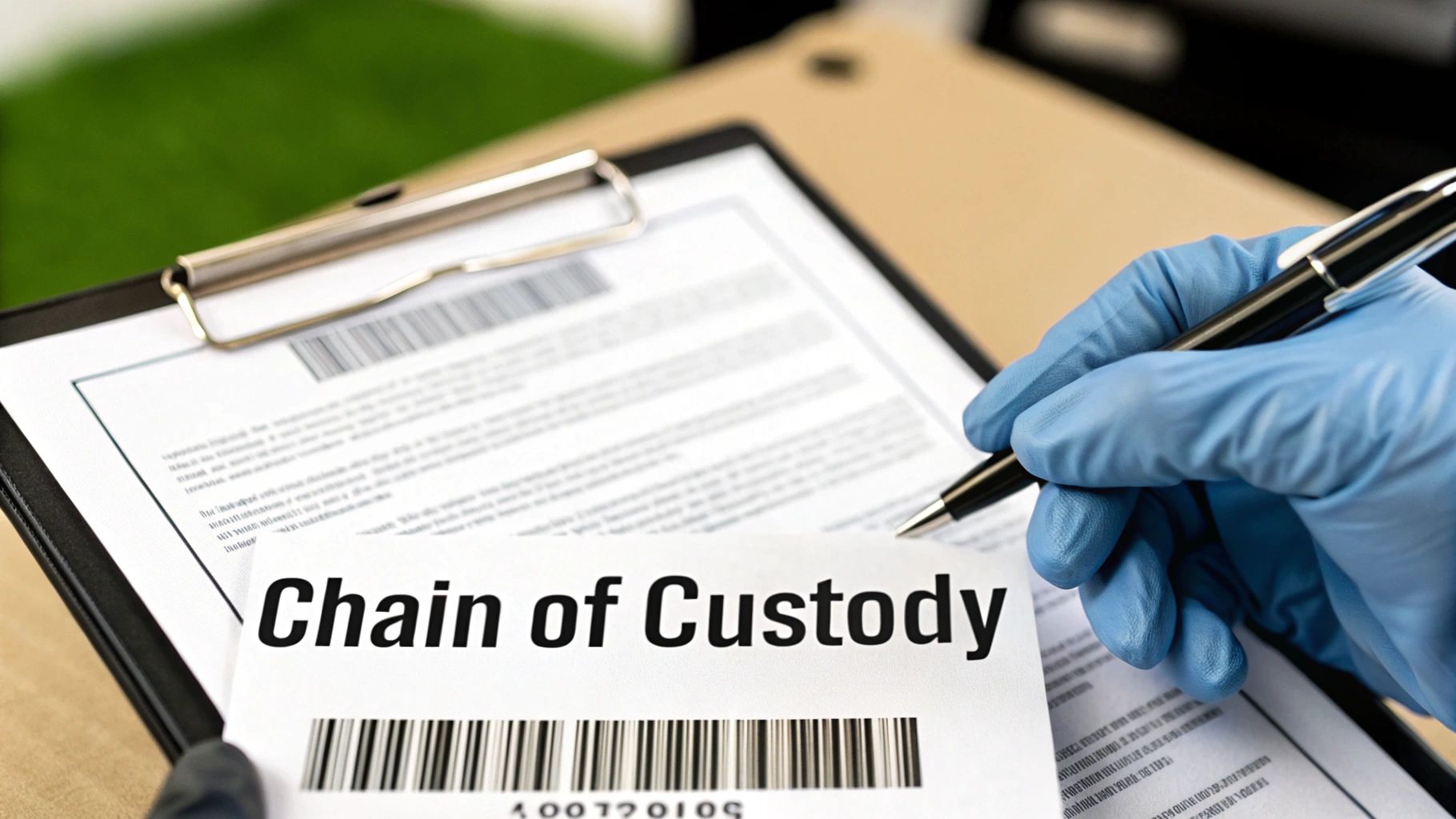
The Certificate of Destruction is way more than a piece of paper. It's your official, legally defensible proof that your data has been permanently wiped out in line with privacy laws like HIPAA, FACTA, and GDPR.
You can learn more about what makes this document so vital by reading about the importance of a Certificate of Destruction.
Understanding Industry Certifications
So, how do you really know a provider's process is locked down? You look for third-party certifications, and the gold standard in our industry is NAID AAA Certification. This isn't some badge a company can just buy. It’s earned through tough, unannounced audits that scrutinize every single part of their operation.
NAID AAA certified companies have to prove they meet strict requirements for:
- Employee security screening and ongoing training.
- Secure facilities with controlled access and video surveillance.
- Operational security for both their on-site and off-site services.
- A verified and meticulously documented Chain of Custody process.
Picking a certified provider takes the guesswork out of the equation. You know you’re working with a company that’s held to the highest security standards possible.
The demand for this level of verified security is exploding. The global hard drive destruction market is expected to jump from USD 1.65 billion in 2024 to USD 5.05 billion by 2035. That massive growth is all driven by increasing data security concerns, highlighting just how critical it is for businesses to get this right.
Preparing Your Devices for Shredding Day
A little prep work goes a long way in making sure your hard drive shredding service is fast, efficient, and totally secure. When the shredding crew shows up, having everything ready to go makes the whole process smooth from start to finish.
Your first move is to put together a simple inventory. Take a walk through your office, poke around in storage closets, and check your server rooms to find every single device that could be holding data. This isn't just about old computer towers; you’re hunting for all kinds of media that might be hiding sensitive information from years ago.
Create Your Media Inventory
Before shredding day, get all your retired data-bearing assets rounded up. This list is often a lot longer than people expect:
- Hard Disk Drives (HDDs): These are the classic spinning drives from desktops and older laptops.
- Solid-State Drives (SSDs): Found in most modern laptops, servers, and external drives. These need a very specific shredding process to be destroyed properly.
- Backup Tapes: Old LTO, DLT, or other formats that could hold complete system backups.
- Mobile Devices: Company cell phones and tablets storing emails, contacts, and internal files.
- Miscellaneous Media: Don’t forget about the small stuff like USB flash drives, CDs, and DVDs.
Once you have a full count, the next job is to carefully pull the hard drives and SSDs out of their host machines. While it’s technically possible to shred an entire laptop or computer, it's way more efficient to just destroy the media itself. For a detailed walkthrough, our guide on how to wipe a computer before recycling (https://www.montclaircrew.com/how-to-wipe-a-computer-before-recycling/) has some really helpful steps.
Consolidate and Secure
After you've pulled the drives, gather them all in one secure, designated spot. A locked room or a few sturdy, clearly marked boxes work perfectly. This one simple action prevents any devices from getting missed and really streamlines the collection process when your shredding provider arrives.
A common mistake we see is leaving devices scattered all over the building. Consolidating everything beforehand doesn't just save time—it tightens up your chain of custody from the get-go.
Finally, have a quick chat with your provider. Get a clear idea of what to expect on service day and ask a few key questions. For instance, you’ll want to confirm they use shredders specifically designed for SSDs, since their chip-based storage demands a much finer shred size than traditional HDDs. A little communication upfront ensures there are no surprises, guaranteeing a seamless and secure destruction event.
What Happens to Your Hardware After It's Shredded
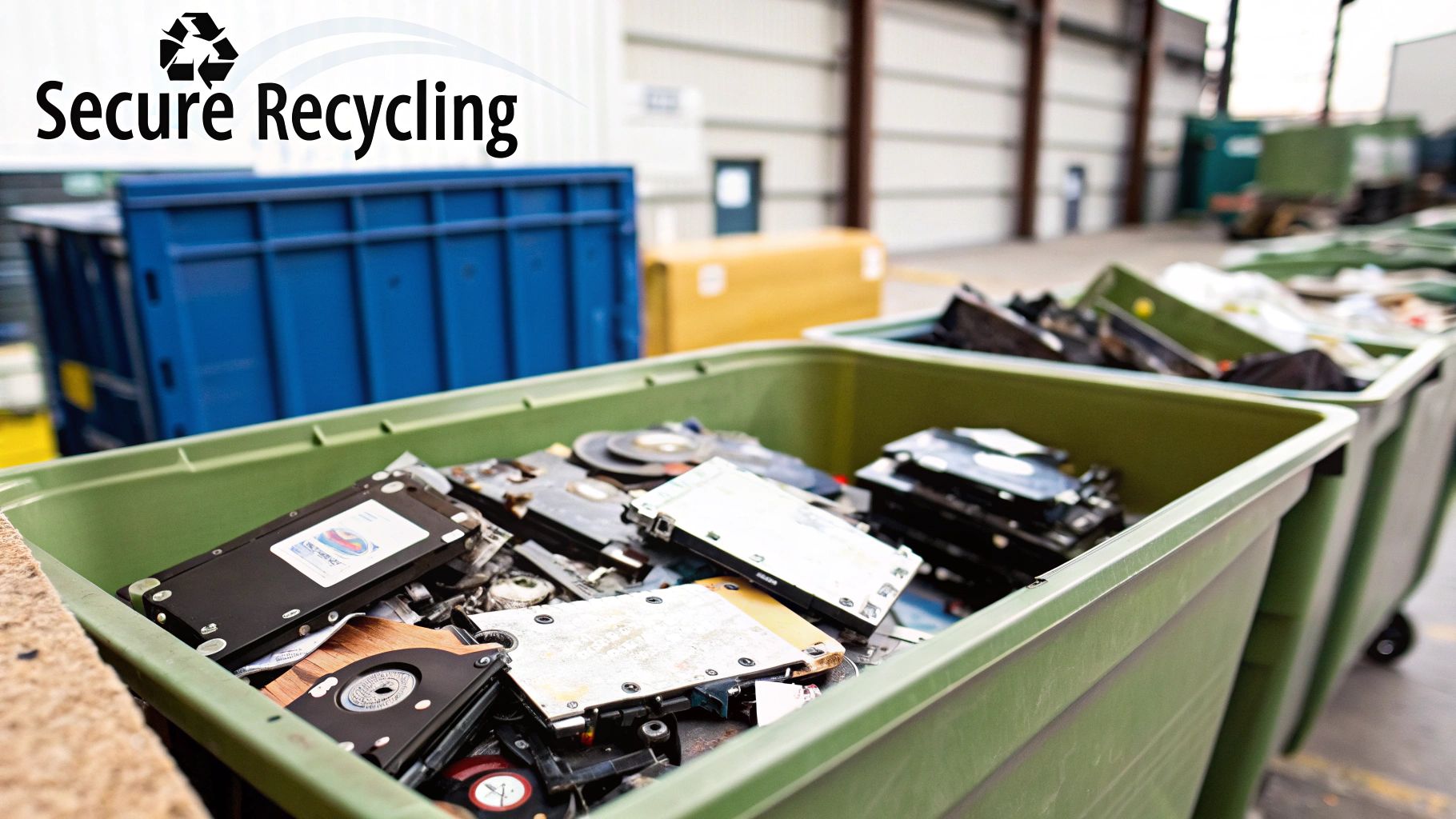
So, your hard drives are now a pile of metal confetti. Data destroyed, job done, right? Not quite. For a truly professional service, that's only half the story. The next critical step is making sure every last fragment of that hardware is handled responsibly.
After the shredder does its work, the resulting material—a mix of aluminum, steel, plastics, and circuit board bits—is securely transported to a certified recycling partner. This isn't just a trip to the local dump. It's a controlled process that keeps the chain of custody intact, even after the data is long gone. The journey from our truck to the recycler is just as secure as the one from your office.
From Fragments to Raw Materials
At the recycling facility, a pretty amazing sorting process kicks into gear. They use powerful magnets and advanced separation tech to isolate all the different materials from the shredded pile.
- Ferrous Metals: Steel from the drive casings is the easy part—it gets pulled right out with magnets.
- Non-Ferrous Metals: Aluminum from the sensitive platters and other parts is sorted out next.
- Plastics and Circuit Boards: The rest of the materials are processed even further to recover any other valuable elements.
This detailed sorting turns what was once e-waste into clean streams of raw materials. These commodities are now ready to be sold back into the manufacturing supply chain, eventually becoming components in brand-new products. It’s a closed-loop system that represents the best of sustainable electronics disposal.
Data security and environmental responsibility are two sides of the same coin. A professional service ensures your digital assets are permanently destroyed while your physical assets are responsibly recycled, preventing both data leaks and landfill waste.
The Bigger Picture: IT Asset Disposition (ITAD)
This commitment to doing the right thing often goes way beyond just the hard drives. It's part of a broader strategy called IT Asset Disposition (ITAD). While your hard drives needed to be obliterated, what about the computer cases, power supplies, or RAM they came out of? Some of that gear might still have some life left in it.
A smart ITAD process makes sure that only the data-bearing devices meet the shredder. The non-data components can be securely tested, refurbished, and prepped for resale. This not only keeps perfectly good electronics out of landfills but can also put some money back in your company's pocket. It’s the best of both worlds: absolute data security combined with maximum environmental and financial value.
Finding a Trusted Local Shredding Partner
Knowing how shredding works is one thing, but picking the right local partner is where your security plan really comes to life. When you start searching for a "hard drive shredding service near me," you’re not just looking for another vendor. You’re looking for a guardian for your company's most sensitive information.
The best companies blend deep technical know-how with a process you can see and trust from start to finish.
Your vetting process should boil down to a few critical, non-negotiable qualities. First on the list has to be certification. Look for a provider with NAID AAA Certification—it's the gold standard in our industry for secure data destruction, and it’s verified by surprise, third-party audits. This seal of approval means they’re held to the highest bar for employee screening, operational security, and maintaining a verified chain of custody.
Core Qualities of a Reliable Provider
Beyond the official paperwork, a true partner shows a serious commitment to both security and sustainability. They don't just turn your drives into confetti; they also make sure the leftover materials are recycled responsibly.
- A Clear Chain of Custody: They have to provide meticulous documentation for every step. This includes serialized tracking of your assets and a final Certificate of Destruction, giving you a solid, auditable record that the job was done right.
- Eco-Friendly Recycling: A professional service works with certified e-waste recyclers to ensure all the shredded metal and plastic are processed correctly, keeping hazardous materials out of our landfills.
The need for these secure services is absolutely exploding. The global market for hard drive shredding is on track to hit USD 1.2 billion by 2033, a huge jump driven by growing data security fears and tougher government regulations.
Choosing a partner is ultimately a decision about trust. A reliable provider offers total transparency, letting you witness the destruction yourself or giving you undeniable proof it happened, so you can sleep at night.
It’s also crucial to pick a company that specializes in electronics. Unlike general paper shredders, dedicated e-waste disposal companies (https://www.montclaircrew.com/e-waste-disposal-companies/) have the heavy-duty equipment and specialized knowledge to handle tricky modern media like SSDs and ensure you stay compliant with all environmental laws.
Common Questions About Hard Drive Shredding
Even after you understand the basics, you probably still have a few questions before you search for a "hard drive shredding service near me." We get it. Getting straight answers to these common questions is the final step to feeling confident about the whole process.
Here are the quick, clear answers we give our Metro Atlanta clients every day.
Do I Need to Pull the Hard Drives Out of the Computers Myself?
Yes, it's pretty standard for businesses to have the hard drives already removed from their computers, laptops, or servers before the shredding team arrives. This one prep step makes the whole operation run smoother and faster.
It also means you're only paying to destroy the actual drives, not the entire machine, which often helps keep your costs down. While some companies might offer to remove them for an extra fee, doing it ahead of time is the best way to go. Plus, it gives you one last chance to count your drives and check them against your inventory list before they're gone for good.
What Is a Certificate of Destruction? Do I Really Need One?
A Certificate of Destruction is the formal document that serves as your official, legal proof that your data was securely destroyed. It’s the most important piece of paperwork in the entire process and wraps up the chain of custody. It proves your company did its part to protect sensitive information.
Think of it as a death certificate for your data. It’s an auditable record that shows what was destroyed, when it happened, and who did the work. If you ever face an audit for compliance with regulations like HIPAA or FACTA, this document is your proof.
Bottom line: this certificate is your shield against liability. Without it, you have zero verifiable evidence that you took the proper steps to keep client or company data from falling into the wrong hands. It's not just a receipt—it's your compliance safeguard.
Can You Shred Solid-State Drives (SSDs)?
Yes, but this is a huge one—they require special equipment, and you absolutely need to ask your provider about it. Unlike old-school hard drives with their spinning magnetic platters, SSDs store data on tiny memory chips scattered across a circuit board. A regular hard drive shredder just won't cut it.
To make the data on an SSD completely unrecoverable, the drive has to be shredded into much, much smaller pieces. You should always confirm that your shredding partner uses industrial-grade shredders specifically designed and calibrated for SSDs. This ensures those little memory chips are turned into dust, leaving zero chance for recovery. Any provider who knows their stuff will understand this difference and have the right gear for the job.
Ready to secure your data with a trusted local partner? For businesses across Metro Atlanta, Montclair Crew Recycling offers certified on-site hard drive shredding that guarantees your sensitive information is permanently destroyed. Contact us today for a fast, compliant, and eco-friendly solution. https://www.montclaircrew.com
