

Got a stack of old office computers collecting dust? Tossing them out without a second thought is a huge mistake. Just hitting 'delete' or reformatting the hard drives is like leaving your most sensitive client files in an open box on the curb for anyone to grab. Professional data destruction in Smyrna isn't just another item on your IT checklist—it's a critical security measure to permanently erase that risk.
Why Secure Data Destruction in Smyrna Is Non-Negotiable
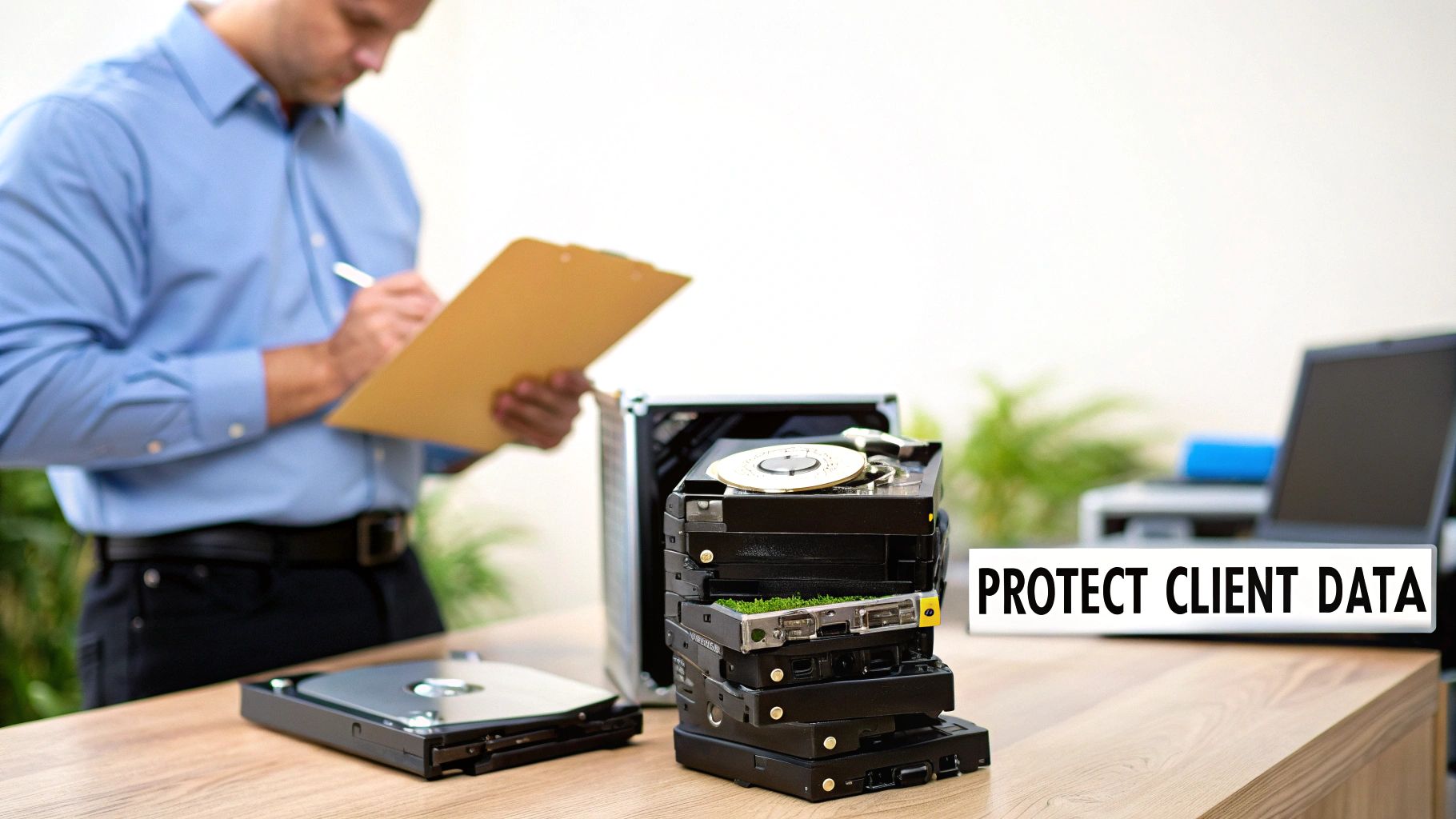
For businesses across Smyrna, especially in our booming healthcare, finance, and tech sectors, old IT gear is a ticking time bomb. Every single retired hard drive, server, or company phone holds a ghost of its past life—customer lists, financial records, employee PII, and trade secrets.
Here’s the thing: dragging files to the trash or even formatting a drive doesn't actually delete the data. It just removes the signposts pointing to it. The actual information is still there, easily recoverable with off-the-shelf software.
This is where a simple oversight becomes a serious vulnerability. An improperly discarded hard drive can easily end up in the wrong hands, leading to a catastrophic data breach. The fallout goes way beyond a security headache; it can shake the very foundation of your business.
The Real-World Consequences of a Data Breach
The financial and reputational damage from a data leak is brutal and hard to shake. A single breach from improperly disposed IT assets can cost companies an average of $4.45 million globally. For Atlanta-area businesses in regulated fields, that number can easily soar past $6 million when you factor in compliance penalties from HIPAA and FACTA.
A professional data destruction service transforms this potential liability into a secure, documented, and compliant process. It provides the peace of mind that comes from knowing your sensitive information has been irretrievably destroyed.
When you boil it down, failing to handle secure disposal puts your entire organization on the line. You're looking at:
- Steep Regulatory Fines: Getting hit with a HIPAA violation can mean penalties reaching tens of thousands of dollars per incident. It doesn't take long for that to escalate into the millions.
- Irreversible Brand Damage: Once news of a breach gets out, customer trust is shattered. They'll flock to competitors who take data security seriously.
- Legal Action: Customers or employees whose data gets exposed are well within their rights to sue, leading to expensive lawsuits and settlements you never saw coming.
Investing in certified data destruction isn’t just an expense; it’s a crucial investment in your company's security, reputation, and future. When you pair it with a solid disposal plan, like the services we cover in our guide on e-waste recycling in Smyrna, you create a complete, airtight end-of-life strategy for all your IT assets.
Data Wiping vs Physical Shredding Explained
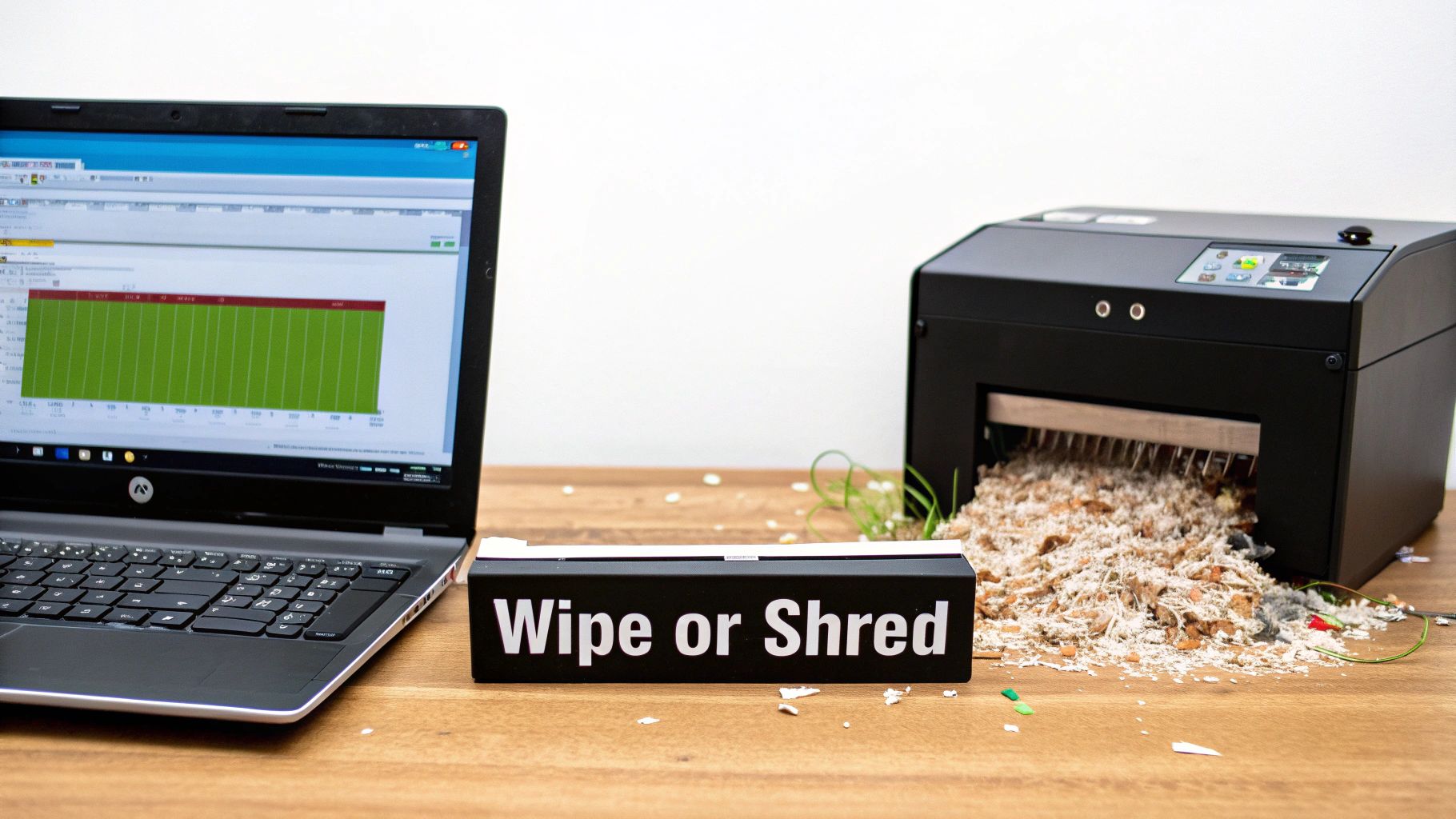
When it comes to getting rid of old data for good, you've really only got two paths: wiping or shredding. Figuring out which one is right for your Smyrna business comes down to what you plan to do with the old hardware and the kind of compliance rules you have to follow.
Think of data wiping like painting over a canvas so completely that the original image is gone forever. It doesn't physically harm the hard drive at all. Instead, we use specialized software to systematically write over every single part of the drive with random, meaningless data.
This isn't a simple one-and-done process. It's often repeated in multiple "passes" to make absolutely sure the original information is buried. By using tough, established standards like DoD 5220.22-M, data wiping makes information unrecoverable while keeping the drive itself perfectly usable for reuse, donation, or resale.
When to Choose Software Wiping
Software-based data wiping is your best bet when the IT asset itself still has some life left in it. If you have perfectly good laptops, servers, or hard drives that you want to redeploy internally, sell, or donate to a local Smyrna organization, wiping is the way to go.
- Asset Value Recovery: This lets you get some of your initial investment back by reselling the hardware.
- Environmental Responsibility: Reusing electronics is always the greenest choice, cutting down on e-waste and the need to manufacture new gear.
- Donation and Charity: Wiped devices can be safely given to schools or nonprofits, helping folks in our community get access to technology.
There's a lot that goes into this method, and getting the details right is crucial. Our complete guide on what data sanitization is takes a much deeper dive into the specific standards and processes.
When to Choose Physical Shredding
On the other hand, physical shredding is all about total annihilation. There's no coming back from this. Imagine feeding a steel file cabinet into an industrial woodchipper—that's basically what happens to a hard drive. The device is put into a powerful machine that grinds it into a pile of tiny, mangled bits of metal and plastic.
This method gives you the ultimate, ironclad guarantee that the data is gone for good. For businesses in Smyrna handling extremely sensitive information—like healthcare providers under HIPAA or financial firms following FACTA—shredding is often the only acceptable choice. It completely removes even the slightest theoretical chance of data recovery.
For industries where compliance is non-negotiable and the risks are high, physical shredding provides absolute certainty. The drive literally ceases to exist in any usable form, giving you undeniable proof of destruction.
Globally, a shocking 90% of discarded hard drives still contain data that can be recovered. This has fueled what's expected to be a $3.5 billion IT Asset Disposition (ITAD) market in the U.S. by 2026. That single statistic shows just how big the risk of improper disposal is and highlights why services like shredding are so critical for keeping a business's data secure.
To make the choice clearer, here’s a quick breakdown of how the two methods stack up against each other.
Data Wiping vs Physical Shredding: A Quick Comparison
This table compares the key features of data wiping and physical shredding to help businesses in Smyrna choose the right data destruction method for their IT assets.
| Feature | Data Wiping (e.g., DoD 5220.22-M) | Physical Shredding |
|---|---|---|
| Asset Outcome | Hard drive remains physically intact and fully functional. | Hard drive is physically destroyed into small, unrecognizable fragments. |
| Best For | Asset reuse, resale, donation, or internal redeployment. | End-of-life assets, damaged drives, or maximum security compliance. |
| Data Recovery Risk | Effectively zero when performed to professional standards. | Absolutely zero. Recovery is physically impossible. |
| Environmental Impact | Most eco-friendly option as it promotes the reuse of electronics. | Less eco-friendly as it creates e-waste, though materials are recycled. |
| Proof of Destruction | A certified report detailing the wiping process and serial numbers. | A Certificate of Destruction, often with video proof of the shred. |
Ultimately, both are incredibly effective ways to destroy data. The right one for you simply depends on whether your old hard drive has a future or if it's reached the end of the road.
Navigating Compliance and Chain of Custody
For any business in the Metro Atlanta area, secure data destruction isn't just a good idea—it's the law. Regulations like HIPAA, FACTA, and GDPR don't just ask you to protect sensitive data; they demand you can prove you did. Dropping the ball here can bring on some truly devastating consequences.
Improperly handling old equipment isn't a small mistake. It can lead to staggering penalties under regulations like HIPAA, which can fine an organization up to $50,000 for a single violation. Then there's GDPR, with its jaw-dropping 20 million euro maximum fine. These aren't just numbers; they're a clear signal of how seriously you need to take your documented process for data destruction in Smyrna. A good starting point is understanding data privacy and collection policies to get a clear grasp of your responsibilities.
This is exactly where the Chain of Custody becomes your most critical defense. Think of it as the documented life story of your old IT gear, tracking it from the moment it leaves your Smyrna office to its final, absolute destruction. It's your irrefutable proof that you did everything by the book.
What Is a Chain of Custody
A proper Chain of Custody is more than just a piece of paper; it's a chronological, legally sound record that follows your IT assets every step of the way. It tells the complete story of who had your equipment, where it went, and precisely when it was destroyed. This unbroken line of accountability is what separates a professional, defensible process from risky, hope-for-the-best DIY methods.
A rock-solid Chain of Custody record will always include:
- Pickup Verification: A signed hand-off between your team and the destruction vendor, confirming when the assets were collected.
- Secure Transport Logs: Proof that your equipment was moved in locked, tracked vehicles along audited routes.
- Facility Check-In: Confirmation that every piece arrived at a secure, access-controlled facility without any sign of tampering.
- Serialized Asset Tracking: A detailed inventory listing every single device by its unique serial number.
This meticulous tracking leaves no gaps where a hard drive or server could "disappear." It's your first and best line of defense if an auditor comes knocking, proving you took every necessary precaution the moment that equipment was out of your hands.
The Certificate of Destruction: Your Ultimate Proof
The entire Chain of Custody process builds up to one final, crucial document: the Certificate of Destruction. This isn't just a simple receipt—it's your legal shield. It officially transfers all liability for the data from your company to the destruction vendor, serving as the final word that your information has been permanently and professionally eliminated.
This certificate is your official, auditable record. It confirms you’ve met your legal and ethical duties to protect your stakeholder's data. It’s the final lock on a secure, compliant, and worry-free process.
A legitimate certificate gives you concrete details that will stand up to any scrutiny, including the specific destruction methods that were used and a full inventory of the assets destroyed. To see what a compliant document should look like, you can review an example Certificate of Destruction to understand the key components. This is the document that closes the loop on your liability and gives you complete peace of mind.
Your Step-by-Step Data Destruction Process
Getting professional data destruction might seem like a complicated affair, but a certified process is actually a clear, straightforward roadmap. It’s built to give you total clarity, security, and auditable proof from the moment we start to the final handshake. For any business here in Smyrna, understanding these steps takes the mystery out of the service and shows you the safeguards built right in.
The whole journey is anchored by a secure Chain of Custody, which is just a formal way of saying we track and account for your sensitive gear from your front door to its final, irreversible end.
Step 1: Initial Assessment and Planning
It all starts with a simple conversation. A real data destruction partner will sit down with you to get a handle on what you actually need. This isn't some cookie-cutter service; it's about building a game plan that fits your business, your equipment, and your compliance rules.
During this chat, we'll cover:
- Asset Inventory: What kind of gear are we talking about? Servers, old company laptops, a box of loose hard drives?
- Data Sensitivity: Do you have to follow specific rules like HIPAA for patient data or FACTA for financial info?
- Desired Outcome: Are we physically shredding these drives into dust, or do you need them wiped clean so the computers can be reused?
This first step ensures we bring the right tools and team for the job, whether that means scheduling an on-site shredding truck to your Smyrna office or arranging a secure pickup. It just sets everything up for a smooth, efficient, and secure process that works for you.
Step 2: Secure Logistics and Transportation
Once we have a plan, the next move is getting your equipment from your facility to the point of destruction without any security gaps. You've basically got two options here, and both are designed to keep that Chain of Custody completely intact.
- Secure Pickup: Our vetted technicians come to you in a secure, GPS-tracked vehicle. We inventory every single item on the spot, and you get the paperwork before your assets even leave the building.
- On-Site Service: If you want maximum peace of mind, we bring a mobile shredding truck right to your parking lot in Smyrna. You can watch the whole process yourself, which is often a must-have for organizations with the strictest compliance policies.
This logistics piece is arguably one of the most critical parts, as it keeps your gear locked down while it's on the move.
This visual breaks down how the Chain of Custody keeps things secure from pickup all the way to the final certificate.

Each part of the process—pickup, destruction, and certification—is a documented link in an unbroken chain. It gives you a crystal-clear and auditable trail.
Step 3: Certified Destruction and Verification
This is where the magic happens—your data is wiped from existence, permanently. If you went with physical shredding, we feed the hard drives into an industrial-grade shredder that grinds them into tiny, confetti-like metal fragments. Nothing is coming back from that. If you chose data wiping, we use specialized software to overwrite every single sector of the drive based on standards like DoD 5220.22-M.
No matter which method you choose, this step is about absolute finality. The entire point is to make data recovery physically or digitally impossible, checking off both your security needs and any legal boxes.
For businesses looking to reuse their equipment, knowing the details is important. You can learn more about how to wipe a computer before recycling to see how the software approach keeps the hardware valuable while erasing the data.
Step 4: Issuing the Certificate of Destruction
This final step is what officially closes the loop on your liability. Once all your assets have been destroyed, you get an official Certificate of Destruction. Think of this as your legally binding proof of compliance.
This document spells out every detail an auditor would ever ask for. It includes a serialized list of every destroyed asset, the exact date and method of destruction, and a formal transfer of custody statement. This certificate is your shield, proving you did everything right to protect sensitive information and responsibly manage your old IT gear.
Who in Smyrna Actually Needs Certified Data Destruction?
You might think professional data destruction is just for giant corporations or tech startups. The reality is, in a place as diverse as Smyrna, businesses of all shapes and sizes are sitting on a goldmine of sensitive information that needs a secure, documented end-of-life plan.
From the medical clinic on the corner to the manufacturing plant down the road, the risk of a data breach from a carelessly tossed-out computer is a threat that hits everyone. It boils down to one simple question: do you store any client, patient, student, or private company information on your digital devices? If you answered yes, you need a formal process for data destruction in Smyrna. This isn't just about being tech-savvy; it's a critical piece of managing risk and staying on the right side of the law.
The High-Stakes Industries
For some businesses in the Smyrna area, certified data destruction isn't just a good idea—it's a legal must-have. These industries are prime targets for data thieves, and the fallout from a breach can be catastrophic.
- Healthcare Providers: Think about all the local clinics, dental offices, and medical billing centers. They're all governed by the Health Insurance Portability and Accountability Act (HIPAA). Every single old server, office computer, or even copier hard drive is packed with protected health information (PHI). A slip-up in destroying that data can lead to staggering fines, sometimes exceeding $50,000 per violation.
- Financial Institutions: Banks, credit unions, and accounting firms here in Smyrna operate under the Fair and Accurate Credit Transactions Act (FACTA). This law is crystal clear: you must properly destroy consumer credit information to stop identity theft in its tracks.
- Educational Institutions: Local schools and universities are responsible for a mountain of student records—everything from grades and home addresses to sensitive financial aid details. Imagine retiring thousands of student laptops or faculty computers. Without certified destruction, that's a massive liability waiting to happen.
Any organization that handles personally identifiable information (PII) has a legal and ethical duty to protect that data from cradle to grave. That responsibility doesn't just vanish when you unplug a device for the last time.
It’s Not Just for the Obvious Players
While those regulated industries have clear marching orders, the need for secure data disposal doesn't stop there. Just about every modern business runs on data, and that digital footprint has to be managed responsibly, especially when corporate offices and data centers are decommissioning old equipment.
Even Smyrna's long-term vision acknowledges how vital this is. The city's 2005-2030 Comprehensive Plan specifically calls out auditing, data destruction, and equipment refurbishing as key economic drivers for local companies. This shows a direct alignment between what the city plans for and what businesses like yours need to stay secure. You can dig deeper into this by reviewing insights from the city's official planning documents.
Think about these everyday examples right here in our community:
- Law Firms: Getting rid of old computers that hold confidential case files and private client emails.
- Manufacturers: Retiring servers that contain priceless intellectual property, secret product designs, and trade secrets.
- Government Agencies: Decommissioning devices full of sensitive public records and employee information.
The bottom line is simple. If your organization has ever stored a customer’s name, an employee's social security number, or a confidential business plan on a hard drive, you need a certified partner to make absolutely sure that data is gone for good when the hardware's time is up.
Common Questions About Data Destruction Services
When you're looking into professional data destruction, a few questions always pop up for Smyrna businesses. Getting straight answers is the first step to building a solid plan to handle old IT gear, one that protects both your company and your customers.
Let's cut through the confusion and tackle the most common things we get asked. Our goal is to make the whole process clear so you can feel confident you're making the right call for your data security.
Can I Just Destroy the Hard Drives Myself?
It's tempting to grab a drill or a hammer and go to town on an old hard drive. While it might feel satisfying, these DIY methods are a huge gamble for any business. First off, you can't be sure you’ve actually destroyed the data platters inside. A determined person with the right tools could still potentially recover fragments of sensitive information.
Even more critical for a business, though, is the lack of proof. When you're dealing with regulations like HIPAA or FACTA, you need an auditable paper trail. A professional Certificate of Destruction is that proof. It's the official document showing you followed compliant procedures to protect private data. Without it, you're left exposed during an audit.
What Happens After the Data Is Destroyed?
Once your data is gone for good, the job isn't done. The leftover materials don't just get dumped in a landfill. A certified data destruction partner is also an expert in responsible e-waste recycling. After the shredders do their work, the pile of metal and plastic fragments is sent to certified downstream processors.
These partners meticulously separate commodities like aluminum, steel, and precious metals. From there, the materials are smelted down and funneled back into the supply chain to create brand-new products. It’s all about a circular economy, ensuring your old equipment is handled the right way and meets high environmental standards like R2 or e-Stewards.
For businesses in the Atlanta metro area, from small shops to government agencies, cutting corners on disposal can be disastrous. Improper handling is blamed for 1 in 10 breaches that come from recycled devices. For big companies, the average cost of such a breach hits a staggering $9.44 million. You can learn more about the local business landscape and its connection to Smyrna's development plans on Wikipedia.
That number alone shows you the massive risk of not using a certified service for data destruction in Smyrna.
How Much Does Professional Data Destruction Cost?
The price for certified data destruction isn't one-size-fits-all. A few key things will shape the final cost, like the method you choose, how many devices you have, and whether we come to you or you come to us.
Here’s what generally influences pricing:
- Method: Physically shredding a drive versus wiping it with software involves different equipment and labor.
- Location: On-site service with a mobile shredding truck will naturally cost more because of the logistics, but you get to watch everything happen in real-time.
- Volume and Type: The sheer number of devices and what they are (e.g., standard hard drives, SSDs, complex server arrays) will be factored into the quote.
But it’s important to see this as an investment in protecting your business, not just another expense. The cost of professional destruction is just a tiny fraction of the multi-million-dollar fines and reputation damage a single data breach can cause.
Do I Need to Wipe Drives Before Shredding?
No, you absolutely do not. This is a common point of confusion. Wiping a drive that's headed for the shredder is redundant and a waste of time and money.
Think of it this way: shredding is the final answer. It physically pulverizes the storage platters into tiny, unreadable pieces, making data recovery completely impossible. Wiping is a totally separate process used only when you plan to reuse or sell the hardware. They are two different paths, not two steps on the same path. For a deeper dive into the different methods, check out our guide on the best ways to destroy a hard drive.
Ready to secure your retired IT assets and ensure full compliance? Montclair Crew Recycling offers certified data destruction and responsible electronics recycling for businesses across Smyrna and the Metro Atlanta area. Contact us today to schedule a secure pickup and get the peace of mind you deserve. https://www.montclaircrew.com
