
For any business in Johns Creek, professional data destruction isn't just good practice—it's a non-negotiable part of managing risk in the modern world. Hitting 'delete' on a file just doesn't cut it anymore. Real security is about having a certified process that serves as a critical defense against data breaches, which can bring staggering financial penalties and permanently tarnish your company's reputation.
Why Data Destruction Is a Critical Business Priority in Johns Creek
Think about those old hard drives, retired servers, or even that ancient office copier gathering dust in a storage closet. They aren't just clutter; they're ticking time bombs of liability. Every single one of those devices holds a history of sensitive information—employee records, financial statements, and confidential client data.
Here in Johns Creek, especially for industries like finance, healthcare, and technology, the stakes are incredibly high. A single improperly discarded hard drive could easily lead to a data breach, triggering costly regulatory fines and shattering the trust you've worked so hard to build with your clients.
This isn't a theoretical problem. The challenge is magnified by the sheer volume of information businesses now have to manage. The secure data destruction market, already valued at $3.72 billion, is expected to climb to $5.64 billion by 2029 as companies try to keep up with exploding data volumes and escalating cyber threats.
With global data storage projected to blow past 200 zettabytes by 2025 and the costs of cybercrime forecasted to hit $10.5 trillion, the need for certified, professional data destruction has never been clearer. You can dig into more of the numbers in the full secure data destruction market report.
More Than Just Deleting Files
So many business owners fall into the trap of thinking that formatting a hard drive or dragging files to the trash is enough. It's a common misconception that leaves organizations dangerously exposed. A standard "delete" command only removes the pointers to the data, leaving the actual information intact and frighteningly easy to recover with basic software anyone can download.
Professional data destruction Johns Creek services use irreversible methods to make sure that information is gone for good. The two main approaches are:
- Physical Shredding: This is exactly what it sounds like. The process uses industrial machinery to mechanically destroy the storage platters inside a hard drive, grinding them down into tiny, unreadable metal fragments. For highly sensitive media, this is the most secure option out there.
- DoD 5220.22-M Wiping: This is a software-based method that overwrites the entire drive with patterns of ones and zeros multiple times. It effectively sanitizes the drive of all previous data, which means the hardware can often be safely reused.
Choosing a professional, certified process is the only way to guarantee that your retired IT assets do not become a source of legal, financial, and reputational ruin. It transforms a potential liability into a verified, secure endpoint in your data's lifecycle.
Choosing Your Method: On-Site vs. Off-Site Destruction
So you’ve decided to get your data professionally destroyed—great first step. The next big question is a practical one: should the destruction happen at your Johns Creek office, or at a secure facility? This choice between on-site and off-site service really boils down to your specific needs for security, convenience, and peace of mind. Both get the job done, but they serve very different business scenarios.
With on-site data destruction, we bring the entire operation right to your doorstep. A specialized truck, armed with industrial-grade shredders, pulls up to your location. You or your team can physically watch every single hard drive, SSD, or tape get turned into tiny, unreadable fragments. It’s the ultimate in transparency and security because your sensitive assets never leave your sight.
Off-site destruction, on the other hand, is all about secure logistics. We arrive with locked containers, load up your IT assets, and transport them in a GPS-tracked vehicle to our specialized facility. Once there, everything is destroyed in a highly controlled environment, with a rigorous chain of custody documenting every step. This route is often more budget-friendly and less disruptive, especially when you're dealing with a large volume of equipment.
Thinking through your specific risks is the key to making the right call. The flowchart below can help you visualize where your vulnerabilities might lie.
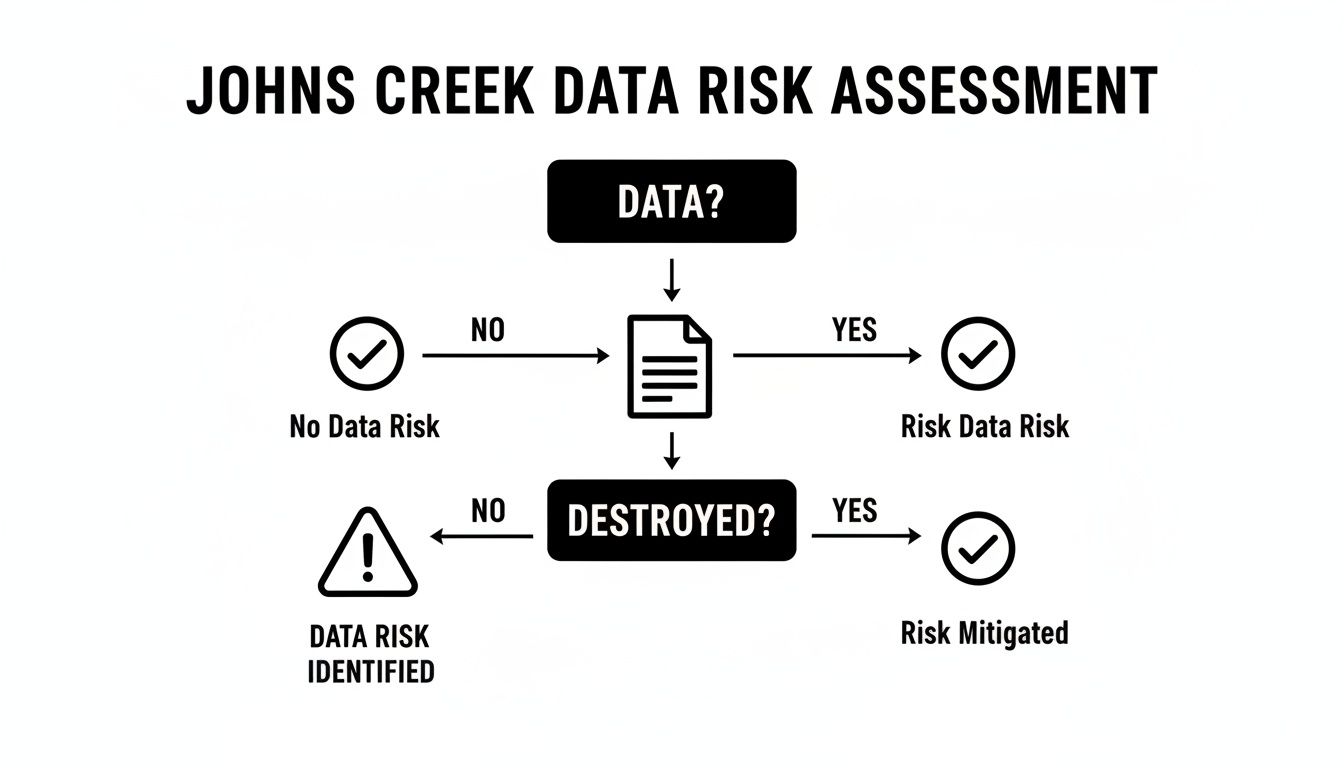
As you can see, the real danger is having sensitive data sitting around without a definitive plan to sanitize it. Choosing the right method closes that loop for good.
Comparing Data Destruction Methods for Your Business
To help you decide, let's break down the most common methods side-by-side. This table compares the typical options available to businesses in Johns Creek, weighing the security level against practical factors like cost and compliance suitability.
| Method | Security Level | Best For | On-Site Option? | Cost Factor |
|---|---|---|---|---|
| Physical Shredding | Highest | Hard Drives, SSDs, Tapes, Optical Media | Yes | Moderate |
| Degaussing | High | Magnetic Media (HDDs, Tapes) | Yes | Moderate |
| Data Wiping (DoD Wipe) | High | Reusable Drives (HDDs, SSDs) | Yes | Low-Moderate |
| Crushing/Pulverizing | Highest | All media types | Primarily Off-site | High |
Each method has its place. Shredding is the go-to for permanent, verifiable destruction, while data wiping is perfect if you plan to reuse or resell the hardware. The key is matching the method to your specific media and security requirements.
On-Site Shredding: When Security Is Paramount
For businesses that absolutely cannot afford any risk—think medical practices under HIPAA, law firms, or financial institutions in Johns Creek—on-site shredding is the undisputed champion. There’s just no substitute for watching the destruction happen with your own eyes. It completely eliminates any doubt and gives you an ironclad link in your chain of custody.
The core benefit here is maximum security. Since the devices are rendered useless before they ever leave your property, the risk of data being lost or stolen in transit drops to zero. This is exactly why so many corporate IT policies and government regulations insist on witnessed destruction for high-risk data.
On-site service is about ultimate control. You're not just getting a certificate; you're getting direct, visual confirmation that your data has been irretrievably destroyed, satisfying the most stringent internal and external audit requirements.
Off-Site Services: For Efficiency and Scale
Now, for many small businesses or organizations dealing with less critical data, off-site services strike the perfect balance between security and practicality. A professional provider like Montclair Crew uses locked bins, secure transport with GPS tracking, and detailed asset logs to make sure your devices are protected from the moment we pick them up to their final destruction.
This approach really shines when you're handling large quantities of gear. If you’re decommissioning an entire office or data center, trying to coordinate an on-site shred for hundreds of devices can be a logistical headache. Off-site processing makes it simple and efficient, letting you clear out old hardware fast.
While physical shredding is often the end result, there are other techniques available. You can learn more about the different options in our guide on the best ways to destroy a hard drive. That flexibility makes off-site an excellent, cost-effective choice for routine IT asset retirement where a documented, certified process is all the proof you need.
The Importance of Certified Proof of Destruction
Let's be clear: the job isn’t finished just because a hard drive has been shredded or wiped. The final—and you could argue, most critical—step in any professional data destruction in Johns Creek is getting that certified proof in your hands. This isn't just a receipt; it's your official, defensible record that proves you handled everything by the book.
Without it, you have no verifiable evidence to protect your business from legal and financial fallout. Think of it as transforming a service you paid for into an auditable event that covers all your bases.
This formal proof really boils down to two key pieces: a rock-solid chain of custody and a detailed Certificate of Destruction. Together, they create an unbroken, documented trail from the moment your equipment leaves your office to its final, irreversible end.
Understanding the Chain of Custody
The chain of custody is the logistical backbone of your data security. It’s simply a chronological paper trail documenting every single person who handles your sensitive media. A legitimate, professional process isn't just a guy showing up with a truck.
A proper chain of custody protocol includes:
- Secure Transport: Your assets should be moved in locked containers or vehicles tracked by GPS.
- Serialized Asset Lists: Every single hard drive, server, or device is logged by its unique serial number right at collection. No exceptions.
- Transfer Signatures: Each handover—from your office to the truck, from the truck to the facility—is signed off on.
This meticulous tracking ensures there are zero gaps where a device could mysteriously disappear. It’s your absolute best defense if a regulator from HIPAA or FACTA ever comes knocking to question your disposal process.
What to Look For in a Certificate of Destruction
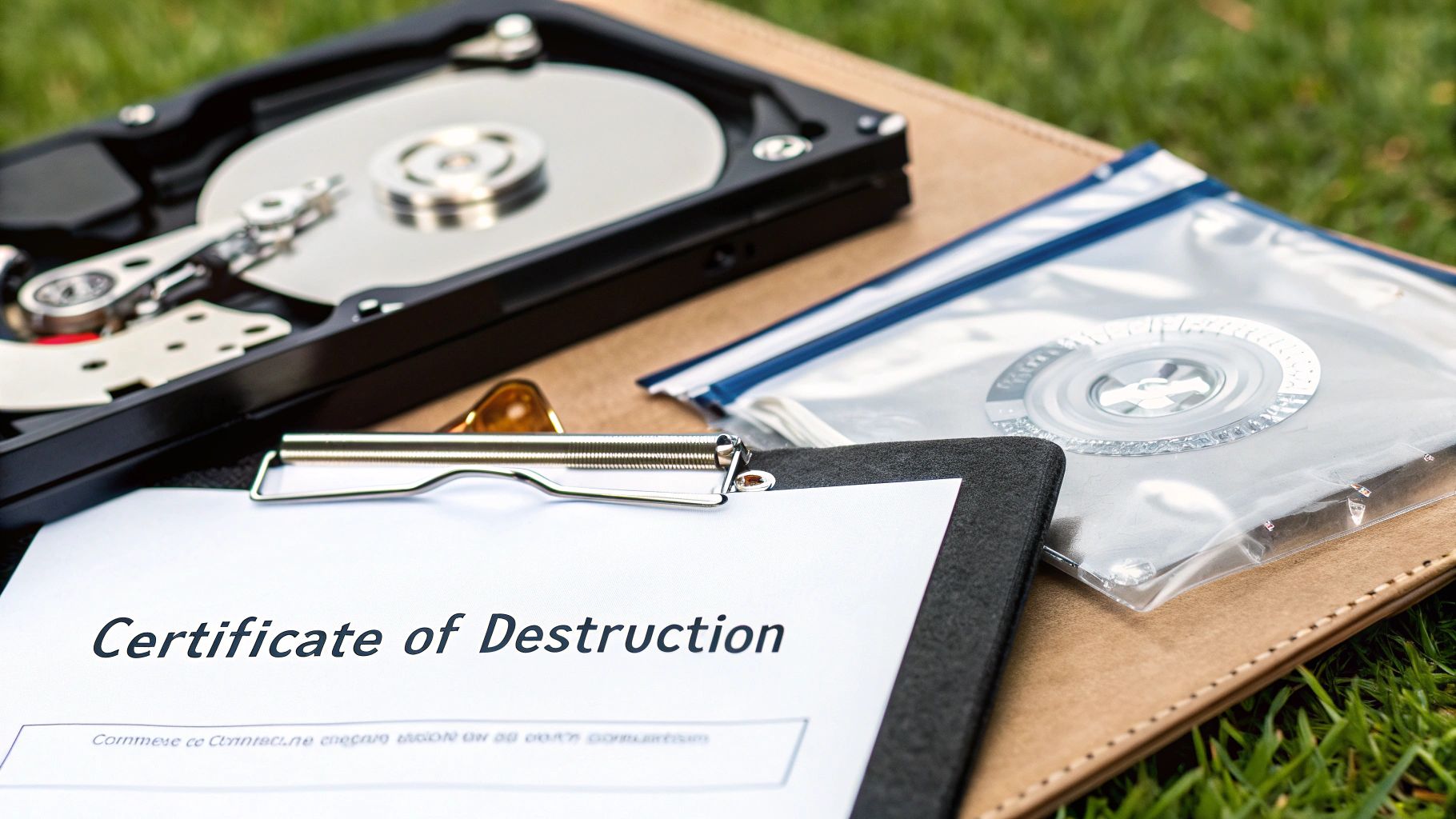
The Certificate of Destruction is your final deliverable. This legal document is your official confirmation that your data has been irretrievably destroyed according to industry standards. But it can't be just a simple note saying "job done." A legitimate certificate has to be detailed and specific.
A proper Certificate of Destruction is more than a piece of paper—it's your legal shield. It proves you performed due diligence and took the necessary steps to protect sensitive information, minimizing liability in the event of an audit or legal challenge.
When you get your certificate, comb through it. Make sure it lists the unique serial numbers of every device destroyed, the exact date of destruction, where it happened, and the specific method used (e.g., "physical shredding to 2mm particle size"). That level of detail is what makes the record complete and defensible. You can dive deeper into what a comprehensive Certificate of Destruction should always include.
This intense focus on verifiable proof is why the data destruction industry is booming. The global market is forecasted to hit a staggering $16.82 billion by 2030, driven almost entirely by stringent privacy laws. For businesses right here in the U.S., that trend underscores the non-negotiable need for NAID-level compliance and audited security controls to guarantee an ironclad destruction process from start to finish.
How To Vet Your Data Destruction Partner
Picking a company for data destruction in Johns Creek isn't like shopping for office supplies. This isn't just about finding the lowest price. The right partner acts as a critical extension of your security team, protecting you from massive risks. The wrong one? They can leave you wide open.
Asking the right questions upfront is the single best way to tell a real professional from a simple disposal guy with a truck. You don't need to be a tech wizard to do it, either. It's about asking straightforward, operational questions that show you how serious they are about security, compliance, and being transparent. Any partner worth their salt will welcome these questions and have solid answers ready to go.
Certifications and Compliance Questions
First things first, let's talk credentials. Certifications aren't just fancy logos they stick on a website; they're proof of a commitment to strict, third-party audited standards. If a company can't show you recognized certifications, that’s a huge red flag right out of the gate.
Here are the questions I always tell my clients to start with:
- Are you NAID AAA Certified? This is the undisputed gold standard in our industry. Earning it means a company submits to surprise audits, runs background checks on every single employee, and follows incredibly strict protocols for secure destruction. There's no substitute for it.
- How do your processes help us stay compliant with HIPAA or FACTA? Don't settle for a generic answer. A good vendor can walk you through exactly how their process helps you meet your specific regulatory burdens, from serialized tracking of every device to providing audit-proof paperwork.
- Can I see your proof of liability insurance? Look, accidents are rare, but they happen. You need to know they carry enough insurance to cover the value of your data and equipment if something goes wrong.
A vendor’s answer should be direct and specific. Vague responses like "we follow best practices" are not enough. They should name the standards they adhere to and explain how their process aligns with them.
Process and Security Inquiries
Once you've covered their credentials, it's time to dig into how they actually operate day-to-day. The little details of their process tell you everything about how seriously they take security from the second your gear leaves your office. It's also a good idea to use a comprehensive cyber security audit checklist to see how their internal security measures stack up against industry best practices.
- Walk me through your chain-of-custody process. A rock-solid answer will include details like secure, locked transport containers, GPS-tracked trucks, and a signature system that documents every single handover from your door to final destruction.
- Are your employees background-checked and uniformed? Simple, but critical. You have to be confident that the people handling your most sensitive data are trustworthy and easily identifiable.
- What happens to the material after it's destroyed? A responsible partner won't just dump it. They'll have a clear, environmentally-sound downstream process, making sure shredded materials are recycled with certified e-waste partners, not just tossed in a landfill.
Documentation and Reporting Questions
Finally, you need to know what proof you'll get when the job is done. This documentation is your legal shield—it's what proves you took your data security obligations seriously.
- What specific information is on your Certificate of Destruction? Make sure they list individual serial numbers for every single hard drive or device, along with the date, location, and method of destruction. A generic certificate that just says "one pallet of computers" is practically worthless in an audit.
- How quickly will I get my certificate and the final report? The turnaround should be fast, usually within a few business days at most.
Asking these sharp, focused questions will give you the confidence to choose a partner who doesn't just destroy data but actively protects your business. This vetting process is a crucial piece of the much larger strategy managed by professional IT asset disposition companies, who handle the entire secure lifecycle of your retired IT equipment.
Meeting Compliance and Environmental Standards in Georgia
When it's time for a business in Johns Creek to get rid of old IT equipment, you're really dealing with two critical issues at once. First, there's the non-negotiable need for secure data destruction. Second is the growing pressure to handle the physical hardware in a way that doesn't harm the environment.
These aren't separate checklists—they're two sides of the same coin in any smart IT Asset Disposition (ITAD) strategy.
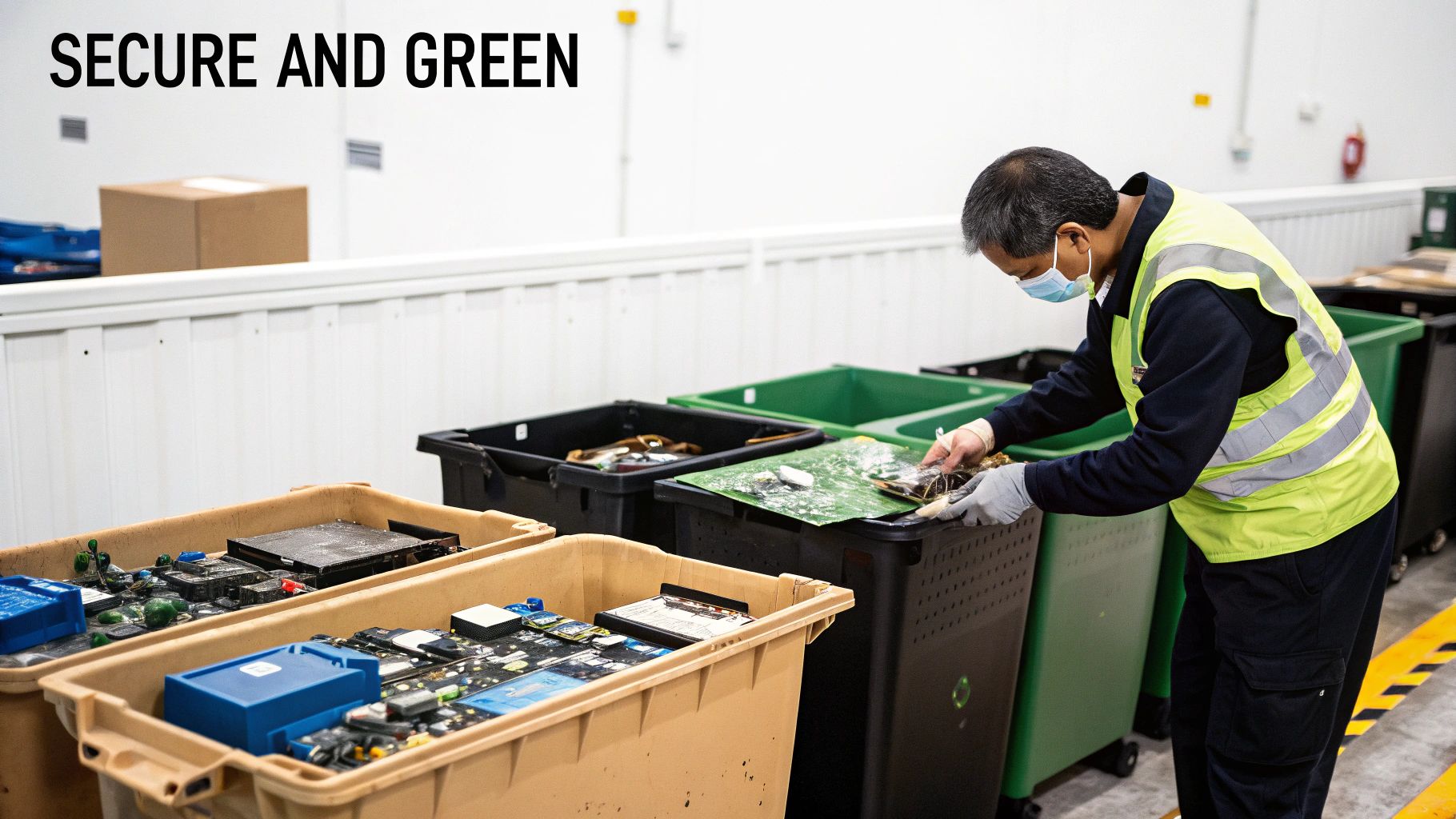
A professional approach makes sure that after your data is wiped clean for good, the leftover electronics don't become a headache or an environmental liability. Georgia has specific regulations for e-waste, and just tossing old servers or desktops into a dumpster can bring on some serious fines. These devices are full of materials like lead and mercury that have to be handled by certified pros.
Navigating E-Waste and Data Security Regulations
Federal privacy laws like HIPAA don't just stop applying once a piece of hardware is unplugged. Your responsibility to protect sensitive information follows that device all the way to its final moments. A solid ITAD plan handles this by weaving certified data destruction together with compliant recycling, creating one smooth, auditable process from start to finish.
This all-in-one approach is what you need to meet both security rules and your company's own sustainability goals. It guarantees that your data destruction in Johns Creek is followed up by a responsible recycling process that keeps toxic junk out of our local landfills and pulls out valuable materials to be used again.
Think of a good ITAD program as your one-stop solution for both data security and environmental compliance. It closes the loop on the entire life of your IT gear, protecting your business from penalties on all fronts.
The Growing Importance of Certified Recycling
The demand for doing this the right way is blowing up. The hard drive destruction services market is expected to rocket to $5.05 billion by 2035, mostly because of tougher regulations and the real fear of data breaches.
For businesses here in the Atlanta area, having an end-to-end plan that includes green recycling is essential for keeping old equipment out of landfills and hitting those corporate sustainability targets.
Before you roll out a new information security system that includes data destruction, running an ISO 27001 gap assessment is a smart move to spot any weak spots in your policies.
Ultimately, you want to team up with a certified vendor who truly gets the ins and outs of Georgia electronics recycling. They can give you the documentation you need to prove your e-waste was managed according to all state and federal laws, which keeps both your compliance officer and your commitment to the planet happy. You can learn more about this process here: https://www.montclaircrew.com/georgia-electronics-recycling/
Your Data Destruction Questions Answered
Even when you've got a plan, a few practical questions always seem to pop up right before you pull the trigger on professional data destruction. We get it. Here are some of the most common things we hear from businesses right here in Johns Creek, answered to help you nail down those final details.
What’s the Typical Cost for Data Destruction in Johns Creek?
Honestly, there’s no single price tag. The final cost really boils down to a few key things: the number and type of devices you have, the destruction method you need, and whether we come to you (on-site) or you bring them to us (off-site).
For instance, on-site hard drive shredding is usually priced per drive. It might seem a bit higher per unit, but you get the ultimate peace of mind by watching it happen. It's the go-to for highly sensitive data. On the flip side, software-based wiping can be a much more budget-friendly route for large batches of drives, especially if you're thinking about reusing or reselling them.
The only way to get a real number is to ask for a custom quote based on your specific inventory.
Isn't Just Deleting Files or Formatting a Drive Good Enough?
This is a hard no, and it's probably the most dangerous misconception we see in IT security. Hitting 'delete' or doing a standard format only removes the signposts pointing to your data. The actual information is still sitting right there on the drive, and it’s surprisingly easy to get back with software anyone can download.
To make data truly gone forever, you have two real options:
- Physical Destruction: Shredding the drive into tiny, confetti-like pieces. There's no coming back from that.
- Secure Erasure: Using specialized software to overwrite every single sector of the drive with random data, sometimes multiple times. This process obliterates the original information.
Anything less is just leaving the door open for a potential data breach. If you're getting old gear ready for disposal, our guide on how to wipe a computer before recycling digs deeper into why professional sanitization is a must.
What Kinds of Devices Actually Need Professional Data Destruction?
It’s crucial to think way beyond just the obvious towers and servers. Any device that has ever stored sensitive information needs to be professionally sanitized before it leaves your sight.
Of course, this includes the usual suspects like hard disk drives (HDDs) and solid-state drives (SSDs). But the list gets long fast. Don't forget about old backup tapes, USB flash drives, and every single company smartphone and tablet.
One of the most overlooked culprits? The hard drive inside your office copier or multifunction printer. It often saves a digital copy of every single document that’s been scanned, copied, or printed.
A full IT asset audit is the only surefire way to identify every data-bearing device you have. Missing just one can create a massive security blind spot.
How Do I Get Started with a Data Destruction Service?
We make the whole process as straightforward as possible. The first step is simple: just reach out with a rough idea of what you need to get rid of. A quick call or filling out a form on a provider's website is usually all it takes.
From there, a good partner will work with you to build a detailed inventory, talk through your security and compliance needs, and help you pick the right destruction method. They should handle all the logistics—from the secure pickup and transport to handing you that all-important Certificate of Destruction at the end.
Ready to ensure your company’s sensitive data is handled with certified, audit-proof security? Montclair Crew Recycling provides professional on-site and off-site data destruction services for businesses across Johns Creek and the greater Atlanta area. Contact us today for a free quote.
