
Googling "computer disposal near me" is the easy part. The real challenge is understanding why you need a professional service in the first place. Tossing an old computer in the dumpster isn't just lazy; it's a massive risk to your data and the environment.
Why Proper Computer Disposal Is Non-Negotiable

Before you even think about finding a local service, you need to get a handle on the real-world consequences of cutting corners. Every retired computer, server, or laptop is a container—one holding sensitive personal information and a cocktail of hazardous materials.
Think of it like this: a professional recycler approaches your old machine with the same mindset as a comprehensive cybersecurity risk assessment. Every device represents a potential security breach or environmental hazard if it’s not handled correctly.
The Twin Risks: Data Theft and Environmental Damage
That old hard drive you think is wiped clean? It’s a goldmine for criminals. It could hold everything from saved passwords and financial statements to personal photos and your complete browsing history. Without certified data destruction, that information is often easily recoverable, even after you've "deleted" the files. This is a direct line to identity theft and financial fraud.
At the same time, the environmental toll is absolutely staggering. In 2022 alone, the world generated an unbelievable 62 million metric tonnes of electronic waste. The worst part? Only about 22.3% of it was properly collected and recycled.
The rest of that e-waste, full of toxins like lead, mercury, and cadmium, often ends up in landfills. From there, it can leach into the soil and contaminate local water supplies. You can learn more about the environmental impact of electronic waste in our detailed article.
To put it in perspective, here's a quick look at what's at stake.
Key Risks of Improper Computer Disposal
This table breaks down the primary threats you sidestep by partnering with a professional computer disposal service.
| Concern | Risk of Improper Disposal | Benefit of Professional Service |
|---|---|---|
| Data Security | Recoverable personal and financial data leads to identity theft and fraud. | Certified data destruction methods physically destroy or wipe data, making it completely unrecoverable. |
| Environmental Contamination | Toxic materials like lead and mercury pollute soil and groundwater when left in landfills. | Responsible recycling prevents hazardous materials from entering the ecosystem and recovers valuable resources. |
| Legal Compliance | Potential fines or legal issues for businesses failing to meet data privacy regulations (e.g., GDPR, HIPAA). | Ensures compliance with local, state, and federal disposal and data protection laws, providing documentation. |
| Reputation | Negative perception for businesses seen as environmentally irresponsible or careless with customer data. | Projects a positive image of corporate social responsibility and a commitment to protecting client information. |
Ultimately, choosing a professional service is about more than just getting rid of old junk. It's a critical step in protecting your identity, safeguarding your community’s health, and acting as a responsible steward of the environment.
How To Find Reputable Local Disposal Services
Typing "computer disposal near me" into a search bar is easy. The real work is digging through those results to find a company you can actually trust with your old gear and sensitive data. Instead of just rolling the dice on the top ad, your best bet is to start with official, vetted resources that already prioritize security and environmental safety.
A great place to kick off your search is the U.S. Environmental Protection Agency (EPA). They keep a solid database of electronics donation and recycling programs, which is a fantastic way to find certified recyclers in your neck of the woods. This simple step ensures you're starting with a list of organizations that meet federal standards for handling e-waste.
Here’s a peek at the EPA’s resource page, which is full of links to programs from major manufacturers and retailers.
Using this portal is a quick way to find partners who are genuinely committed to doing things the right way. For more specific local advice, our own guide to IT equipment recycling near me drills down into provider comparisons and tips for our area.
Beyond a Basic Search
Once you have a few names, it’s time to look a little closer. The best way to separate the pros from the pretenders is to check for specific industry certifications. These credentials are a dead giveaway that a company takes data security and responsible recycling seriously.
Look for these two big ones:
- E-Stewards: This is pretty much the gold standard. It guarantees a recycler won't just ship your hazardous e-waste off to developing countries, which is a huge problem in the industry.
- R2 (Responsible Recycling): Another highly respected certification. R2-certified vendors have to follow strict rules for everything from data destruction and environmental practices to keeping their own workers safe.
Spotting these logos on a company's website is a fast and effective way to build your shortlist of potential partners.
It’s pretty shocking how little e-waste actually gets recycled. While some countries in Europe get over the 50% mark, the USA only recycles about 15% of its electronic waste. This massive gap highlights just how critical it is to find good, certified local disposal services to keep toxic materials out of our landfills. For a deeper dive, check out these global e-waste statistics on theroundup.org.
Finally, don't forget about your own city or county. Many local waste management authorities run free e-waste collection events during the year. They might not offer the certified data destruction a business needs, but they are a perfect, no-cost option for getting rid of non-sensitive stuff like old monitors, keyboards, and printers. A quick visit to your local government’s website should give you all the dates and locations.
Vetting Your Options and Choosing a Partner
So, you've got a list of potential disposal services. Now for the important part: figuring out who you can actually trust. This isn't about finding the rock-bottom cheapest price. It’s about partnering with a vendor who guarantees your data is obliterated and your old gear is handled the right way. A quick search for "computer disposal near me" is just the first step—the real work starts now.
The easiest way to cut through the noise is to look for key industry certifications. These aren't just fancy logos for a website; they're hard-earned proof that a company meets incredibly high security and environmental standards.
- R2 (Responsible Recycling): An R2-certified company has been audited from top to bottom on its data security, environmental impact, and even worker safety. It’s a comprehensive stamp of approval covering the entire process.
- E-Stewards: Often called the gold standard, this certification is your guarantee that a recycler will not export hazardous e-waste to developing countries. If your business is committed to doing the right thing, this one is a big deal.
Asking the Right Questions
Certifications are a great starting point, but you still need to have a direct conversation before you hand over a single hard drive. Think of it like an interview—you're hiring a partner to protect you from some serious financial and reputational headaches down the road.
A huge part of the vetting process is understanding their entire workflow, from the moment they pick up your equipment to its final destination. A transparent partner will have no problem walking you through their chain of custody, so you know exactly where your assets are at every stage.
This simple, three-part process—Find, Check, Ask—is a great framework for making sure you cover all your bases.

Before you sign on the dotted line, make sure you get solid answers to these questions:
- Data Destruction Methods: How are they destroying the data? Do they use software wiping that meets NIST 800-88 standards, physical shredding, or a combination? More importantly, can they meet the specific requirements of your company's security policy?
- Downstream Transparency: Ask them where the recycled materials actually end up. A reputable vendor won't hesitate to show you how they trace the path of all the commodities they recover.
- Proof of Destruction: Will you get a formal Certificate of Destruction? This isn't optional. It’s your official record for compliance checks and audits, proving you did your due diligence.
Sure, a certified recycler who provides all this documentation might seem like overkill compared to some guy with a truck offering a cheaper deal. But that uncertified operator gives you zero verifiable proof of anything, leaving you completely exposed. A certified partner, on the other hand, delivers peace of mind with a documented, auditable trail. For a deeper dive into what separates the best from the rest, our guide on leading electronic waste companies breaks it all down.
Prepping Your Computer for Disposal
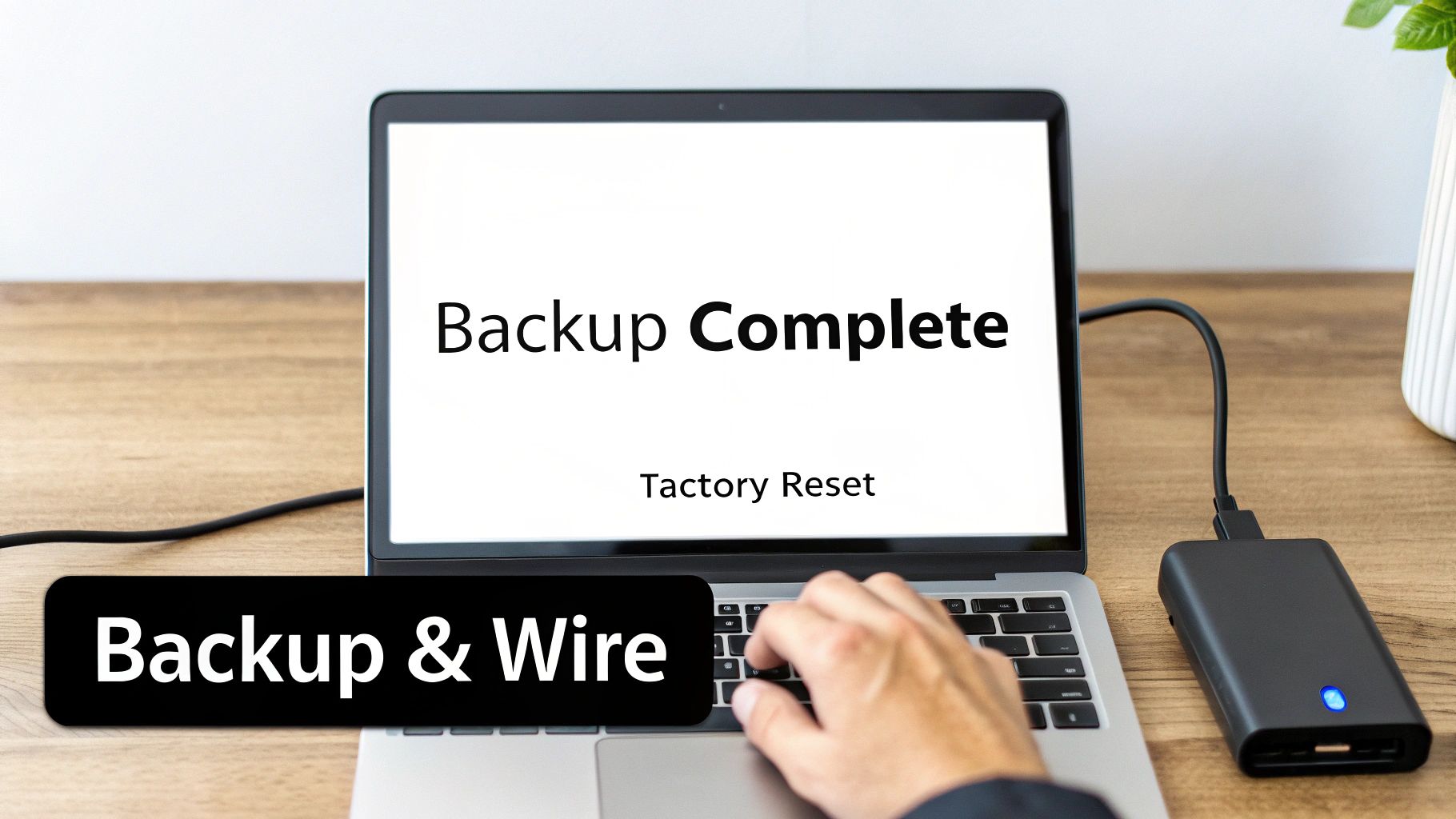
Before you ever think about handing over an old machine to a "computer disposal near me" service, the most important work happens right at your own desk. Seriously. Taking a few key steps to safeguard your personal data is an absolute must. Think of it as your first, and most powerful, line of defense.
The first order of business is getting all your data off that machine. You'll want a complete backup of every file, photo, and document you can't live without. For a lot of people, cloud storage is the simplest path forward, but a good old-fashioned external hard drive works just as well.
If you're dealing with a lot of data or just want to make sure it's done right, professional data backup and cloud migration services can be a lifesaver. This step ensures your digital life stays intact, long after the old computer is gone.
Wiping Your Hard Drive Clean
Once you've saved everything, it's time to scorch the earth. You need to make absolutely certain that no one can ever pull your old data off that hard drive. Just dragging files to the trash bin won't cut it—that data is often surprisingly easy for someone else to recover. The goal is a secure wipe, a process that overwrites your information and turns it into meaningless code.
The good news is you don't need to be a tech wizard to do this. Modern operating systems have powerful tools built right in.
- For Windows 10 & 11: Look for the "Reset this PC" feature. It's crucial that you choose the "Remove everything" option, followed by the "Clean data" setting. This tells Windows to perform a secure erasure, not just a quick delete.
- For macOS: You'll need to boot into Recovery Mode. From there, open up Disk Utility and use its "Erase" function on your hard drive. This process securely wipes the drive before you do a clean reinstallation of the OS.
Taking the time to properly wipe your computer yourself is the single most effective step you can take to prevent a data breach. A certified recycler will destroy the data again, but handling it beforehand gives you ultimate control and peace of mind.
These steps are more straightforward than they sound. If you want a more detailed walkthrough, our complete guide on how to wipe a computer before recycling has you covered. By taking this step, you're ensuring that the device is nothing more than an empty shell when it finally leaves your hands.
What to Expect When They Arrive
You've done the hard part: the research, the vetting, and picking a computer disposal service you trust. So, what happens now? Knowing the ropes of the handoff process will make everything go smoothly and give you peace of mind from start to finish. While the specifics can change depending on who you hire, the main steps are pretty standard.
When your disposal partner shows up—or when you arrive for a drop-off—the first step is usually a quick inventory check. They'll confirm that the equipment you're handing over matches what's on the work order. After that, you'll sign some initial paperwork. Think of this as the official handoff, where you're signing a service agreement or transferring ownership of the assets.
On-Site Pickup vs. Retail Drop-Off
You’ve got two main ways to get this done, and they serve very different needs.
-
Retail Drop-Off: This is your classic Best Buy recycling program. It’s perfect and totally free if you’re just getting rid of a single old laptop or a dusty monitor from the garage. The catch? You won't get the detailed documentation most businesses need for compliance.
-
Professional Pickup: For any business, this is the way to go. A certified vendor schedules a time, comes to you, and securely loads up all your old tech. Some services take it a step further with on-site destruction—imagine them shredding your hard drives in a specialized truck right in your parking lot. It doesn't get more secure than that.
No matter which path you take, the documentation you walk away with is absolutely critical.
Do not, under any circumstances, leave without some form of receipt or a signed work order. This piece of paper is your immediate proof that you've transferred the equipment. The real prize, the Certificate of Destruction, will usually arrive in your inbox a few days later, once they've officially wiped and destroyed the data.
This certificate isn't just a formality. It’s your legal, auditable proof that your company’s data was destroyed according to industry regulations. It should clearly state the destruction methods used (like shredding or cryptographic erasure) and list the serial numbers of the specific hard drives. For any business that has to worry about compliance, this document is non-negotiable.
Common Questions About Computer Disposal
When you start searching for "computer disposal near me," you'll find a lot of questions pop up pretty quickly. It's easy to get tangled up in the rules, costs, and security risks. Let's walk through some of the most common things people ask.
The first question is always the same: "Can I just throw my old computer in the trash?" The answer to that is a hard no. Not only is it illegal in many places, but computers are full of nasty stuff like lead and mercury that can poison soil and groundwater. Even worse, a hard drive sitting in a dumpster is a goldmine for data thieves.
Donations, Costs, and Security
Donating old equipment is a great idea, but you have to be careful. You should always perform a secure data wipe on your own before you hand it over. Reputable charities usually have their own data destruction process, but at the end of the day, protecting your sensitive information is your responsibility.
Cost is another big one. The price for computer disposal can be all over the map.
- Free Options: You can often find free e-waste collection events hosted by your local town or big retailers like Best Buy. These are perfect for getting rid of things without sensitive data, like old monitors or keyboards.
- Paid Services: If you're a business or just want guaranteed data destruction, you need a certified recycler. They typically charge a fee, usually somewhere between $10 to $50 per device, to cover the secure logistics and documented destruction.
When you pay a certified vendor, you are purchasing peace of mind. The fee covers auditable, secure data destruction, environmentally compliant recycling, and the critical documentation needed to prove you handled the process responsibly.
The last major question is about the best way to destroy data. Is a software wipe good enough, or do you need to physically shred the drive? For most personal computers, a solid software wipe using the tools built into your operating system is sufficient. It makes the data nearly impossible for anyone with standard tools to recover.
But for the highest level of security, nothing beats physical destruction. If that computer ever held sensitive financial records, business secrets, or protected client information, physically shredding the drive is the only way to guarantee the data is 100% irrecoverable. This is exactly why businesses should always demand formal documentation of the process. You can learn more about why a Certificate of Destruction is a non-negotiable part of secure IT disposal.
Ready to handle your company's old IT equipment with confidence? Montclair Crew Recycling offers secure, compliant, and environmentally responsible disposal services for businesses across Metro Atlanta. We provide certified data destruction and transparent recycling to protect your organization. Get in touch with Montclair Crew Recycling today to schedule a pickup.
