
So, what exactly does it mean to decommission a server? In simple terms, it’s the formal process of taking a server out of active duty. This isn't just about unplugging it and shoving it in a closet. It involves a careful, step-by-step procedure to back up its data, securely wipe it clean, remove it from your network, and then document its final journey—whether that’s to a recycler or a reseller.
Think of it as a critical IT function that protects your data, keeps you compliant with regulations, and ensures your old hardware is handled responsibly.
Why Decommissioning a Server Is a Critical Process

Moving on from an old server involves far more than just yanking the power cord. Proper server decommissioning is a strategic IT process, one that actively shields your organization from some pretty serious financial, legal, and reputational blows. Cutting corners here opens your business up to a whole host of risks that are entirely preventable.
At its heart, this process is all about control and security. A forgotten server left humming away and connected to the network can easily become a backdoor for cyberattacks. A hard drive that isn't professionally sanitized could leak sensitive customer data, landing you in hot water with costly breaches and steep regulatory fines under laws like GDPR or HIPAA. This isn’t just a theoretical problem; it's a very real threat that demands a formal, documented game plan.
The Business Case for a Formal Process
Treating server retirement as a formal project isn't just good practice; it's essential for modern IT governance. This is the final, crucial step in your hardware's journey. By establishing a clear, repeatable process, you ensure every single retired asset is handled the same way—securely and consistently.
This structured approach is a cornerstone of effective IT asset lifecycle management, helping organizations maintain total control over their hardware from the day it's purchased to the day it's disposed of.
A well-thought-out decommissioning plan also brings some direct business benefits to the table:
- Preventing Data Breaches: It guarantees no sensitive corporate or customer data is left lingering on discarded drives.
- Staying Compliant: It creates a solid audit trail, proving you met all legal and industry standards for data destruction and e-waste.
- Recovering Value: It opens up opportunities to resell functional hardware or components, turning what could be a cost center into a potential revenue stream.
- Optimizing Resources: It frees up valuable data center space, power, and cooling resources for new, more efficient equipment.
When decommissioning is mishandled, the fallout can be severe. We've seen firsthand what can go wrong when companies rush the process or lack a formal plan.
Key Risks of Improper Server Decommissioning
| Risk Area | Potential Consequence |
|---|---|
| Data Security | Unauthorized access to sensitive customer or corporate data, leading to breaches and theft. |
| Regulatory Compliance | Heavy fines and legal penalties for violating data protection laws like GDPR, HIPAA, or CCPA. |
| Reputation | Loss of customer trust and brand damage following a publicly disclosed data breach. |
| Financial Loss | Costs associated with breach notification, credit monitoring, legal fees, and lost business. |
| Operational Gaps | Accidental deletion of critical data that wasn't properly backed up or migrated. |
These aren't just hypotheticals; they are real-world consequences that can impact any organization, big or small.
The importance of getting this right is reflected in the market itself. The global data center decommissioning service market has seen remarkable growth, expanding from USD 89.35 billion to USD 95.67 billion in just the last year. This trend highlights a major industry shift towards secure and sustainable IT practices.
Ultimately, a robust server decommissioning strategy transforms an operational chore into a strategic advantage. It protects your organization from top to bottom while ensuring every piece of hardware is retired responsibly and securely.
Building Your Decommissioning Blueprint
Trying to decommission a server without a detailed plan is like trying to navigate a new city without a map. You might get there eventually, but you’re guaranteed to hit dead ends, waste time, and cause a whole lot of frustration. This initial planning phase isn't just important—it's everything. It's where you lay the groundwork for a project that runs smoothly, securely, and predictably.
This blueprint isn't just a to-do list; it’s a strategic document that gets technology, people, and processes all on the same page. A solid plan is your best defense against the usual suspects of server decommissioning failures: unexpected downtime, accidental data loss, and gaping security holes.
Charting the Territory with a Comprehensive Inventory
Before you can figure out where you're going, you need to know exactly what you're dealing with. The first real step is a thorough inventory of the server you're about to retire. This goes way beyond just jotting down a model number; it's about understanding the server's complete operational identity.
A detailed inventory is the foundation for every decision you'll make from here on out. It helps you anticipate dependencies and ensures no critical function gets overlooked when you finally pull the plug.
Your inventory needs to capture several key data points:
- Hardware Specifications: Get the details on the CPU, RAM, storage capacity, and drive types (HDD vs. SSD). Don't forget any specialized network cards or other peripherals.
- Software and Licensing: Make a list of every operating system, application, and virtual machine running on the box. Critically, you need to note the associated software license keys—they might need to be transferred or formally retired.
- Data Profile: What kind of data lives on this server? Is it sensitive customer PII, financial records, or internal operational data? Knowing the data's sensitivity level will dictate the data destruction method you'll need to use.
- Network Dependencies: Map out every single service, application, and other server that connects to or relies on this machine. This means everything from firewalls and load balancers to application databases and user authentication services.
This level of detail is a core part of strong IT governance. For a deeper dive, you can find more valuable insights in our guide to IT asset management best practices.
Assembling Your Team and Communicating the Plan
Once you have a clear picture of the asset, it's time to deal with the human element. Decommissioning a server is almost never a one-person job, and it nearly always impacts multiple departments. Getting ahead of this with proactive communication and clearly defined roles is essential for managing expectations and preventing workflow chaos.
Key Insight: The technical side of server decommissioning is often the easy part. The real challenge is managing the project's impact on people and business processes. When in doubt, over-communicate.
Start by identifying every stakeholder who will be affected. This group usually includes:
- End-Users: The people who actually use the applications or services hosted on the server.
- Application Owners: The business leaders responsible for the software running on the machine.
- IT and Network Teams: The engineers who manage the infrastructure connected to the server.
- Security and Compliance Officers: The folks who make sure data is handled according to company policy and legal regulations.
With your stakeholders identified, you can build your project team and start assigning clear responsibilities.
Defining Roles and Setting Milestones
A successful decommissioning project needs clear leadership and accountability. While the specific roles might change depending on your company's size, every project needs a designated lead to steer the ship.
Assigning distinct roles makes sure every piece of the project is owned by someone who can see it through.
- Project Manager: This person is your central point of contact. They're responsible for building the timeline, coordinating with all the stakeholders, and keeping the project on track.
- Technical Lead: Often a systems administrator or engineer, this is the hands-on person. They'll handle tasks like data backups, system shutdowns, and physically unplugging the hardware.
- Security Lead: This role is all about compliance. They oversee the data destruction process, verify that it was completed properly, and collect crucial documentation like Certificates of Destruction.
Once the team is in place, work together to build a realistic timeline with clear milestones. This schedule should be shared with every stakeholder, giving them specific dates for service unavailability and the final cutover. That kind of transparency is critical for building trust and ensuring everyone is ready for the transition.
Managing Data Backup and Secure Destruction
Once your plan is locked in, it’s time to tackle the most sensitive part of decommissioning a server: the data itself. This is a two-step dance that requires absolute precision. First, you have to protect the data you need to keep. Second, you must permanently obliterate every trace of it from the hardware you’re retiring. Fumbling either step can lead to devastating data loss or a catastrophic breach.
This isn’t just a task for the IT team; it's a critical business function. The integrity of your backups and the certifiable destruction of data are the cornerstones of a process that can stand up to any audit.
Securing Your Digital Assets with Verified Backups
Before a single drive gets wiped, you need to perform one final, complete backup of all essential data. But just running a backup job and calling it a day isn't enough. The real key here is verification. A backup is totally worthless if it's corrupted, incomplete, or can't be restored when you actually need it.
I've seen it happen. A financial services firm decommissions an old server, runs a final backup, but skips the testing phase. Six months later, an auditor asks for historical transaction data. They go to the backup, and… it's unreadable. The data is gone forever, leading to a massive compliance headache.
To sidestep that nightmare, make sure your final backup process includes these checks:
- A Full System Image: Don't just grab files. Capture everything—the OS, applications, configurations, and all data—for a complete snapshot.
- Data Integrity Checks: Use checksums or similar tools to confirm the backup is a perfect, bit-for-bit copy of the source.
- A Test Restoration: This is the most important part. Actually restore the backup to a different machine or a VM to prove the data is accessible and fully functional.
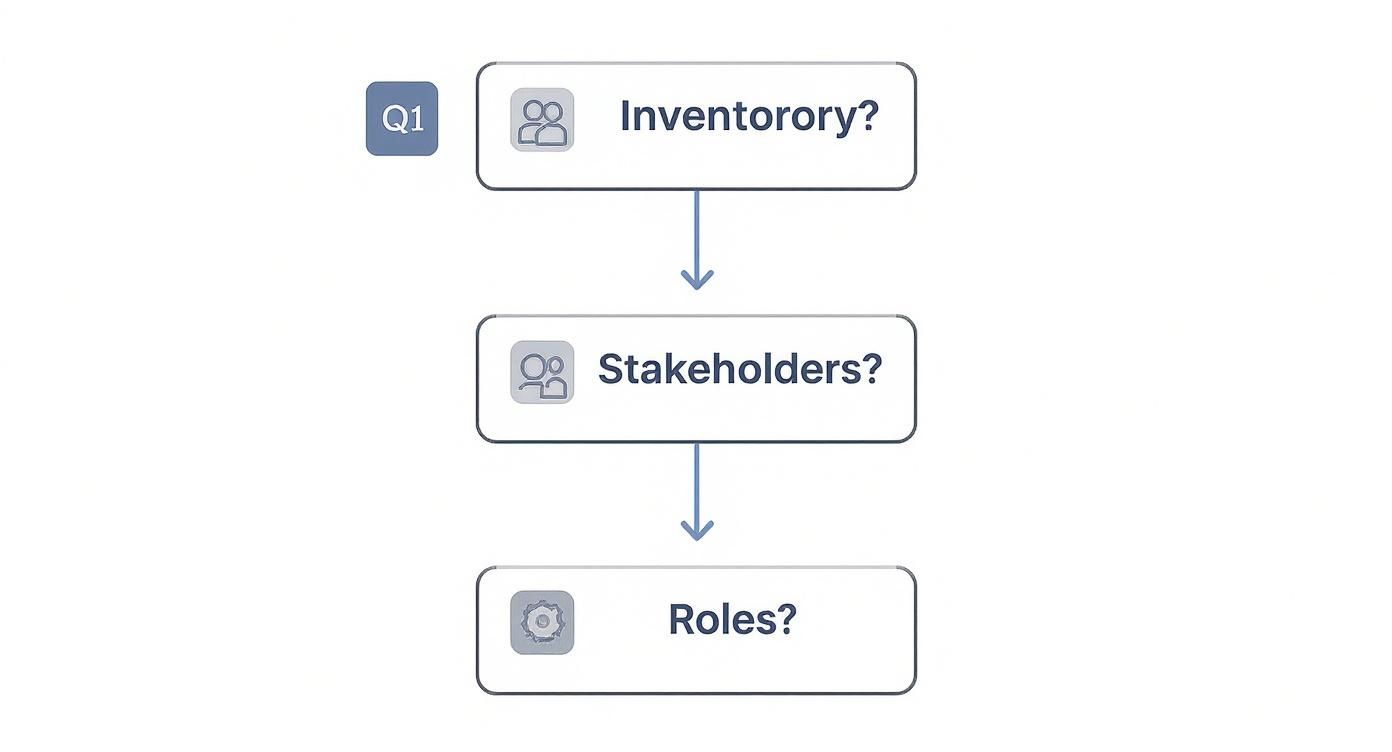
The flowchart above hammers this home: a successful project is built on meticulous preparation before anyone even thinks about touching the data.
Choosing the Right Path for Data Destruction
With your data safely backed up and verified, it's time to permanently erase it from the old server's drives. Simply deleting files or formatting a disk is a rookie mistake; that data can often be recovered with off-the-shelf software. Real data destruction means the information is gone for good. To do this right, you need to understand the common data destruction and disposal methods available.
The method you choose will depend on your company's security policies, compliance needs, and the type of media you're dealing with. Let's break down the main options.
Data Destruction Method Comparison
Choosing the right data destruction method is crucial for balancing security, cost, and compliance. This table compares the three main approaches to help you decide which is best for your situation.
| Method | Description | Best For | Proof of Destruction |
|---|---|---|---|
| Software-Based Wiping | Uses specialized software to overwrite data with random characters, often in multiple passes (e.g., DoD 5220.22-M). Hardware remains usable. | Reusing or reselling drives; lower-sensitivity data. | Software-generated reports; Certificate of Sanitization. |
| Degaussing | A powerful magnetic field scrambles the magnetic domains on HDDs, instantly destroying all data. Renders the drive unusable. | Quickly sanitizing large batches of magnetic media (HDDs, tapes). | Certificate of Degaussing. |
| Physical Shredding | An industrial shredder grinds the hard drive into tiny metal fragments, making data recovery physically impossible. | Highest security needs; SSDs; end-of-life media; strict compliance (HIPAA, DoD). | Certificate of Destruction. |
Ultimately, physical shredding offers the highest level of assurance, especially for highly sensitive data or when dealing with SSDs where software wiping can be less reliable.
Expert Insight: Don't rely on software wiping for solid-state drives (SSDs). Their wear-leveling technology means you can't be 100% sure every data block has been overwritten. For maximum security with SSDs, physical destruction is the only foolproof method.
The Importance of Certified Proof
No matter which method you go with, the job isn't done until you have the paperwork. A Certificate of Destruction (CoD) is the formal document from your vendor that acts as your legal audit trail. This is non-negotiable.
This certificate is your proof that you followed due diligence. It must include:
- A unique serial number for tracking
- The exact method of destruction used
- A detailed list of the serial numbers of every destroyed asset
- The date and location of destruction
- A signature from an authorized representative
This documentation protects your organization by proving you took every necessary step to prevent a data breach. Understanding these details is a key part of any modern IT security posture. Our detailed guide explains more about what is data sanitization and why it’s so critical.
The reality is that these projects are getting more complex. Server decommissioning is tougher now, especially with specialized hardware like GPUs and liquid cooling systems that need expert handling. A small project of 10-50 servers can easily take 4-6 weeks, while a major data center clear-out can demand 12-16 weeks of planning and execution. At the same time, regulations like GDPR and CCPA are getting stricter, with bigger penalties for getting data destruction wrong.
Handling Physical Removal and Asset Disposition
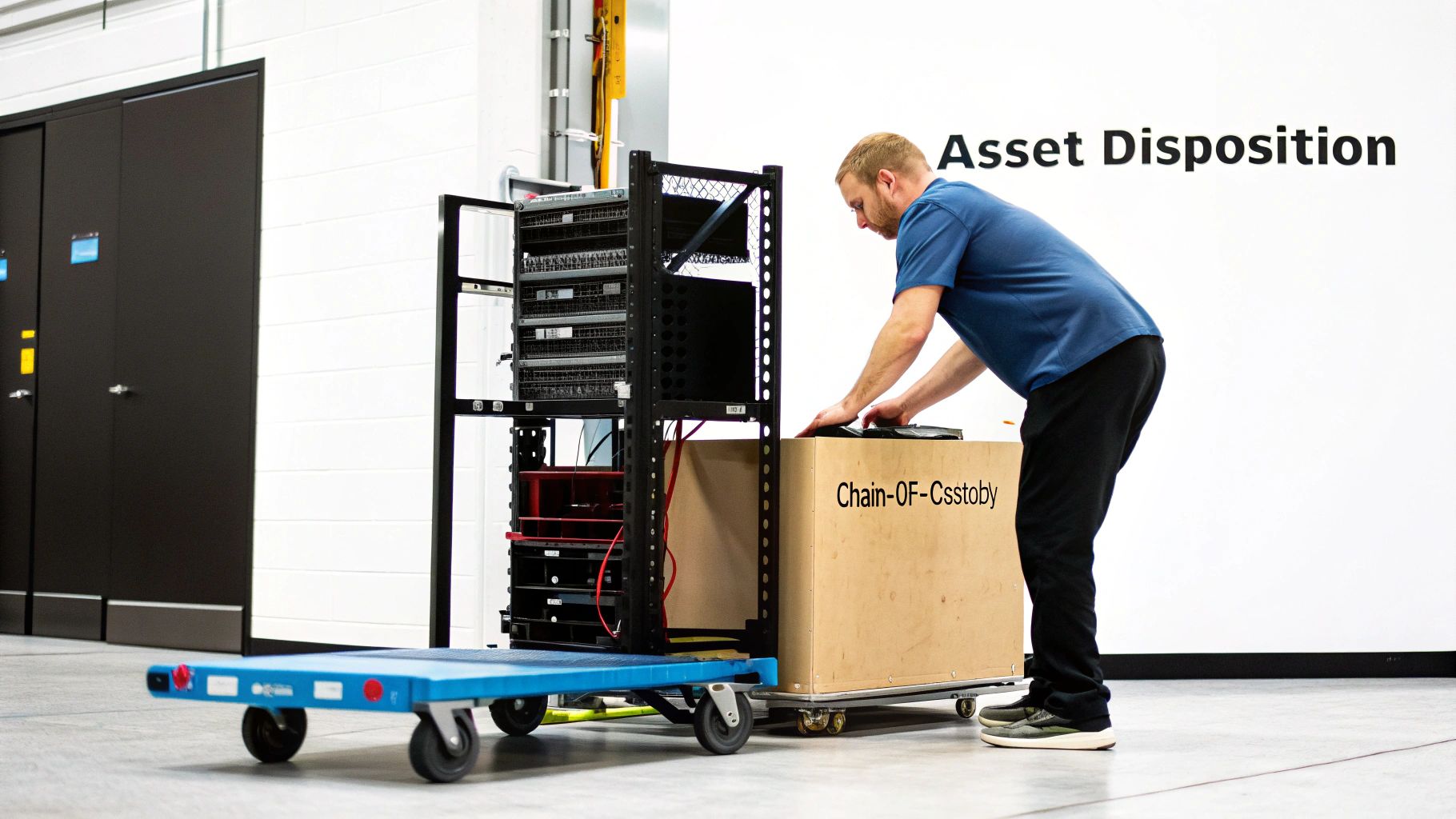
The data is backed up, the drives are wiped clean, and you have the certificates to prove it. At this point, the server is just a heavy metal box. But you’re not out of the woods yet.
Now the job shifts from digital security to physical logistics. It's all about safely getting that hardware out of your data center and deciding its final fate—all while keeping a perfect paper trail.
The first step is the physical disconnect. You have to be methodical here to avoid accidentally unplugging a live system. Start by gracefully powering down the server, then unplug every power supply. After that, carefully remove all network cables, peripheral connections, and any other lines.
Ensuring a Defensible Chain of Custody
Once the server is completely free of connections, it's time to un-rack it. This is where the most critical logistical step begins: establishing and maintaining a chain of custody. This isn't optional; it's a non-negotiable part of any secure decommissioning project.
Think of the chain of custody as the physical twin to your Certificate of Destruction. It’s a formal log that tracks the server's journey from the moment it leaves the rack until it reaches its final destination. This document provides an unbroken, auditable trail proving the hardware was never lost, stolen, or mishandled.
Your chain of custody log needs to be detailed. It should capture:
- Asset Details: The server's make, model, and unique serial number.
- Timestamped Events: The exact date and time of removal.
- Personnel Signatures: Names and signatures of every person who touches the asset.
- Transfer Points: Every handoff, from your IT staff to the movers to the disposition vendor.
- Final Destination: The name and address of the recycler or reseller, with a final signature confirming they received it.
Key Takeaway: A weak chain of custody is a massive liability. If a server vanishes between your facility and the recycler, you have no proof it wasn't stolen. A detailed log is your proof of due diligence.
Evaluating Your Disposition Options
With the server physically secured and its movements tracked, you need to decide what happens next. The right choice depends on the hardware's age, condition, and your company's goals. You generally have three paths to choose from.
Option 1: Resale and Value Recovery
Don't assume old hardware is junk. A server that's past its prime for your production environment might still have valuable components. Things like CPUs, high-capacity RAM, and power supplies often have a second life on the secondary market.
Working with an IT Asset Disposition (ITAD) partner makes this easy. They'll assess the gear for any remarketable value, manage the sales process, and give you a cut of the revenue. This can help offset the cost of the entire decommissioning project. For a deeper dive, our guide on what is IT asset disposition breaks down the whole process.
Option 2: Donation to Nonprofits
If the server still works but has little resale value, donation is a fantastic option. Many schools, local charities, and nonprofits are hungry for reliable IT equipment and would gladly put your old server to good use. It’s a great way to support the community and boost your company's social responsibility profile. Just make sure to get a formal receipt of donation—this becomes the final entry in your chain of custody log.
Option 3: Certified E-Waste Recycling
When a server is too old or broken for resale or donation, responsible recycling is the only way to go. Tossing it in a dumpster is not only terrible for the environment but can also be illegal, leading to hefty fines.
It is absolutely critical to use a certified e-waste recycler. Look for vendors holding certifications like R2 (Responsible Recycling) or e-Stewards. These certifications guarantee the vendor meets the highest standards for environmental safety and data security. They ensure that hazardous materials like lead and mercury are handled properly and that none of your equipment ends up in a landfill.
Finalizing Documentation and Proving Compliance
The server is gone, the data has been wiped clean, and you’ve got an empty spot in the rack. It’s tempting to call the job done right there, but you’re not quite at the finish line. The project isn't truly over until the paperwork is in order.
Honestly, this final documentation phase is one of the most critical steps for protecting your organization down the road. It’s all about creating a clear, indisputable audit trail.
Everything comes together in a single, comprehensive decommissioning report. Think of this as the final chapter in the server's lifecycle story. It's your concrete proof that you followed a secure, compliant, and responsible process from the moment you decided to pull the plug. This isn't just about ticking a box; it's your first line of defense if an auditor, an executive, or a regulator comes knocking.
Assembling Your Audit Trail
Your decommissioning report should be the master file that pulls together every piece of paper generated during the project. Each document adds another link to the chain of evidence, and together, they prove you did everything by the book. If even one piece is missing, you’ve created a gap in your compliance story.
A rock-solid report needs to include these essential documents:
- The Initial Project Plan: This shows the original scope, who signed off on it, and the planned timeline.
- Final Asset Inventory: This confirms the exact hardware details—make, model, and all-important serial numbers—of the server you took out.
- Backup Verification Logs: These logs provide hard evidence that all necessary data was successfully backed up and, more importantly, tested for restorability before the original was destroyed.
- Chain-of-Custody Forms: This is the physical tracking sheet, showing every person who handled the server from the moment it left the rack to its final destination.
The single most critical document in your report is the Certificate of Destruction. Without it, you have zero verifiable proof that sensitive data was permanently destroyed. That leaves your organization wide open to some serious liability.
Getting this certificate right is non-negotiable. You can learn more about what makes a valid and legally defensible Certificate of Destruction in our detailed guide.
Proving Compliance and Closing the Loop
This final collection of paperwork is what separates a professional, buttoned-up process from a risky, corner-cutting one. It’s the evidence you'll use to show you’ve met standards like SOC 2 compliance requirements, proving that your data handling and disposal procedures were up to snuff.
Once you’ve compiled the full report, it needs to be securely archived according to your company’s data retention policies. This officially closes the loop on the server’s lifecycle, formally marking the end of its service and giving you lasting protection against any future legal or compliance headaches.
Your Top Server Decommissioning Questions Answered
Even the most buttoned-up plan runs into questions. When you're dealing with the final stage of a server's life, there's a lot on the line, and it's smart to iron out any lingering uncertainties.
We get asked about this stuff all the time. The big concerns usually circle back to timing, getting some value back from old gear, and, most importantly, not messing anything up. Let's tackle some of the most frequent questions we hear from businesses right before they pull the plug.
How Long Does It Really Take to Decommission One Server?
It’s not like a massive data center move that takes months. For a single machine, you’re usually looking at just a few business days from start to finish. Of course, that timeline can stretch or shrink depending on a few things.
The biggest variable? How you destroy the data. If you’re using software to wipe the drives by overwriting them again and again, that can easily take a day or two, especially on larger drives. Physical shredding, on the other hand, is over in a flash.
A realistic schedule often looks something like this:
- Day 1: Lock down the final plan, run the last backup, and—this is key—actually test that backup by restoring it.
- Day 2-3: Time for data destruction. This is when the software wipe runs its course.
- Day 4: Physically un-rack the server, sign off on all the chain-of-custody paperwork, and hand it over to your ITAD partner.
Working with an experienced team like Montclair Crew can tighten up this timeline quite a bit, since we handle the heavy lifting and certified destruction day in and day out.
Can We Actually Resell Old Servers After Wiping Them?
Yes, you absolutely can, and you should be thinking about it. Selling retired hardware is a fantastic way to recover some of that initial investment and put it toward the new equipment. A server's resale value really depends on its age, make, and what's inside—CPUs, RAM, and power supplies are often in demand.
But there's one non-negotiable rule here: every scrap of data must be professionally and verifiably destroyed first. Don't even think about selling a server until you have a Certificate of Destruction. Many ITAD partners, including us, offer remarketing services. We handle the certified data wipe and the entire sales process, then you get a cut of the revenue. It's the best way to guarantee security while getting the most money back.
The biggest mistake we see is people assuming old gear is worthless. Even components from a server that's five years old can be sold or repurposed, but only after you’ve completed a secure, fully documented data sanitization.
What Are the Biggest Mistakes People Make?
Nearly every horror story we've heard about server decommissioning comes back to one thing: a failure to plan. Rushing the process or skipping steps is where things go catastrophically wrong.
Here are the most common pitfalls:
- Poor Planning: Forgetting that the server you're killing is still talking to another critical system. That's how you cause an unexpected outage somewhere else.
- Not Verifying Backups: A backup that doesn't restore is just a useless file. This mistake leads to permanent data loss.
- Improper Data Destruction: Just hitting "delete" or formatting a drive is a rookie move. The data is still there and easily recoverable, creating a massive security hole.
- No Chain of Custody: If you can't prove where that server went from the moment it left your rack, you can't prove it wasn't stolen or dumped. That’s a huge compliance and liability nightmare.
The best defense against these costly errors is a simple, structured checklist that forces you to account for every step.
Ready to decommission your IT assets with confidence? Montclair Crew Recycling offers secure, compliant, and responsible solutions for businesses across Metro Atlanta. From on-site data destruction to certified e-waste recycling, we simplify the entire process. Contact us today to learn how we can help protect your data and recover value from your retired equipment at https://www.montclaircrew.com.
